

The kitchen wall has evolved from a clutter of sticky notes into a sleek digital command center, essential for families juggling modern life. If you are shopping for a 27-inch model, you are likely weighing the market-leading Skylight Calendar Max against challengers like the Apolosign 27" Digital Calendar, but looking beyond the similar sticker prices reveals a stark divide between Skylight's "subscription model" and Apolosign's "hardware-first" approach.
The Hardware Baseline: What Are You Actually Buying?
Both Skylight and Apolosign price their entry-level 27-inch units competitively—$599.99 for Skylight and $599.00 for Apolosign. But their hardware strategies diverge sharply.
Skylight: The "Middle Ground" Hardware
The Skylight Calendar Max features a 2560x1440 (QHD) resolution screen. It’s a solid panel that looks sharp for text and calendars. However, the hardware is somewhat rigid: it has 32GB of storage, is built strictly for wall mounting, and runs a proprietary OS that locks you into the Skylight experience.
Apolosign: The "Choice" Architecture
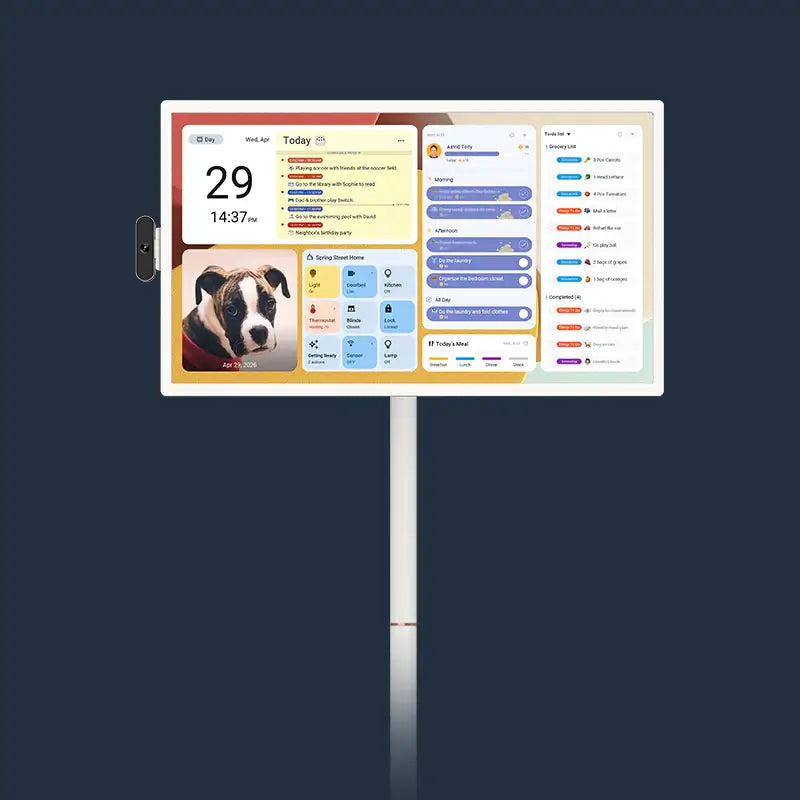
Apolosign offers flexibility. Its $599 base model runs a standard 1920x1080 (1080p) resolution. While softer than Skylight’s screen, it compensates with powerful internals: an Octa-core processor, 64GB of storage (double that of Skylight), Wi-Fi 6, and Bluetooth 5.4.
But Apolosign goes a step further by offering a 4K (Ultra HD) model for $799.00. This gives consumers a choice: stick to the budget model or invest in premium hardware. As we will see later, this $799 price point is crucial when compared to Skylight’s long-term costs.
The "Subscription Tax": Breaking Down the Total Cost of Ownership
Here is where the comparison shifts from hardware specs to business philosophy. This is the "hidden cost" that most buyers overlook until they unbox the device.
Skylight’s Freemium Model
Skylight operates on a SaaS (Software as a Service) model. You buy the hardware, but key features are locked behind the Skylight Plus subscription ($79/year).
Without paying this "tax," your device loses:
- Magic Import: Forwarding emails/PDFs to the calendar.
- Meal Planning: Organizing family meals.
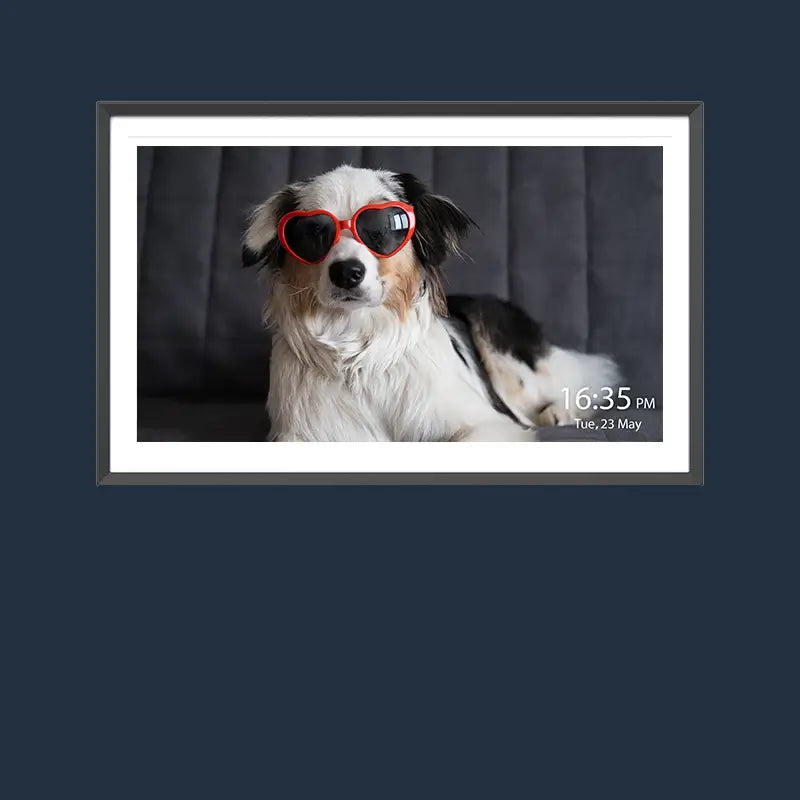
- Photo Screensaver: Using the screen as a digital frame when idle.
- Rewards System: Gamified chore tracking for kids.
Apolosign’s "All-In" Model
Apolosign markets itself as the anti-subscription alternative. Because it runs a licensed version of Android (EDLA Licensed) with Google Play Store access, the features Skylight charges for are free:
- Photo Screensaver: Free (via Google Photos).
- Meal Planning & Chores: Free (Built-in or via apps).
- Syncing: Free (Google, Apple, Outlook, etc.).
The 5-Year Math: Where the $799 Model Makes Sense
Let’s look at the Total Cost of Ownership (TCO) over 5 years. This comparison is eye-opening.
-
Skylight Calendar Max:
- Hardware: $599.99
- 5 Years of Plus ($79/yr): $395.00
- Total: ~$994.00
-
Apolosign (1080p Model):
- Hardware: $599.00
- Subscription: $0
- Total: $599.00
-
Apolosign (4K Model):
- Hardware: $799.00
- Subscription: $0
- Total: $799.00
Over 5 years, owning a Skylight costs effectively the same as owning the high-end 4K Apolosign.
The difference? With Skylight, that extra $395 goes into software fees. With Apolosign, that extra $395 goes into a superior 4K screen that you get to keep.

Feature Lockdown vs. Open Ecosystem
The subscription model doesn't just affect your bank account; it limits utility.
The "Walled Garden" of Skylight
Skylight is a dedicated appliance. It does one thing—family organization—very well. The interface is polished and simple. However, you cannot watch YouTube while cooking, check your Nest doorbell, or install your favorite to-do list app (like Todoist). If you stop paying the subscription, the device’s utility shrinks immediately.
The Android Freedom of Apolosign
Apolosign is a smart home hub. With Google Assistant built-in, it integrates into your smart home seamlessly.
- Voice Control: With Google Assistant, you can ask questions like, "Hey Google, how do I cook pasta?" or check the weather. This adds convenience without interrupting what you’re doing, making the Apolosign Digital Calendar a helpful reference tool for the whole family.
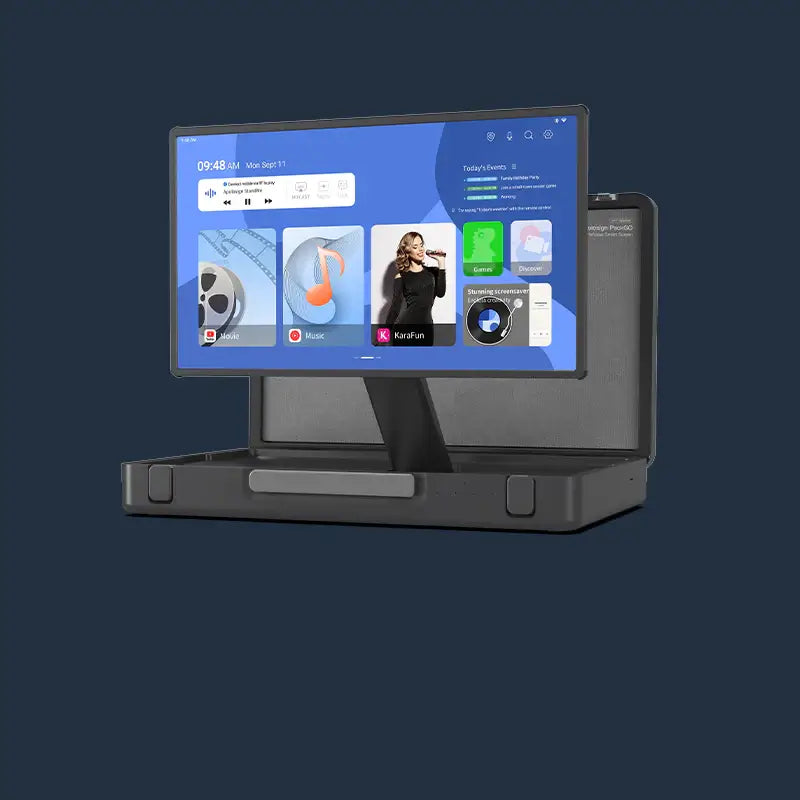
- Dual Mode:Seamlessly switch between "Focus Mode" for immersive calendar planning and "Android Mode," a flexible workspace where you can add widgets, access apps, and even enjoy streaming content.
- App Freedom: Download Spotify, Netflix, Outlook, or any Android widget you prefer.
The "Hidden Cost" of Skylight is the opportunity cost of having a giant touch screen that can't run the apps you already use. Apolosign leverages the Android ecosystem to give you thousands of features for free.
The Visual Experience: The Resolution Battle
When it comes to the screen itself, the battle lines are drawn between "Good," "Better," and "Best."
At $599: Skylight Wins on Sharpness
Comparing the base models strictly, Skylight’s 2560x1440 (109 PPI) screen is sharper than Apolosign’s 1920x1080 (82 PPI) model. Standing two feet away, Skylight’s text will look crisper, mimicking printed paper. Skylight has also perfected its anti-glare matte coating, creating a premium aesthetic. If you are capped at around $600 upfront and don’t want to commit to an ongoing subscription, Skylight may still appeal for its nicer screen—despite its limited software without Plus.
The 4K Factor: The True Flagship Experience
However, if you are willing to match the total lifetime cost of the Skylight (approx $800), you can upgrade to Apolosign’s 4K model.
With 4K resolution, the visual experience leaps far ahead of Skylight. Photos are gallery-quality, text is razor-sharp, and video content looks stunning.
This returns to the central economic argument: Would you rather pay $395 for 5 years of "Meal Planning software," or pay $200 for a permanent 4K hardware upgrade?
Conclusion: Renting Software vs. Owning Hardware
When choosing between these devices, you aren't just picking a screen size; you are validating a business model.
Choose the Skylight if:
- You want the simplest, most "appliance-like" experience possible.
- You prioritize the $599 entry price but want better-than-1080p resolution.
- You don't mind a recurring ~$79 annual fee to keep the device fully functional.
Choose the Apolosign if:
- You value hardware over software fees: You prefer putting your money into a 4K screen (the $799 model) rather than a subscription.
- You want value: You prefer the $599 model to save money instantly ($395 cheaper over 5 years).
- You want a Smart Hub: You want Google Assistant, app freedom, and smart home control.
Skylight’s "Hidden Cost" is significant. While it offers a beautiful QHD screen, locking basic features like Photo Screensavers behind a paywall feels outdated in 2025.
Apolosign offers a clearer value proposition. It treats the user like an owner, not a renter. Whether you choose the value-packed 1080p model or the premium 4K model, you are paying for hardware specs, not permission to use the device you already bought.