







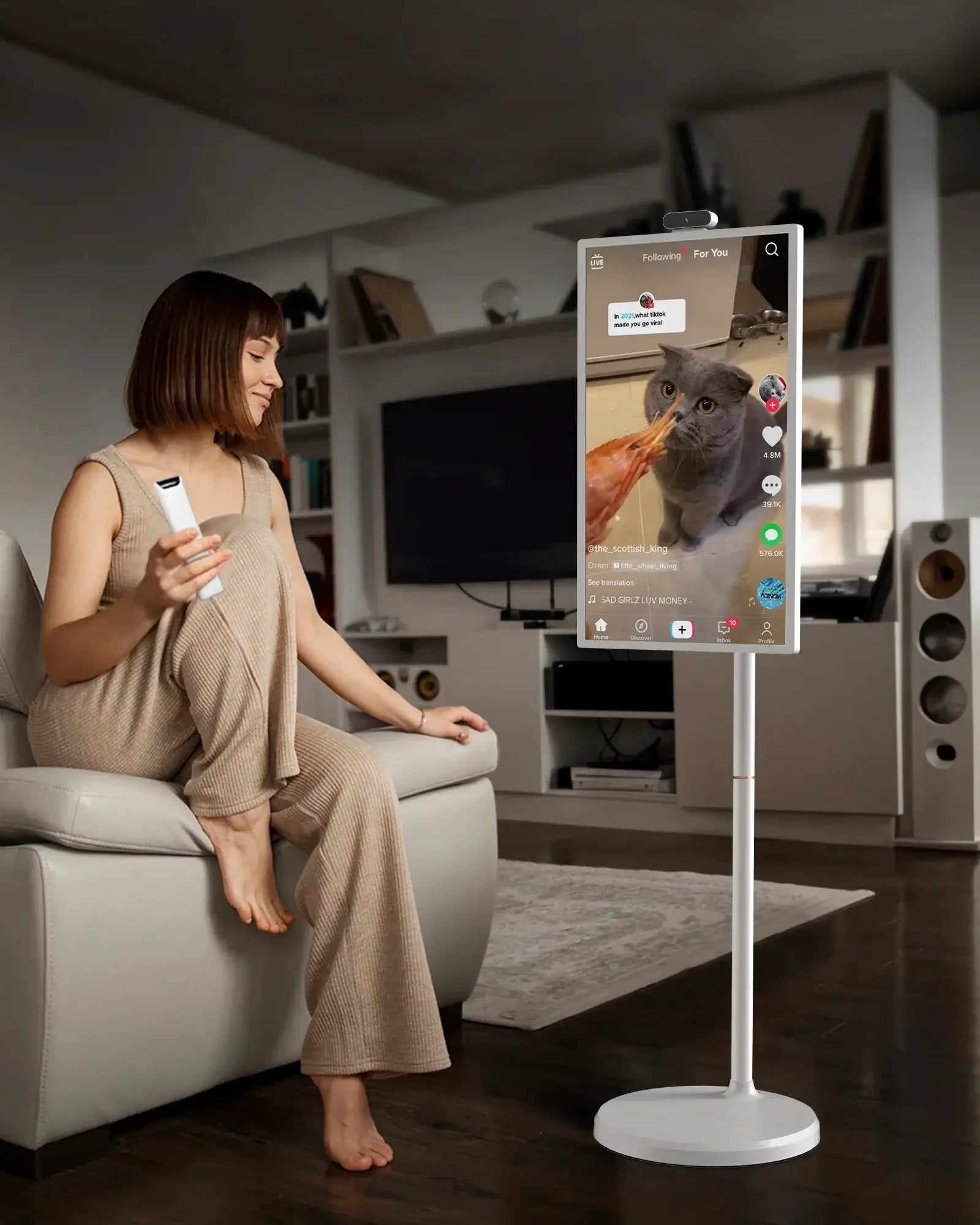
"Portable screens create continuity across rooms and activities."

 Free Shipping
Fast and free U.S. delivery
 Risk-Free Trial
Easy returns within 30 days
 Product Dimensions

 In the Box
 Sustainability Features
 |
Carbon impact |

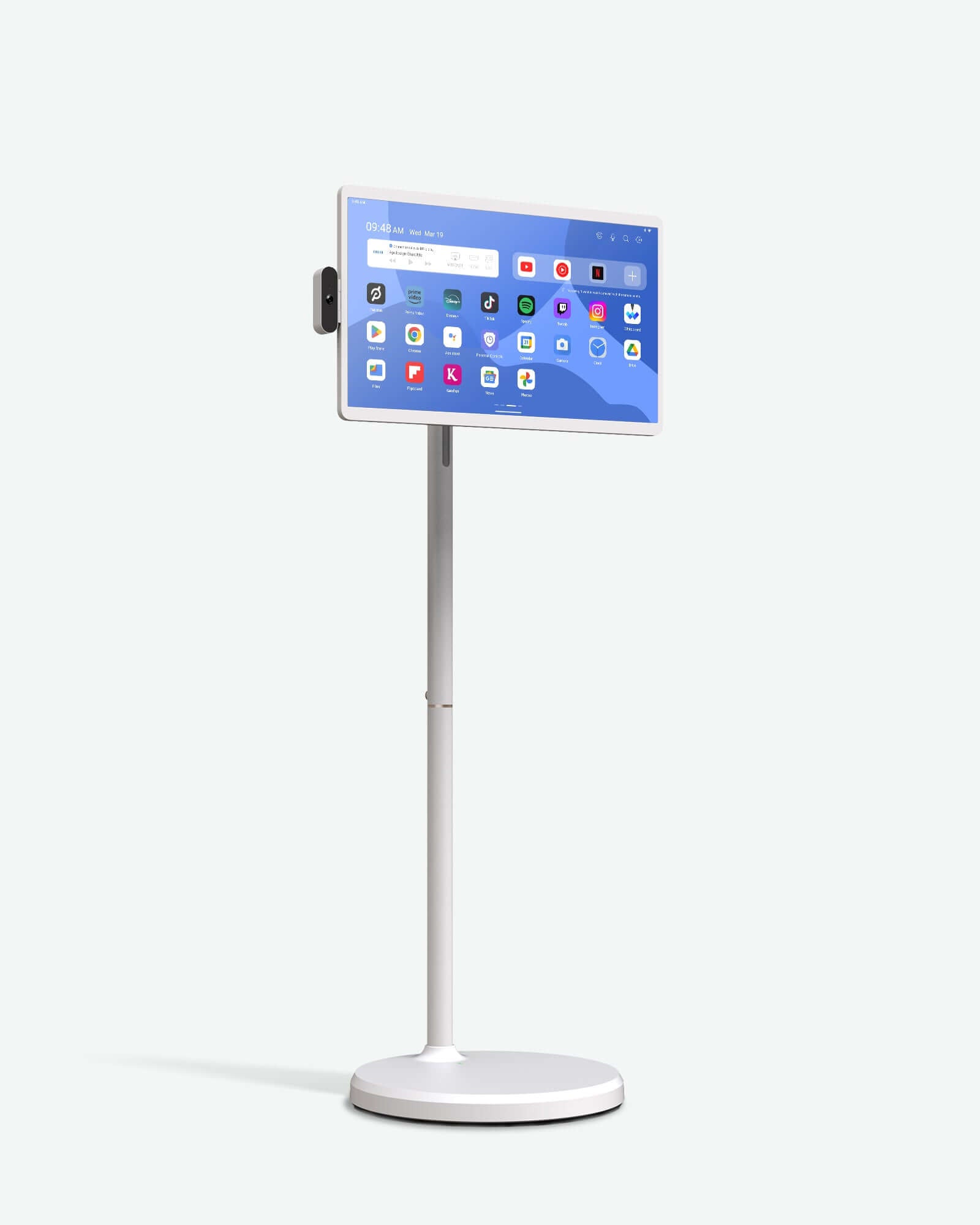
A variety of features, a wireless design, the ultimate portable entertainment solution designed to keep you connected and entertained wherever life takes you.
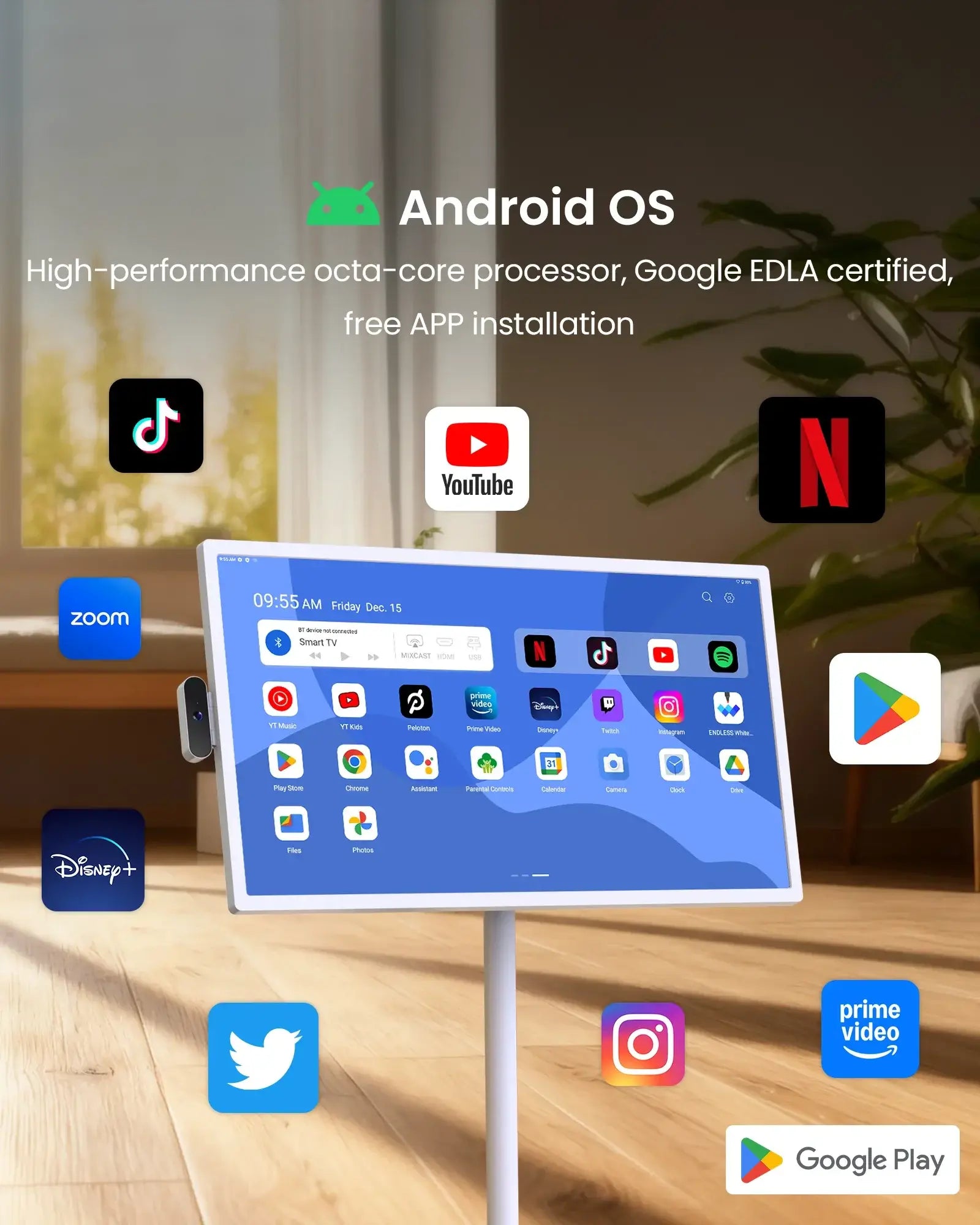
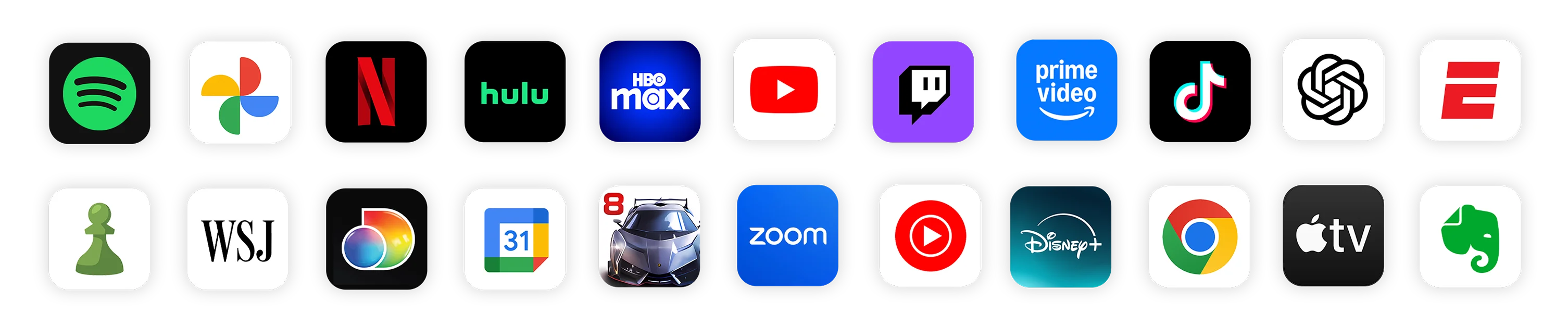
Google Play Store Access
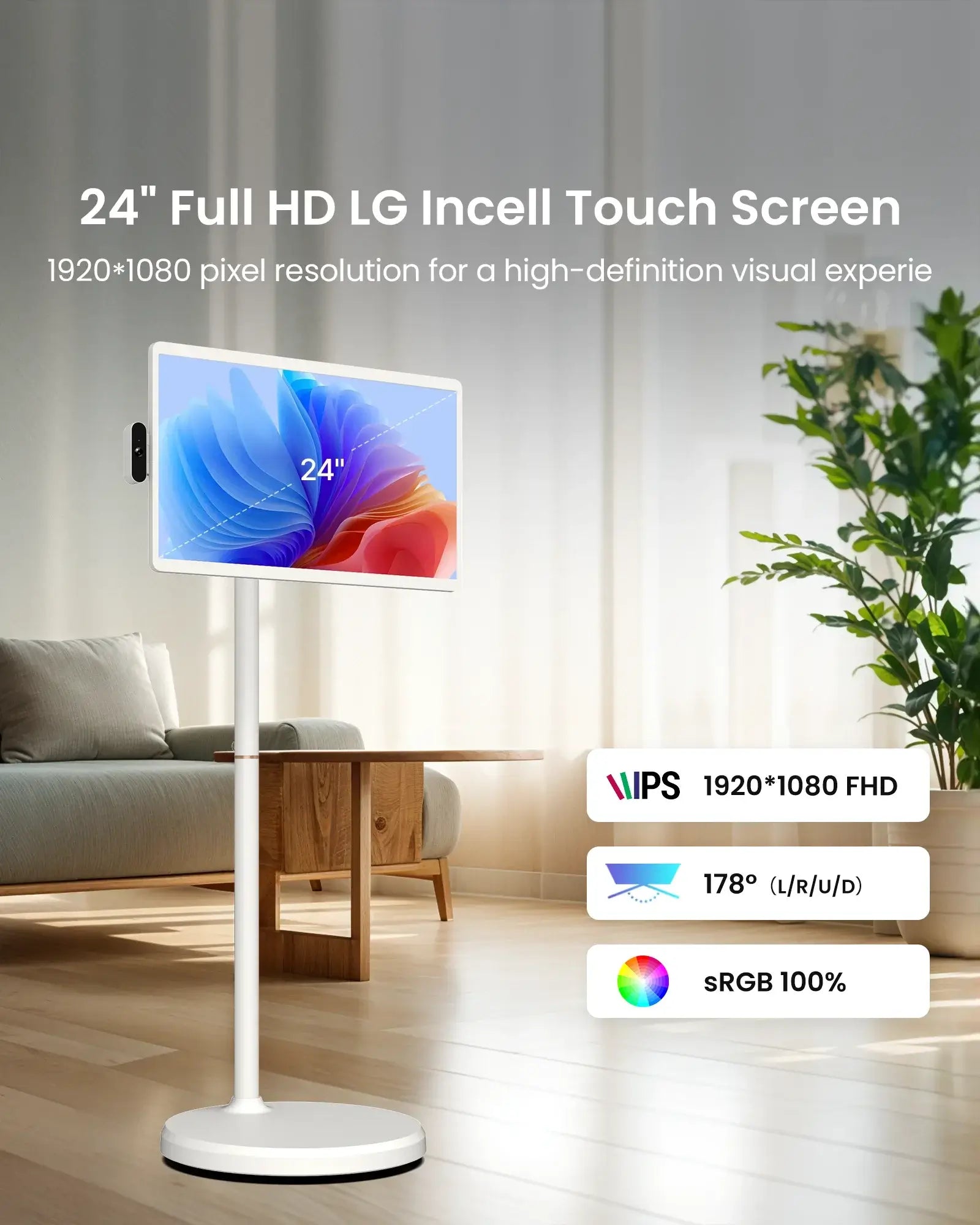
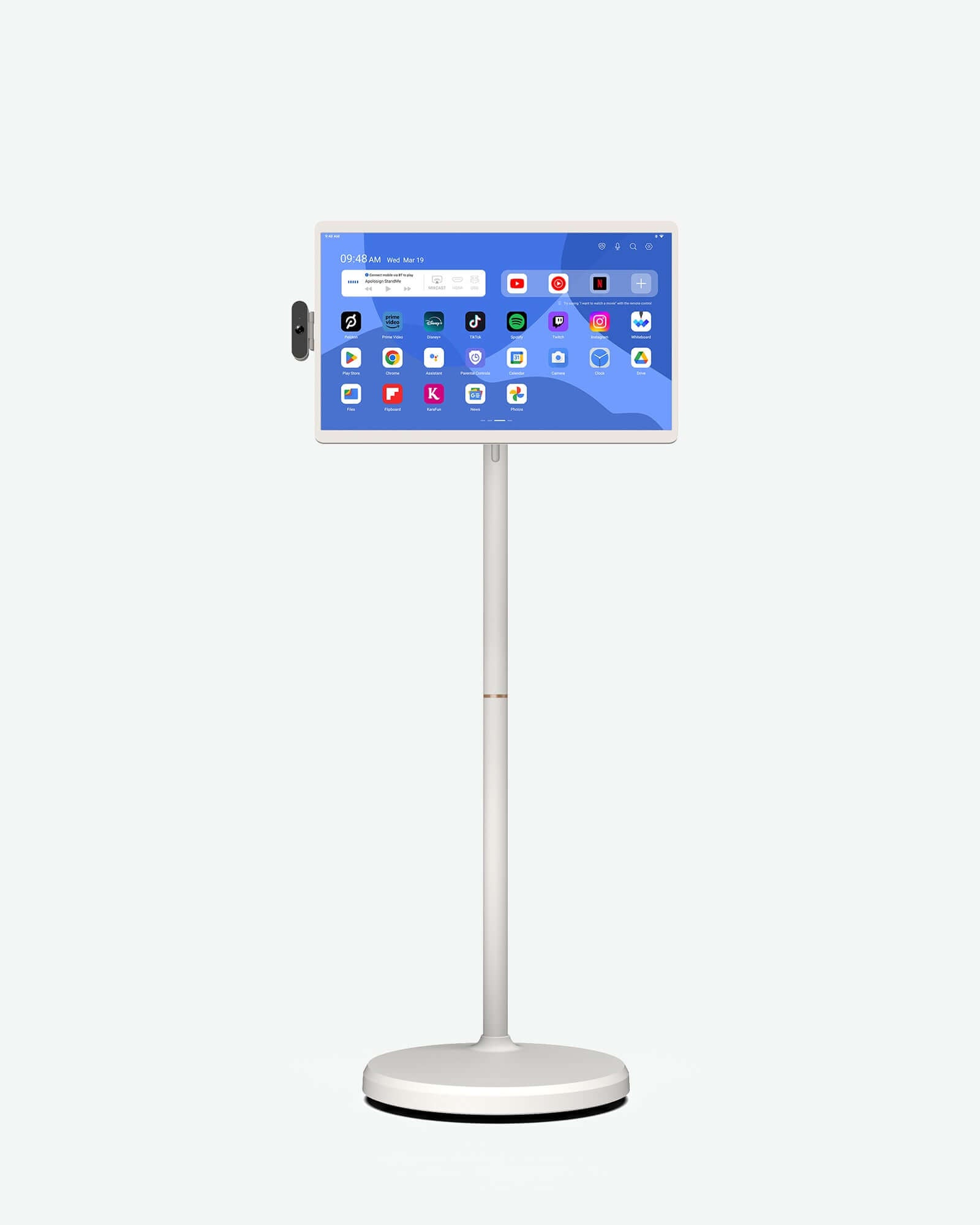
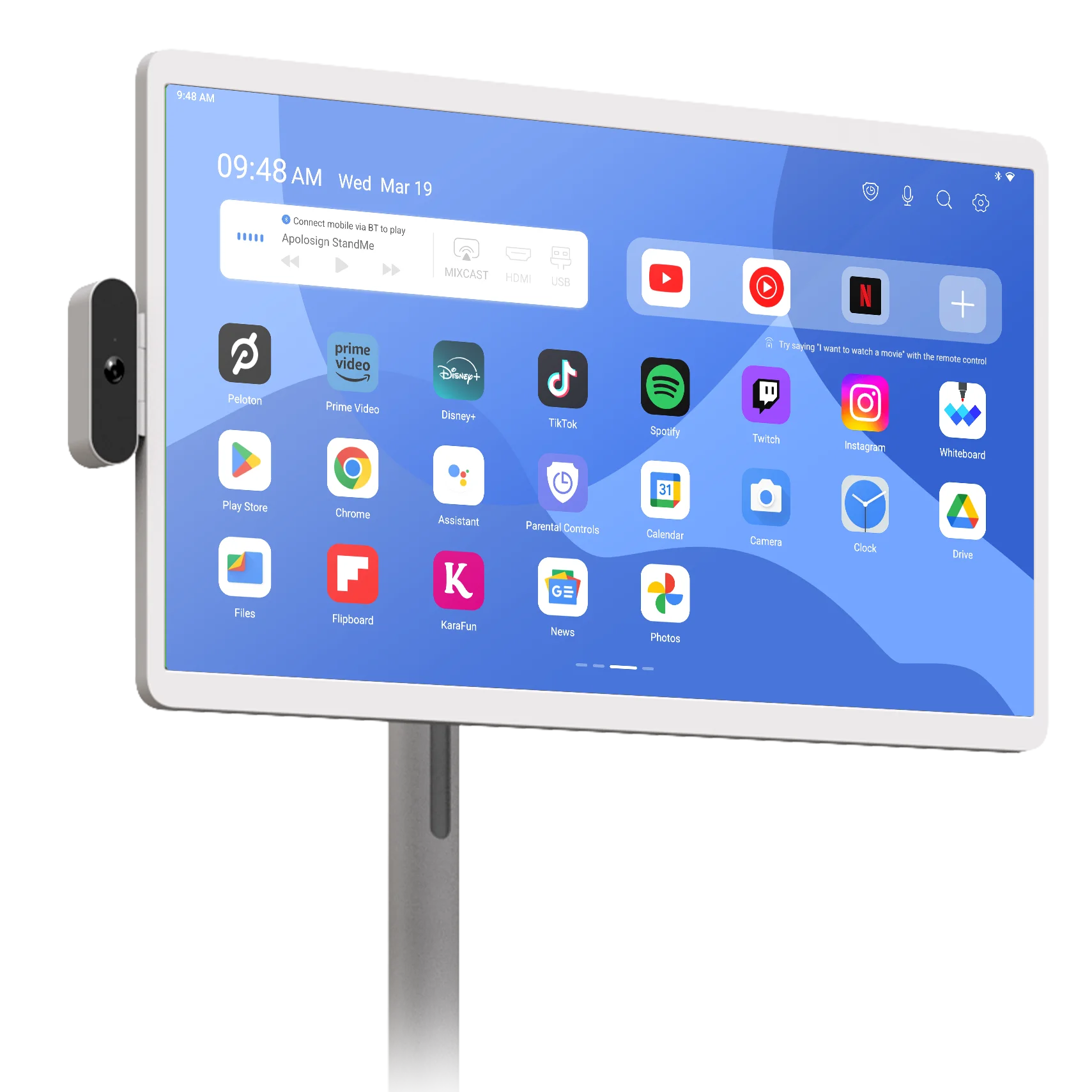
With Android 16 operating system, simply access Google Play Store to download your favorite apps. Stream movies, shows, or live content effortlessly, all on a stunning, full-size smart screen. Additionally, the high resolution display ensures crisp and clear visuals for an immersive viewing experience.

Customize Your Screen, Your Way
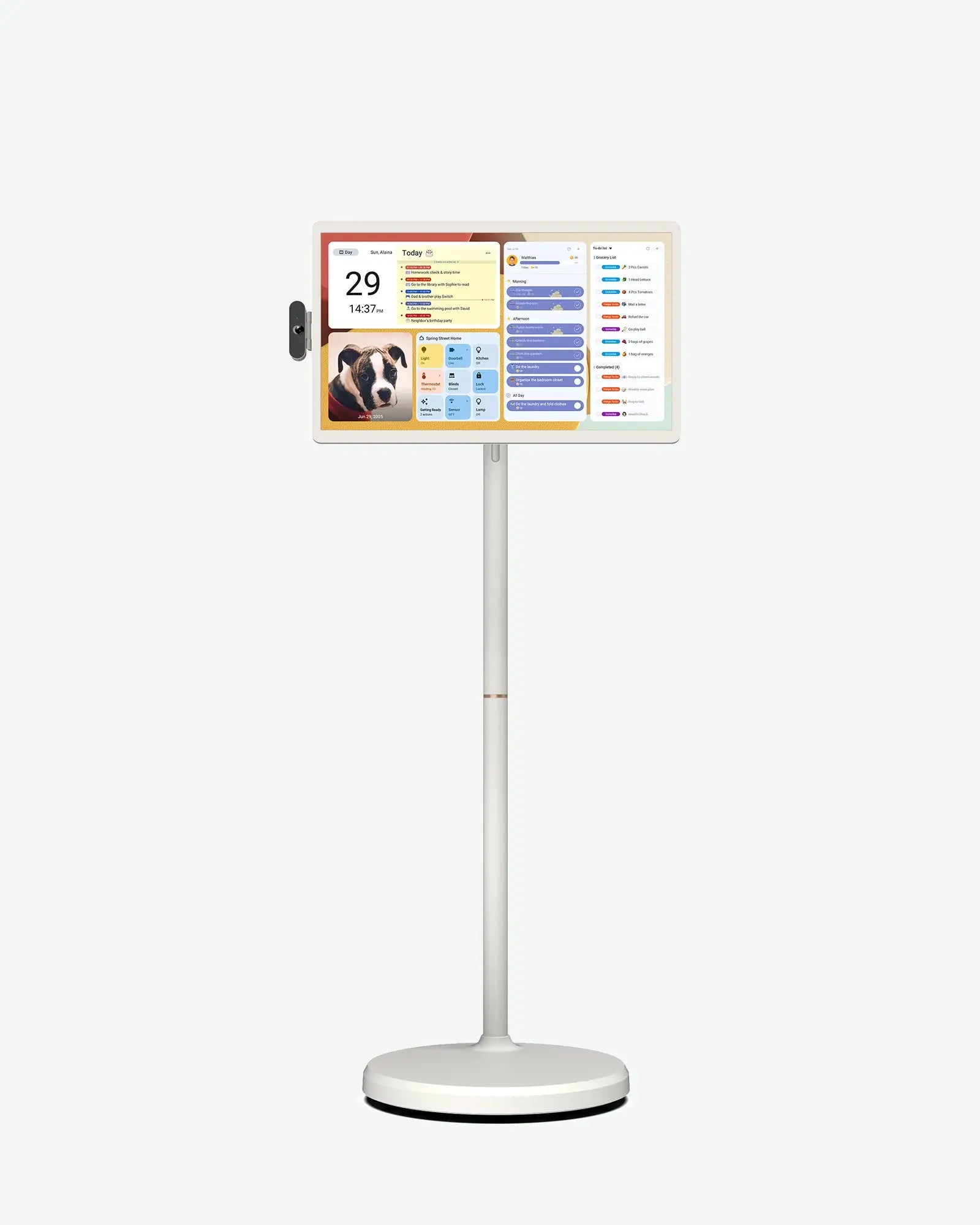
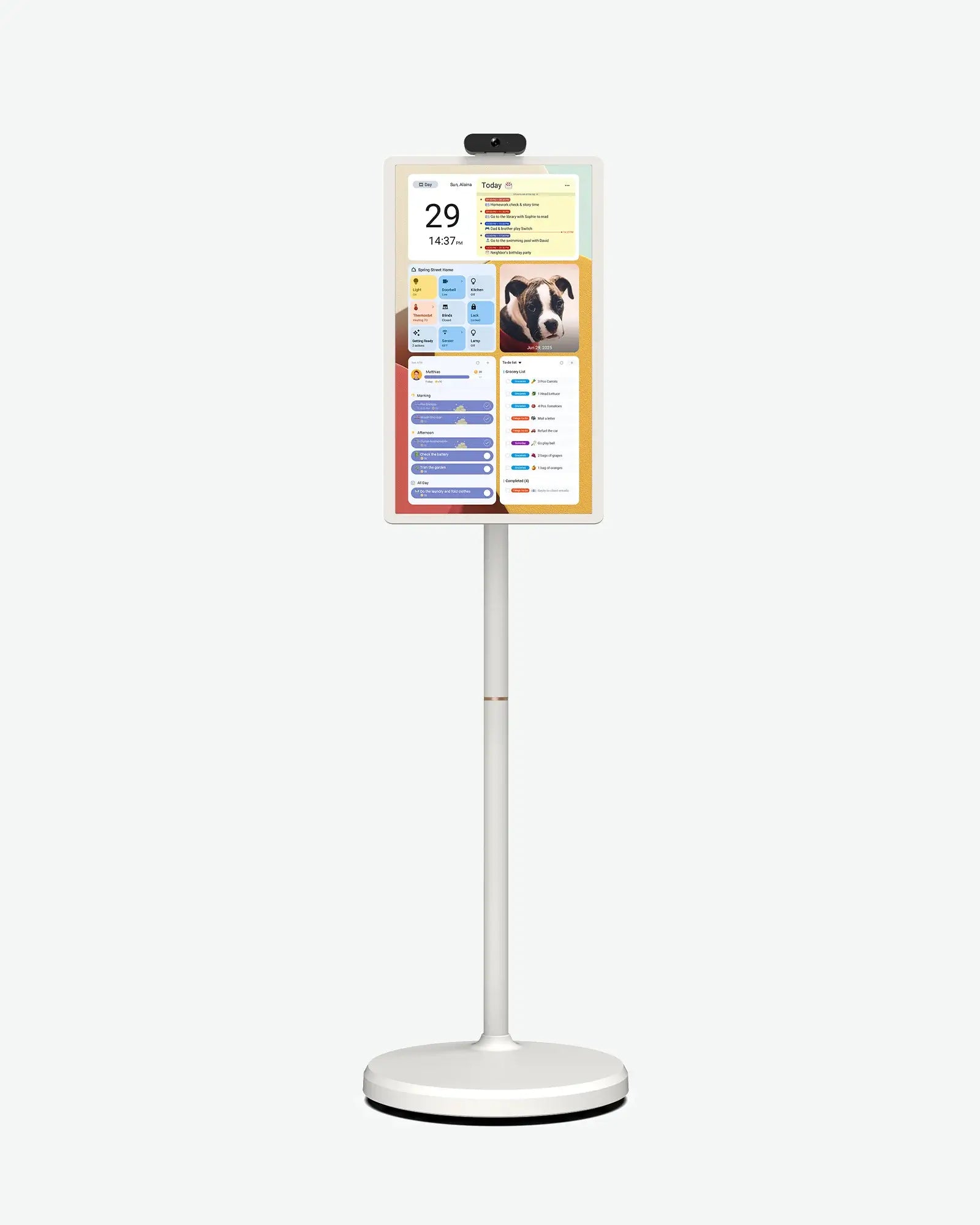
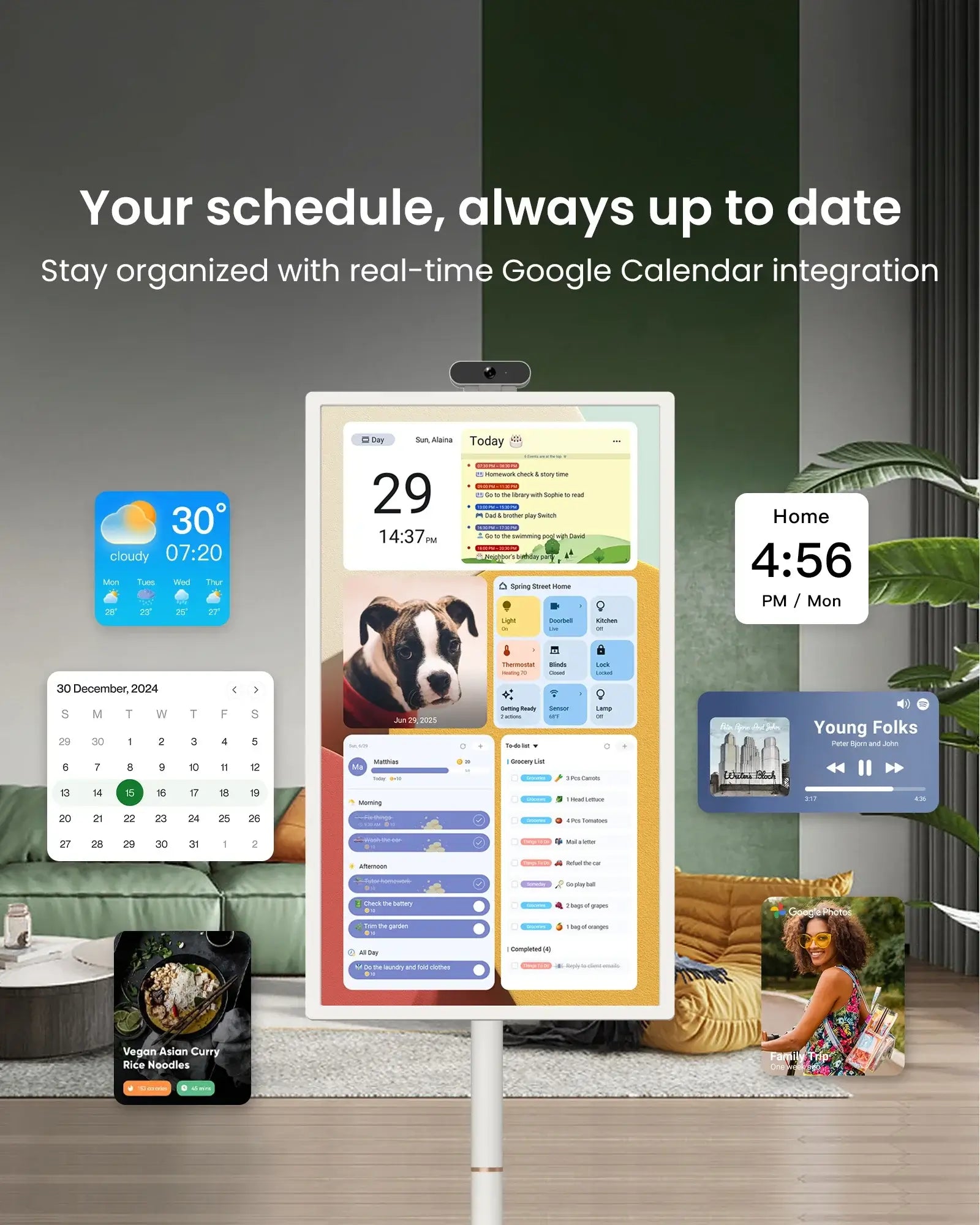
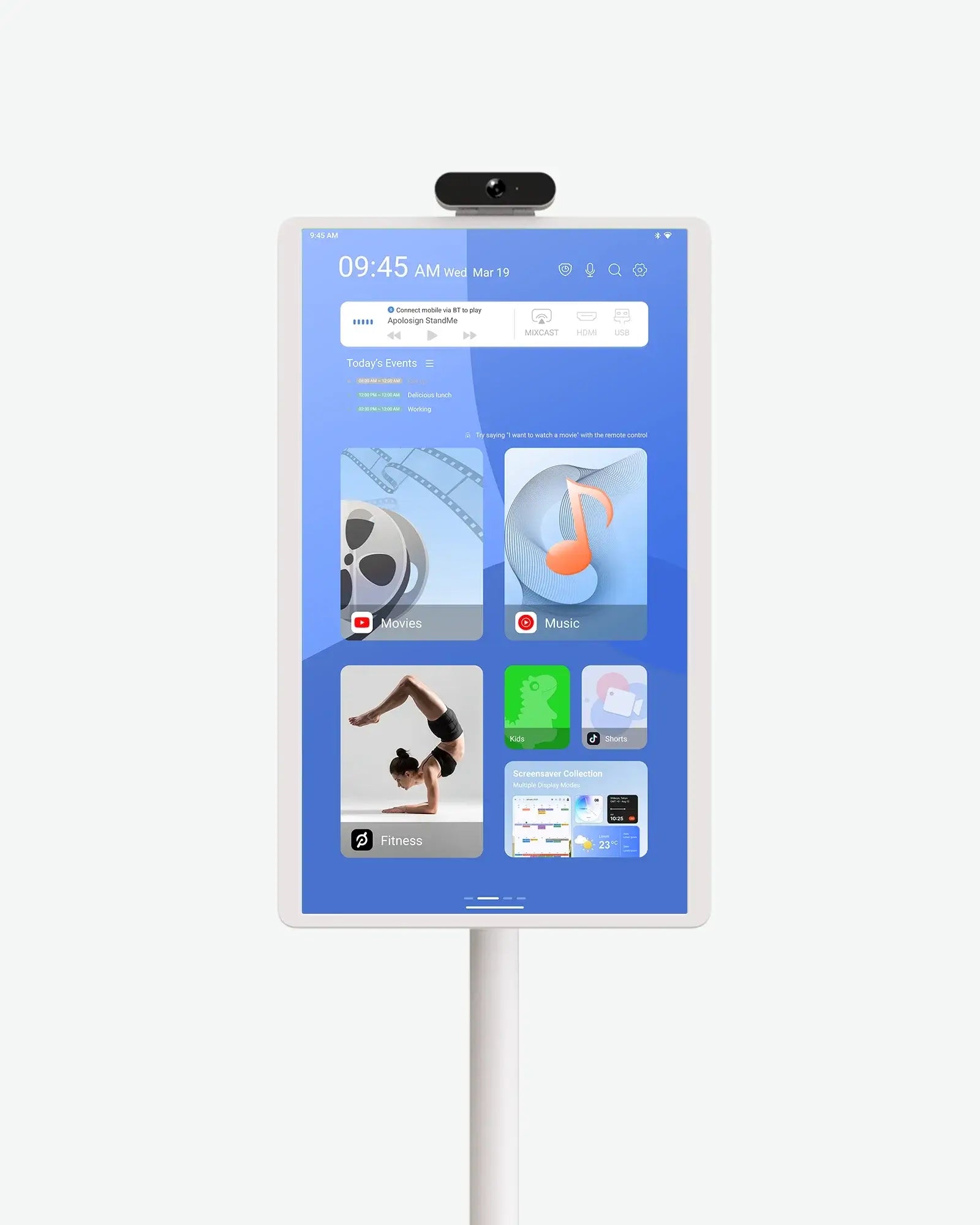
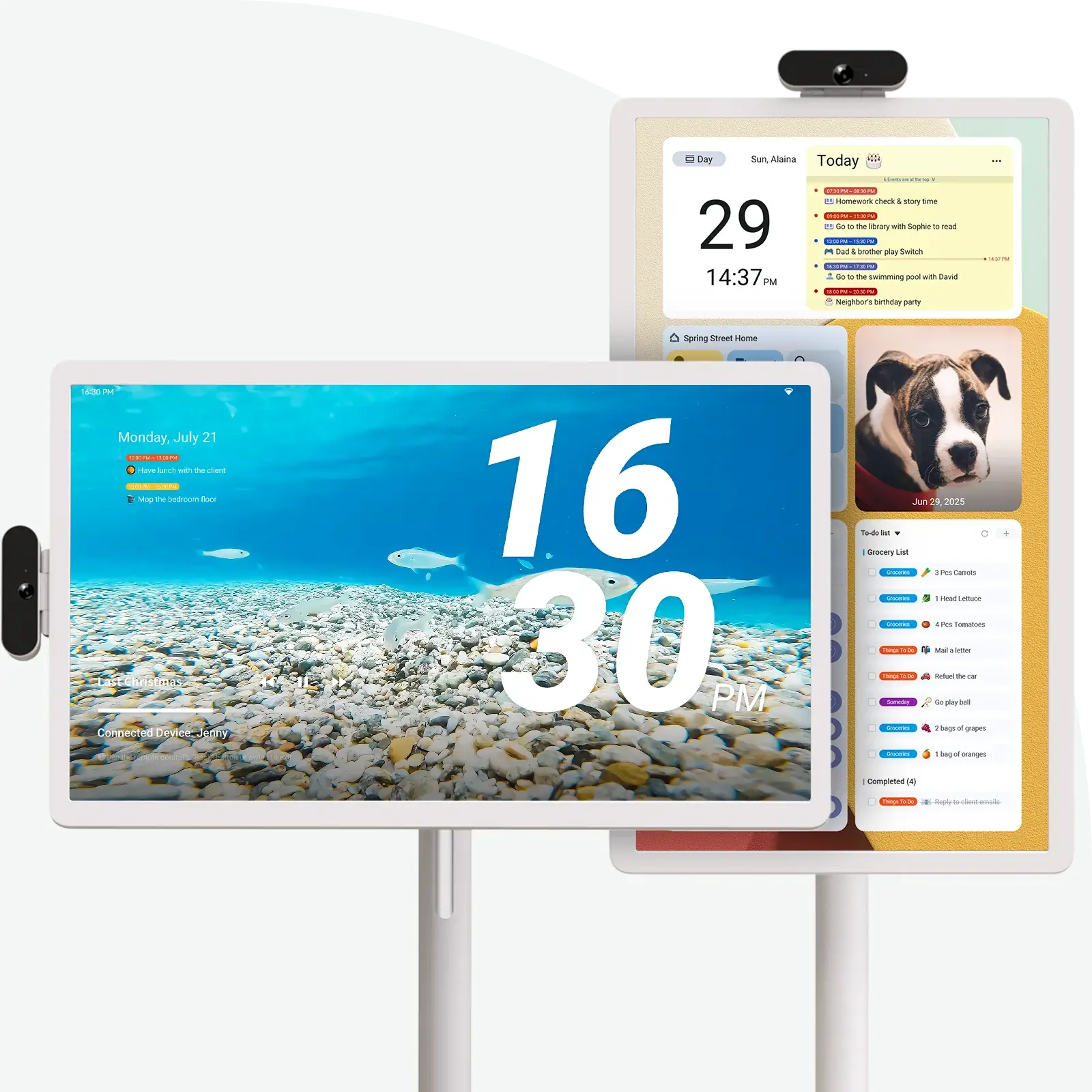
View your daily schedule, weather, to-dos, and smart home info all in one place. The built-in Dashboard syncs seamlessly with the Apolosign Calendar, keeping your family’s routines and reminders updated across every device.
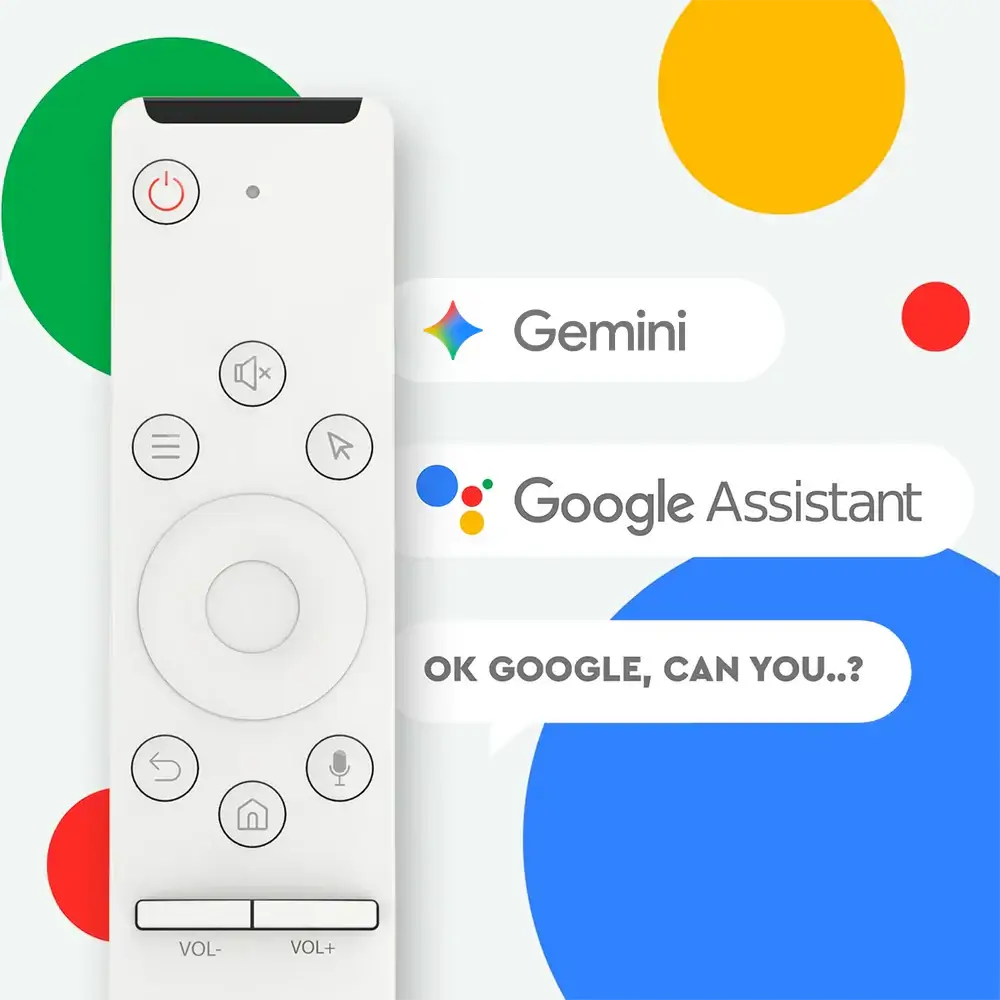
Touch Screen and Remote Compatible
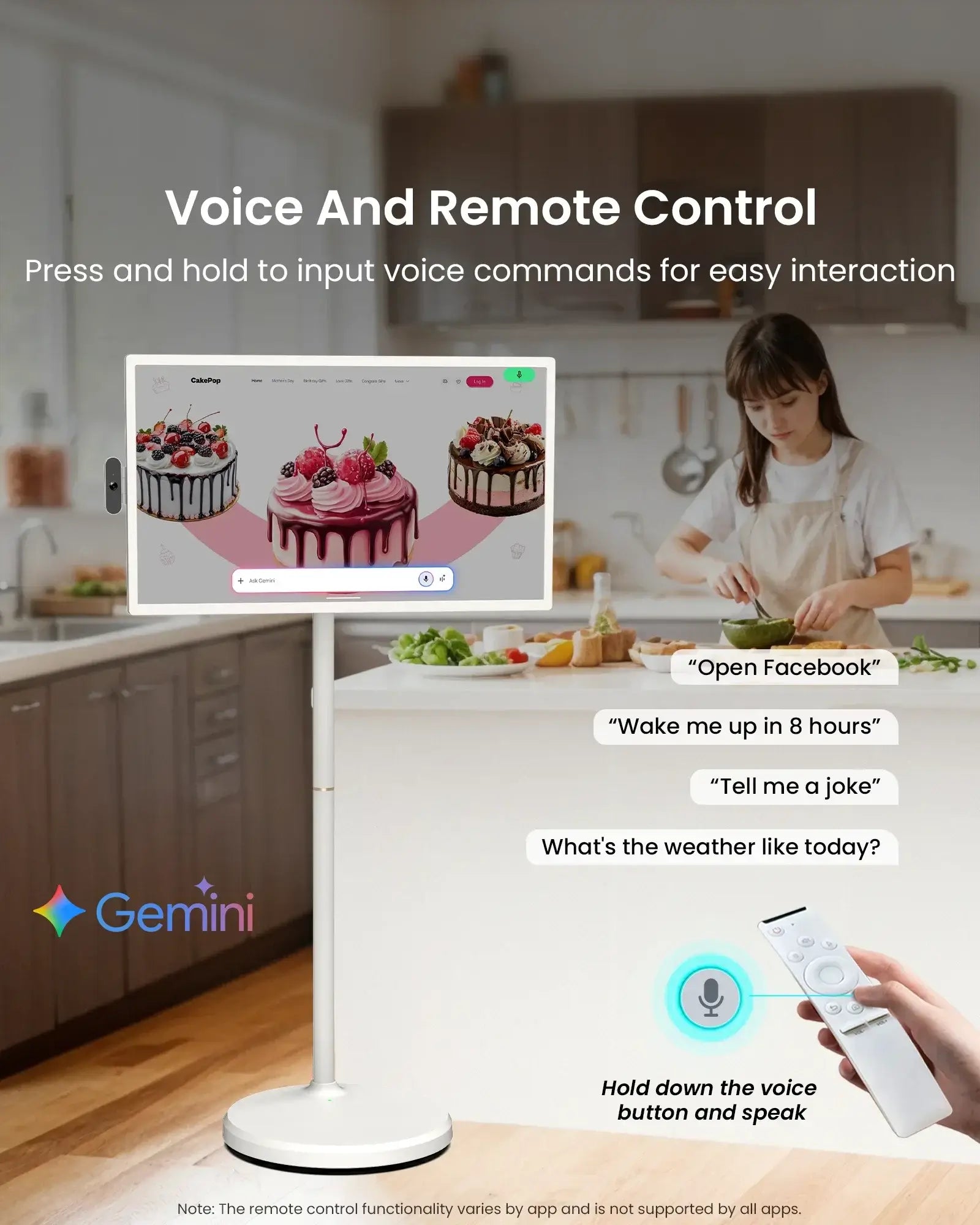
Three modes to control the screen: remote control, touch, and voice interaction. Choose your preferred way based on your habits and comfort. Press and hold the voice button to activate Google Assistant or Gemini AI for instant voice commands, smart suggestions, and natural conversations.

Choose different screen savers to transform your TV into a display window — a digital clock, a lyric player, a photo frame, a market billboard, or a personalized kiosk for your store.

Fully Adjustable Screen
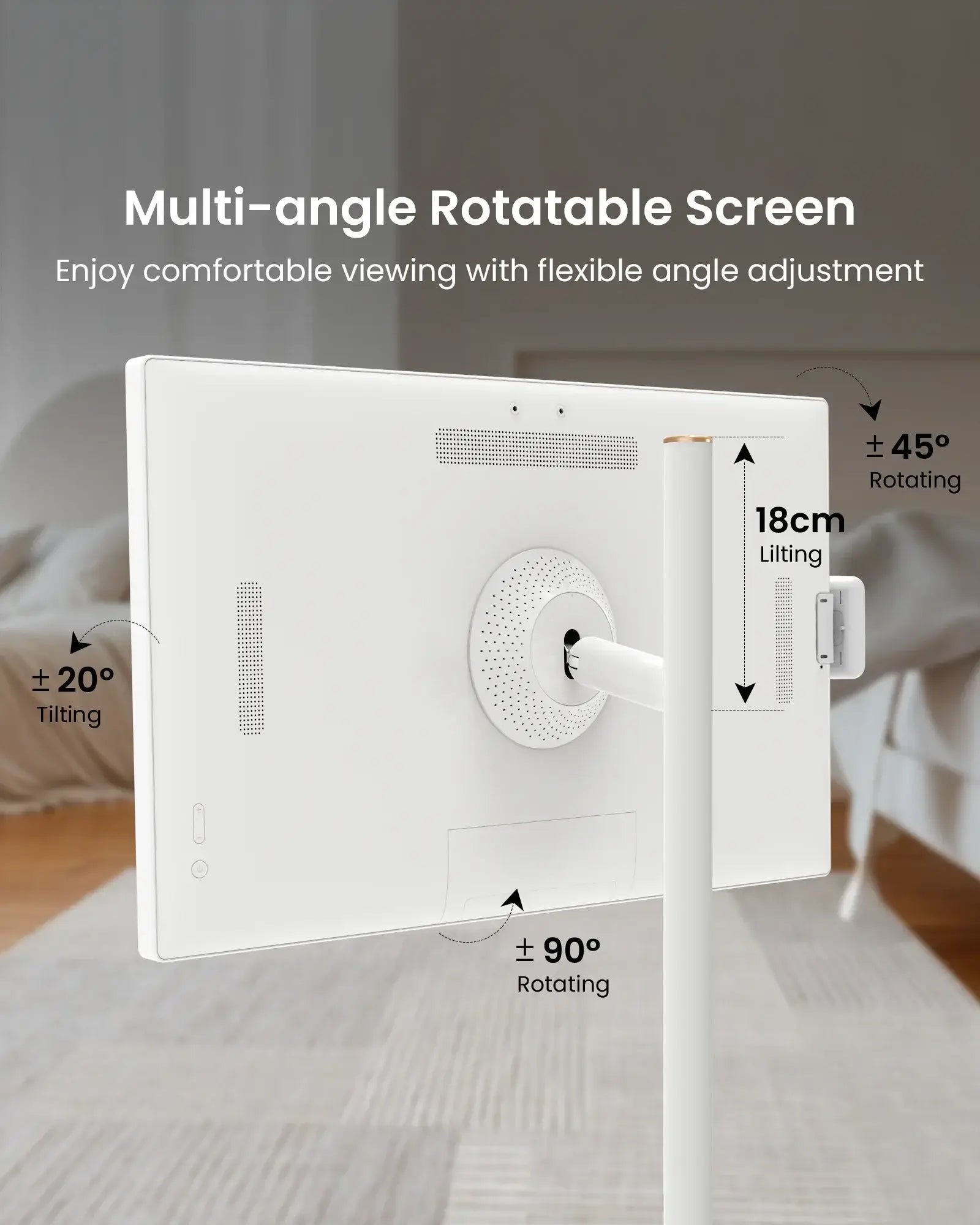
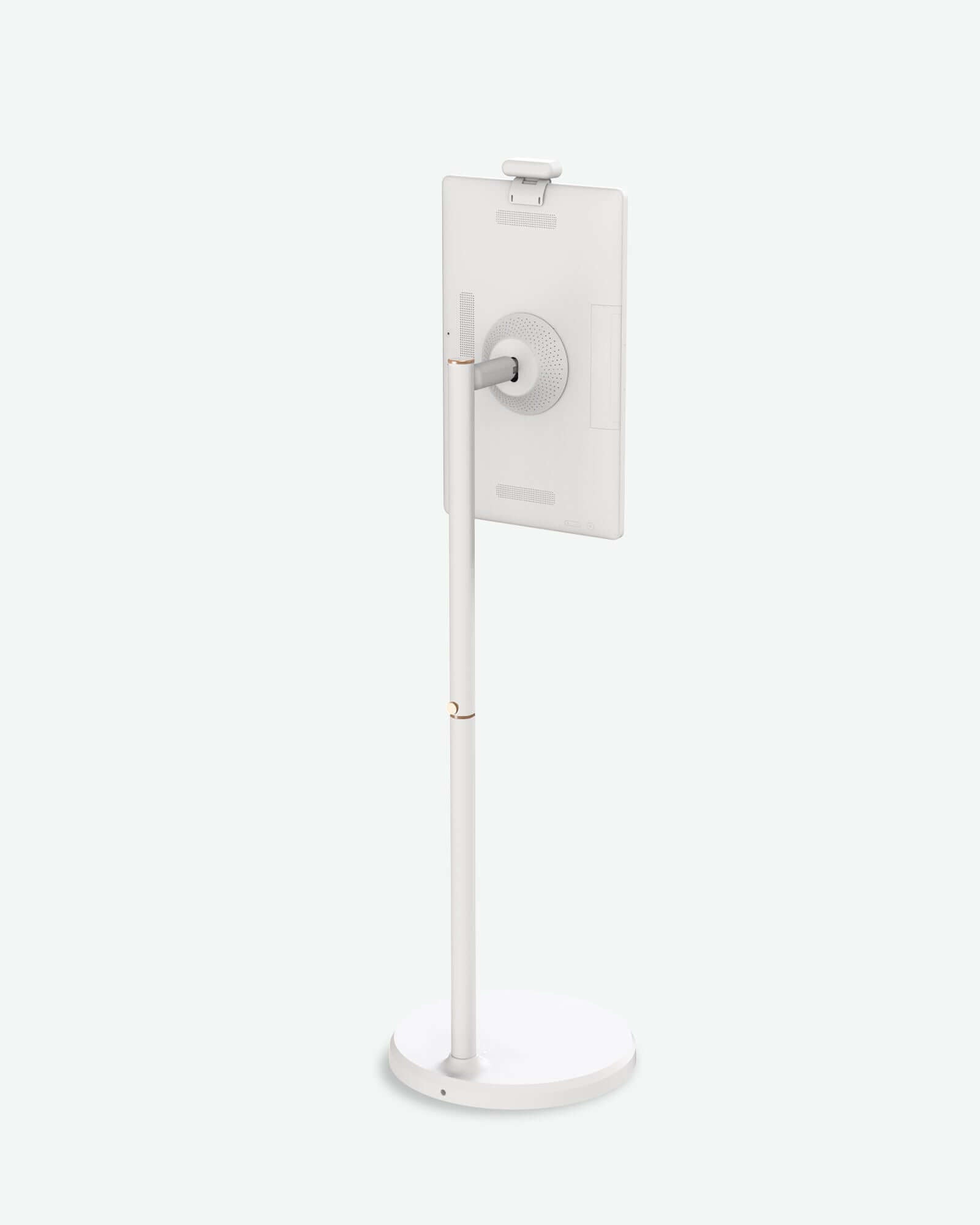
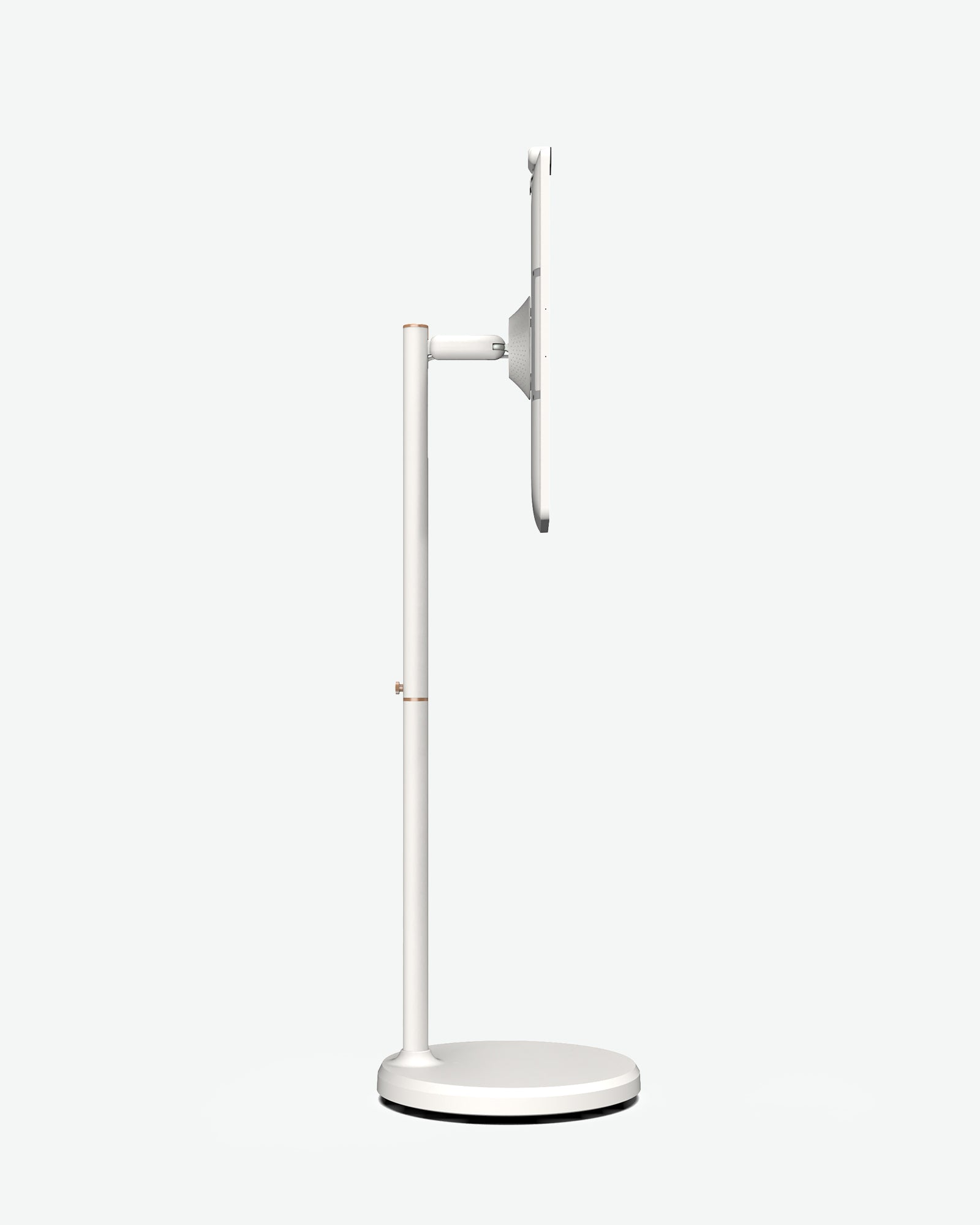
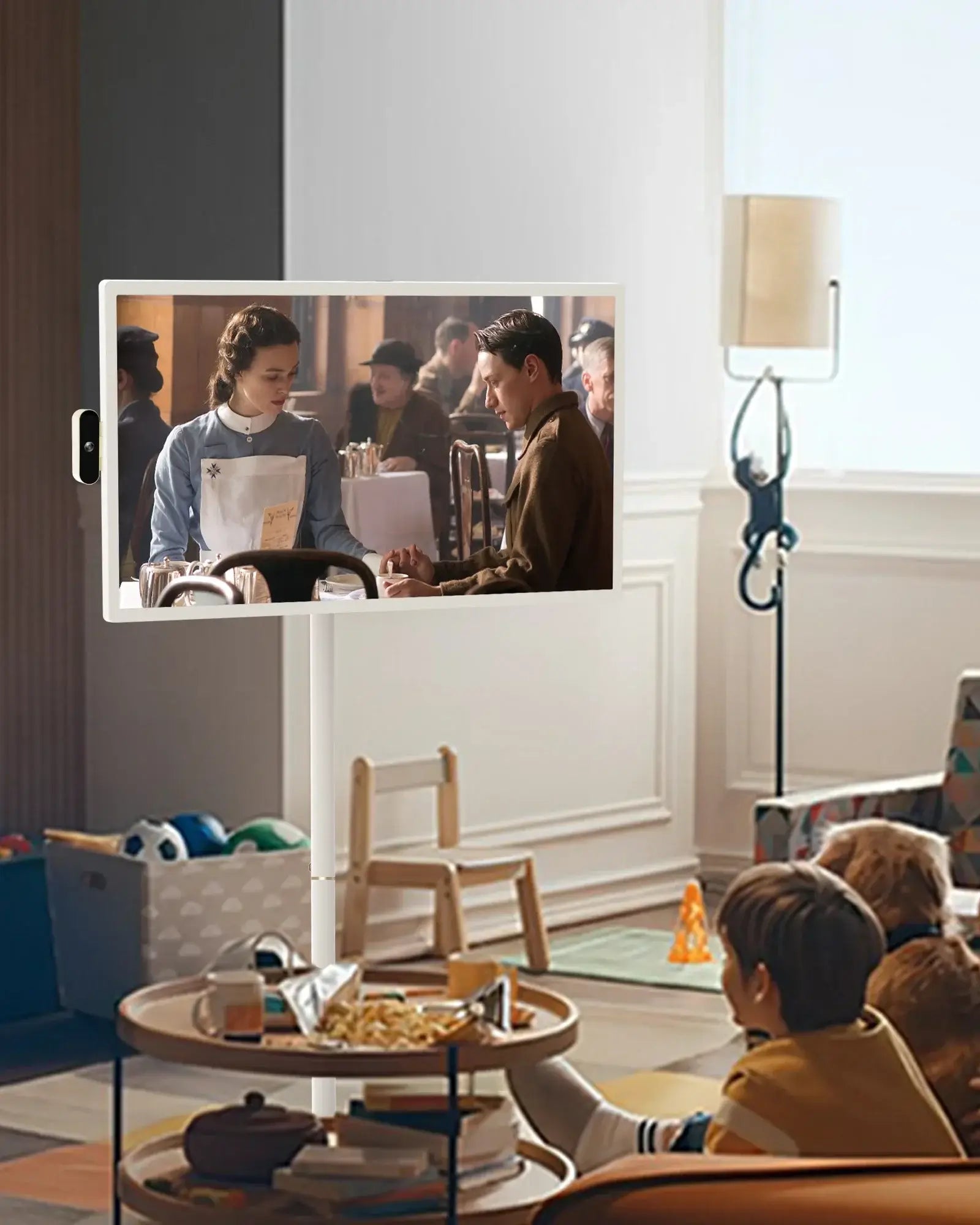
Experience total control with a touch-responsive screen that adjusts to your preferred angle, swivel, tilt, or pivot for the perfect view every time.

Height 180mm

Rotate 90˚

Tilt 20~20˚

Swivel 15~15˚
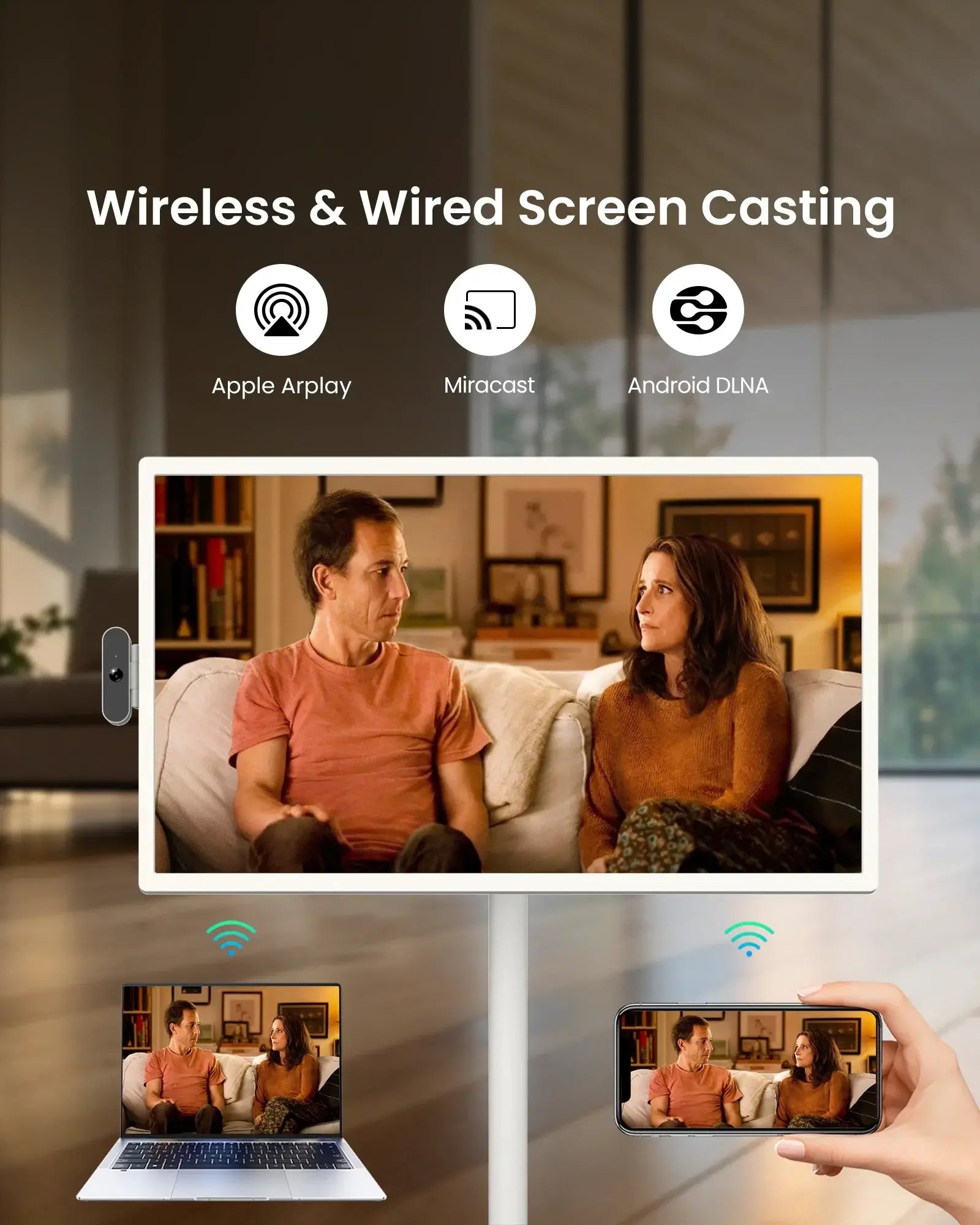
Wide Connectivity
Easily wirelessly stream sharing content via wifi, or through HDMI ports. Effortlessly stream, share, and mirror your favorite content from your smartphones, tablets, or laptops.
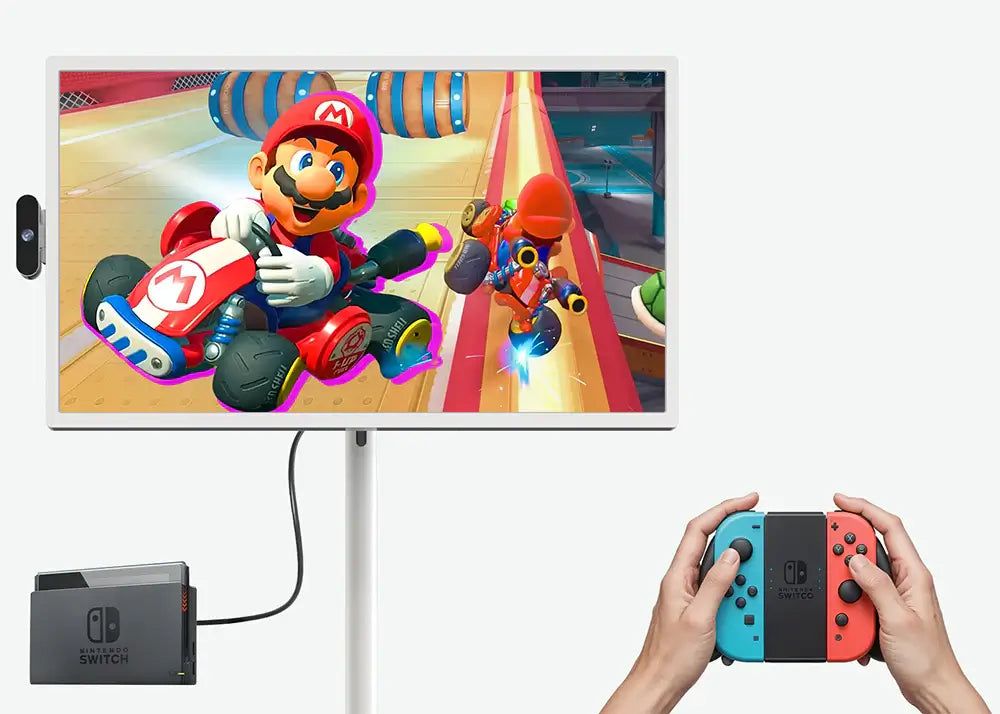
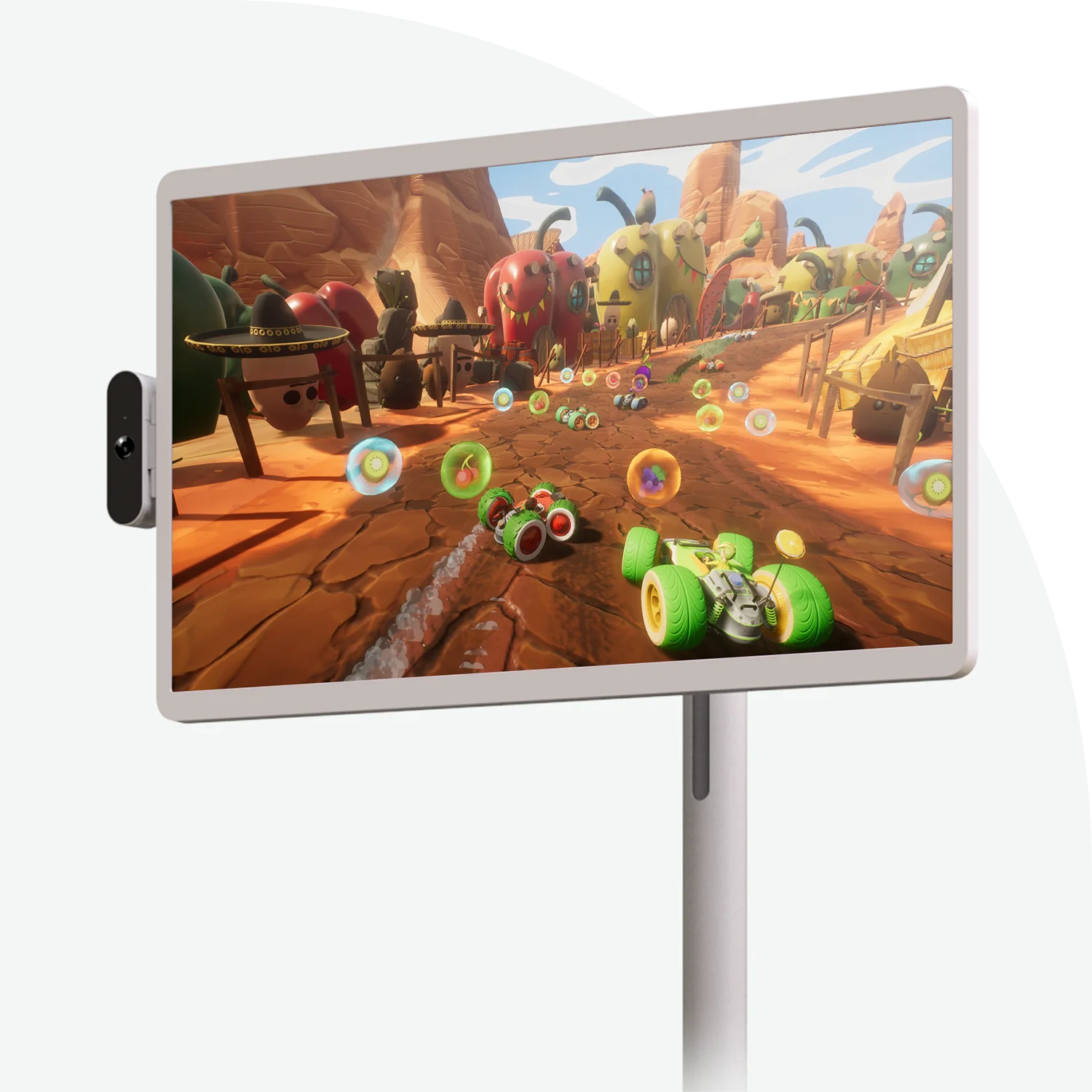
Gaming
HDMI and Bluetooth connect to your gaming consoles and peripherals.
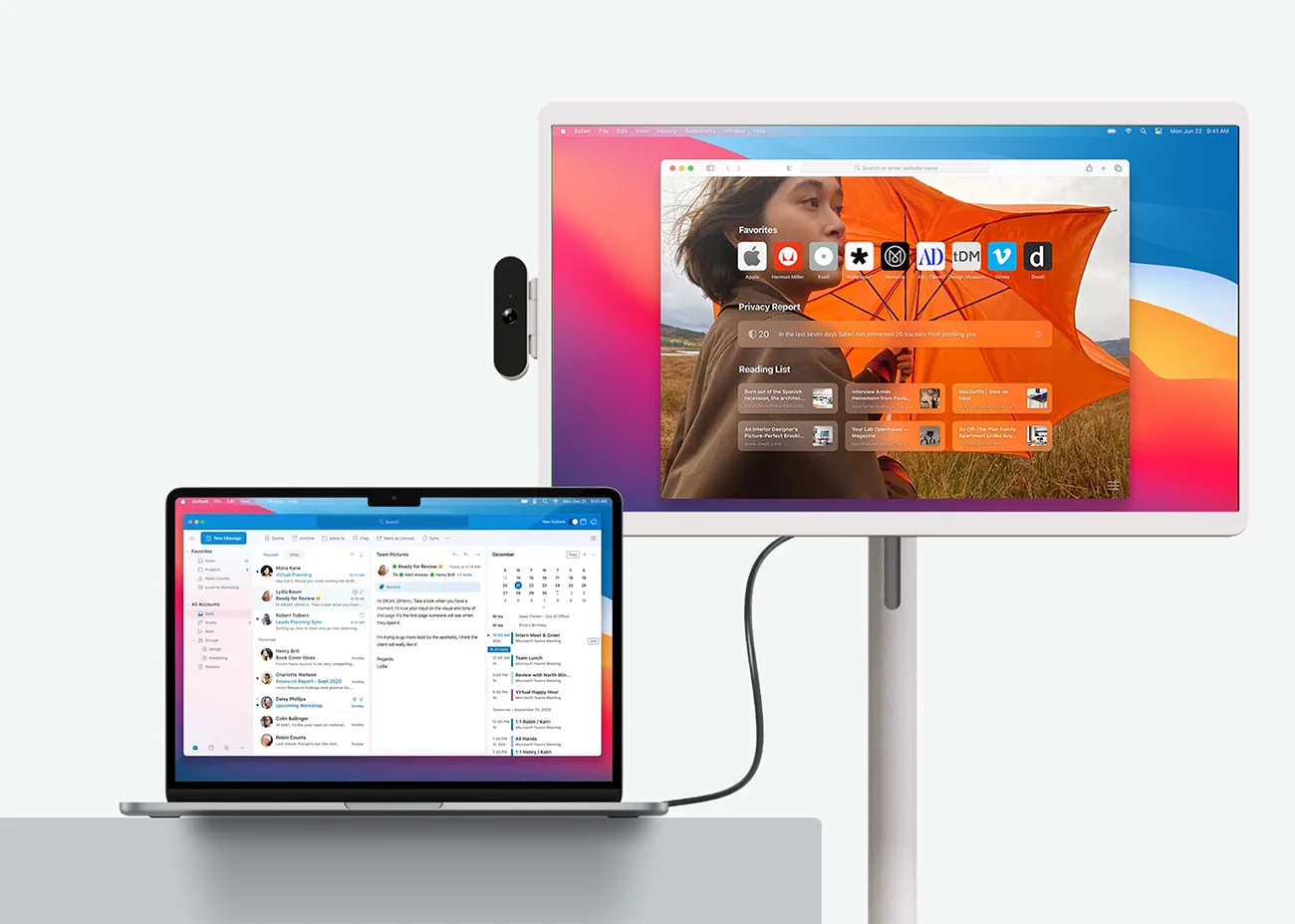
Working
Connect with your laptop via HDMI to increased productivity and efficiency.
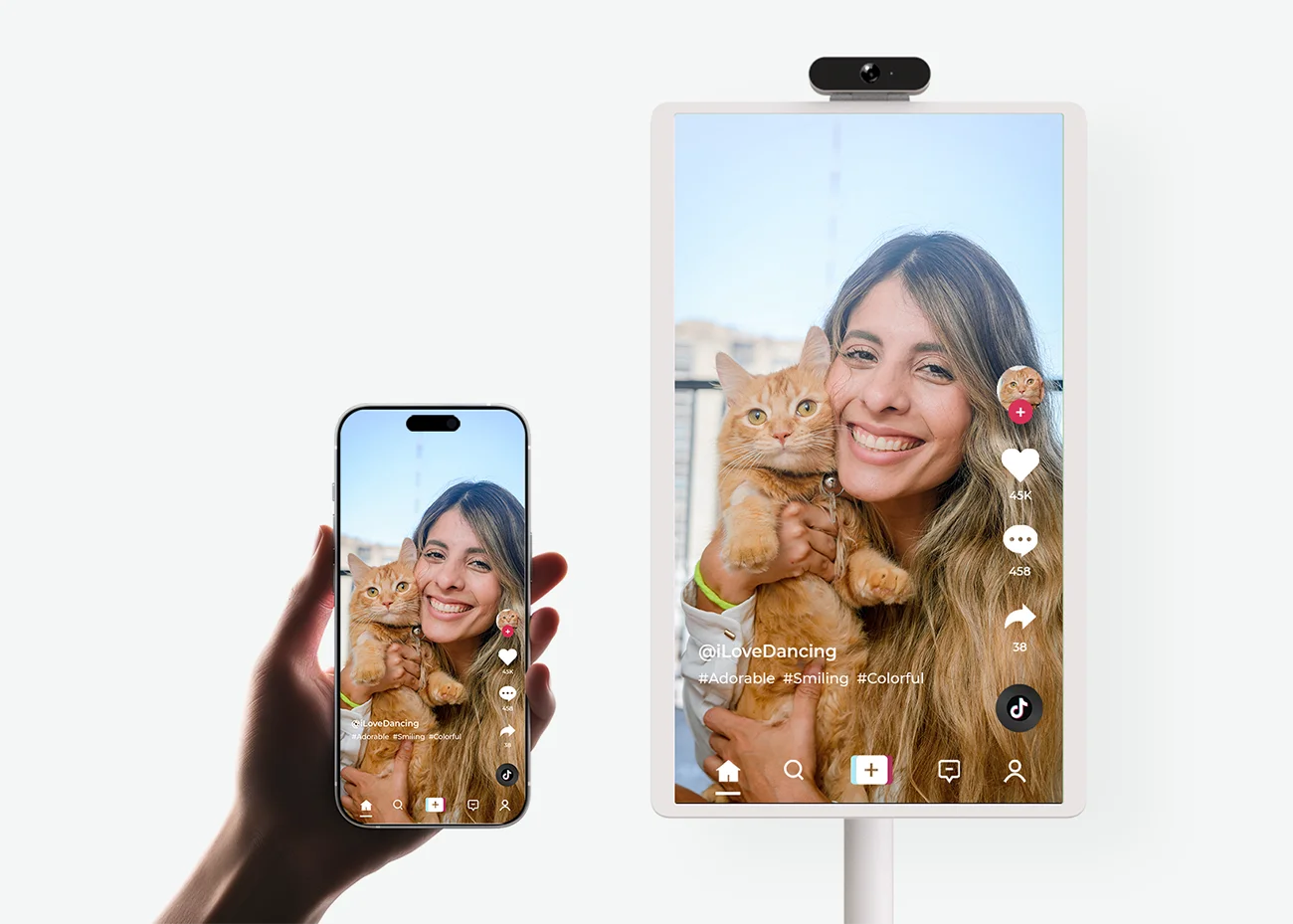
The easy way to share
Wirelessly stream or mirror your smartphone and laptop screens over Wi-Fi.
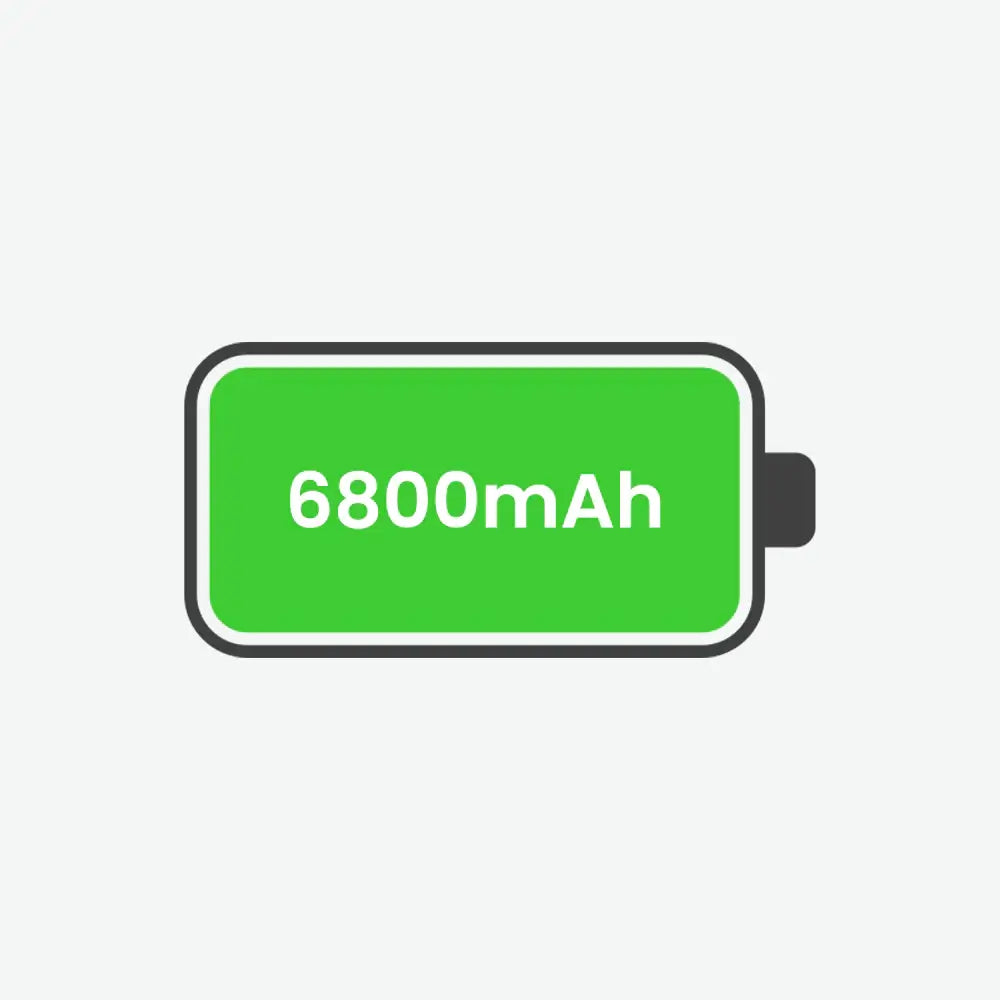
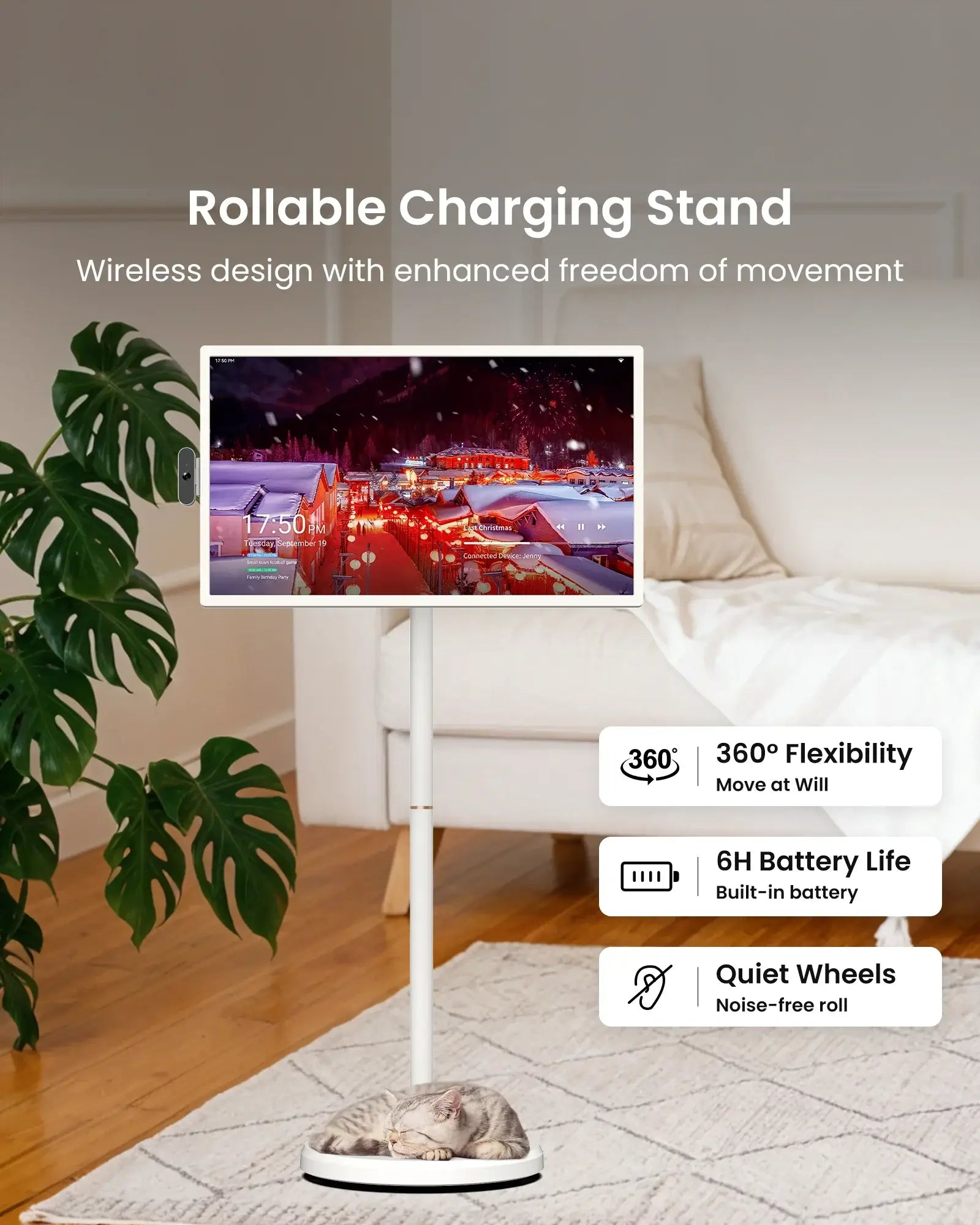
Built-in Battery
With up to 4-hour battery life, take your entertainment on the go. No cords, no hassle, just pure freedom to enjoy anywhere.
*Tested at 50% brightness via WiFi video streaming.
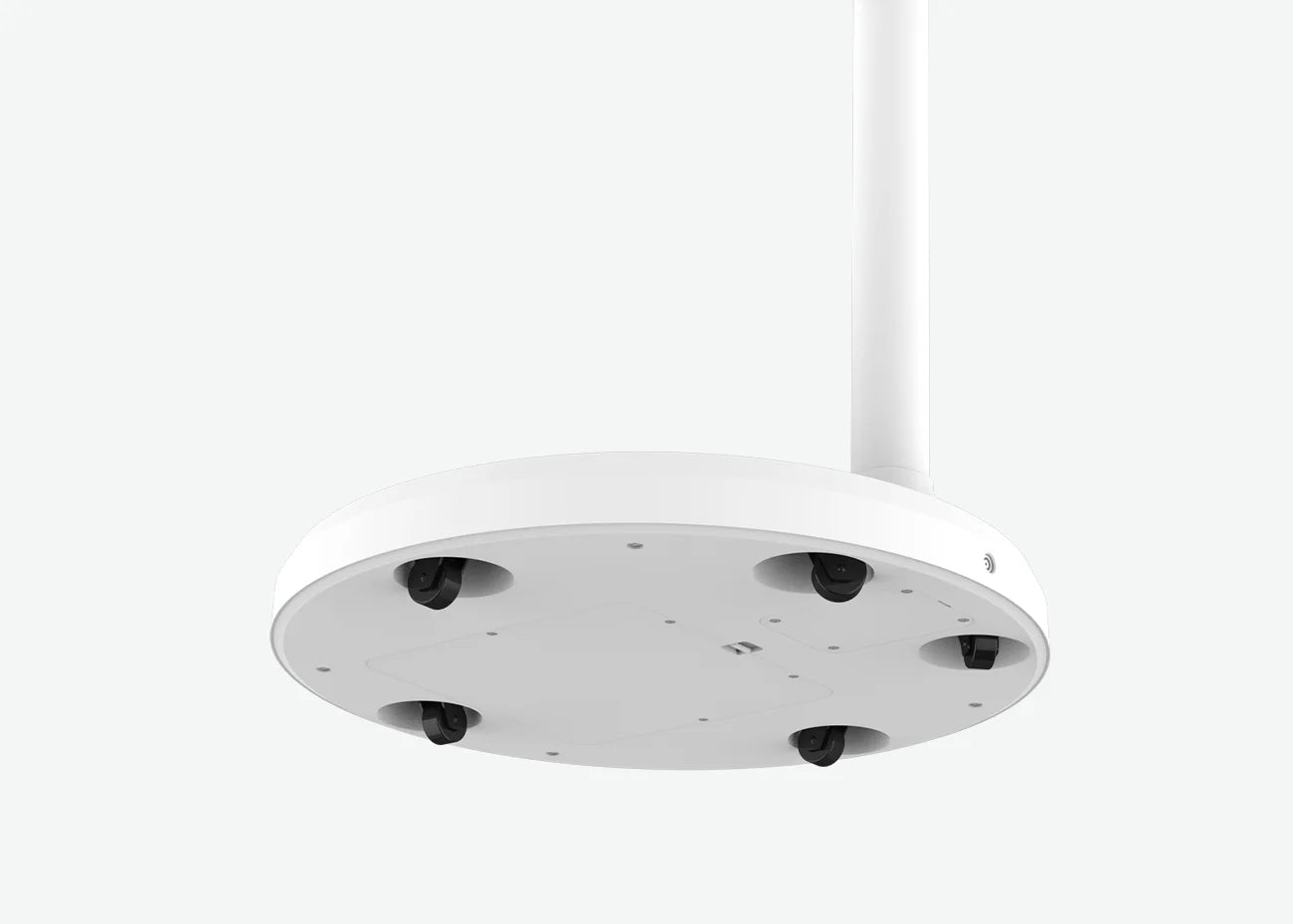
5 Discrete Wheels
Equipped with 5 smooth, discrete wheels, it is easy to move from room to room or even outside for a spontaneous outdoor movie night or gaming session.

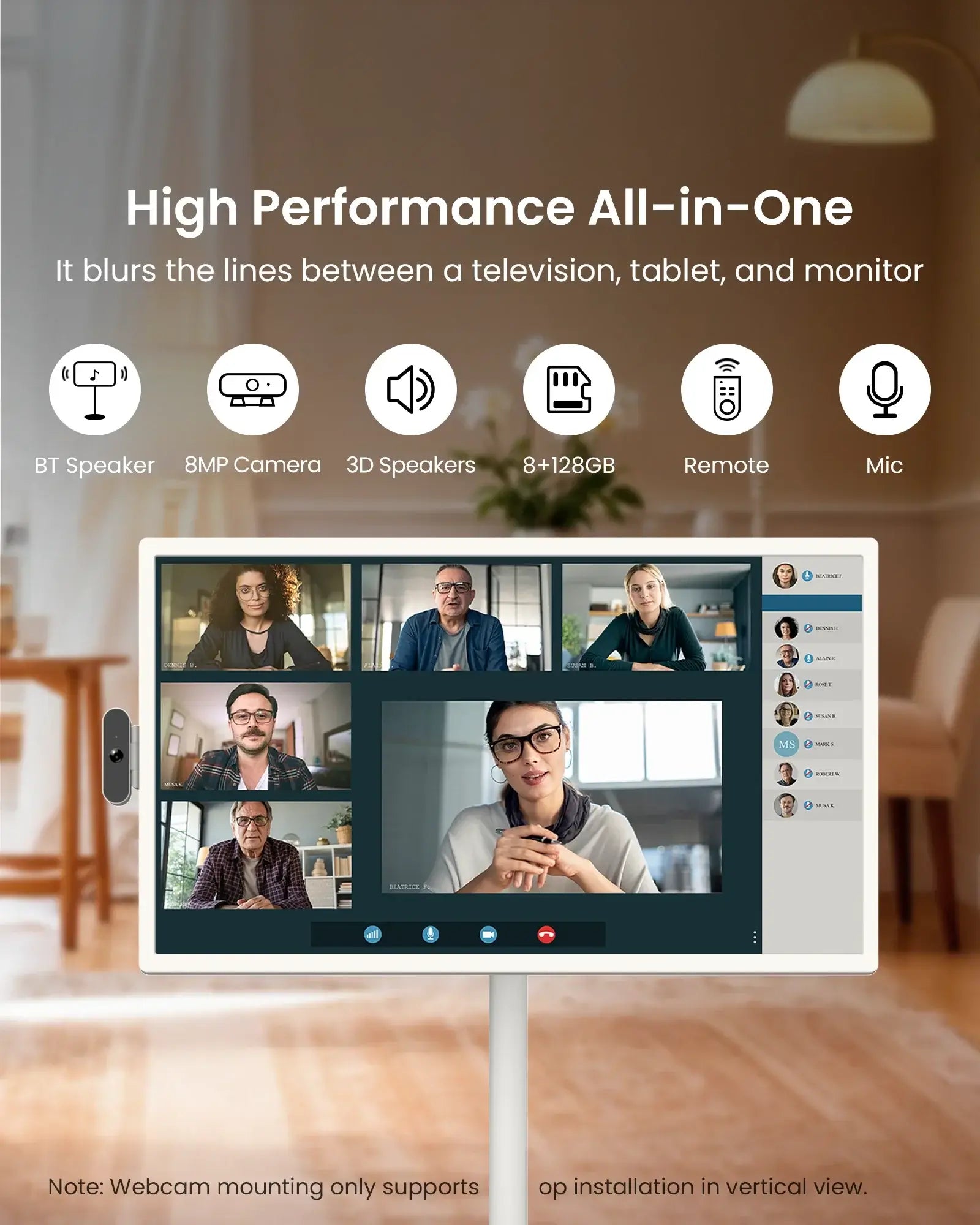
8MP Camera and Mic
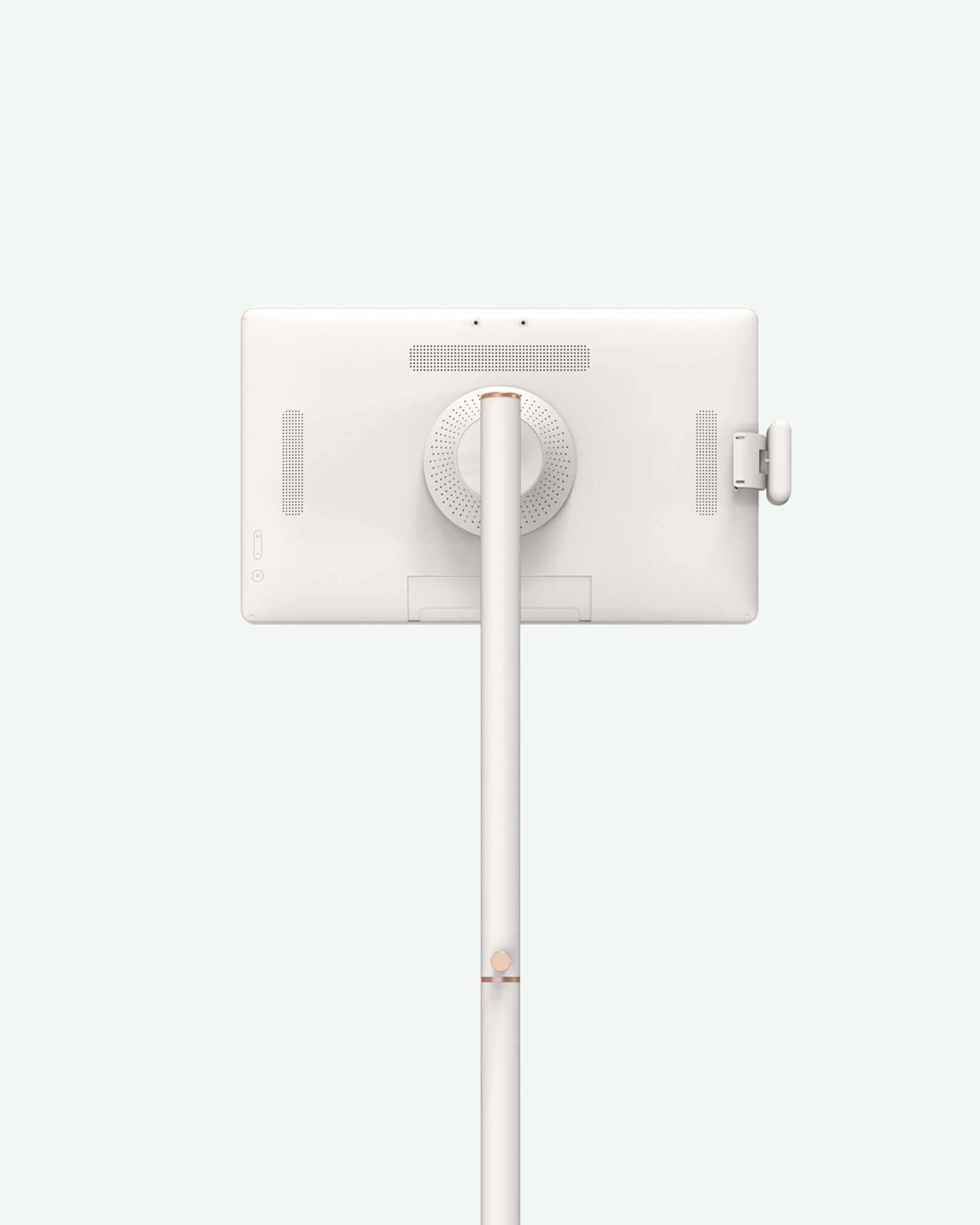
An 8MP camera (vertical top mount only) and a built-in microphone is provided for each portable smart TV. The camera connects to a laptop with a USB-A cable, making video calls a breeze.
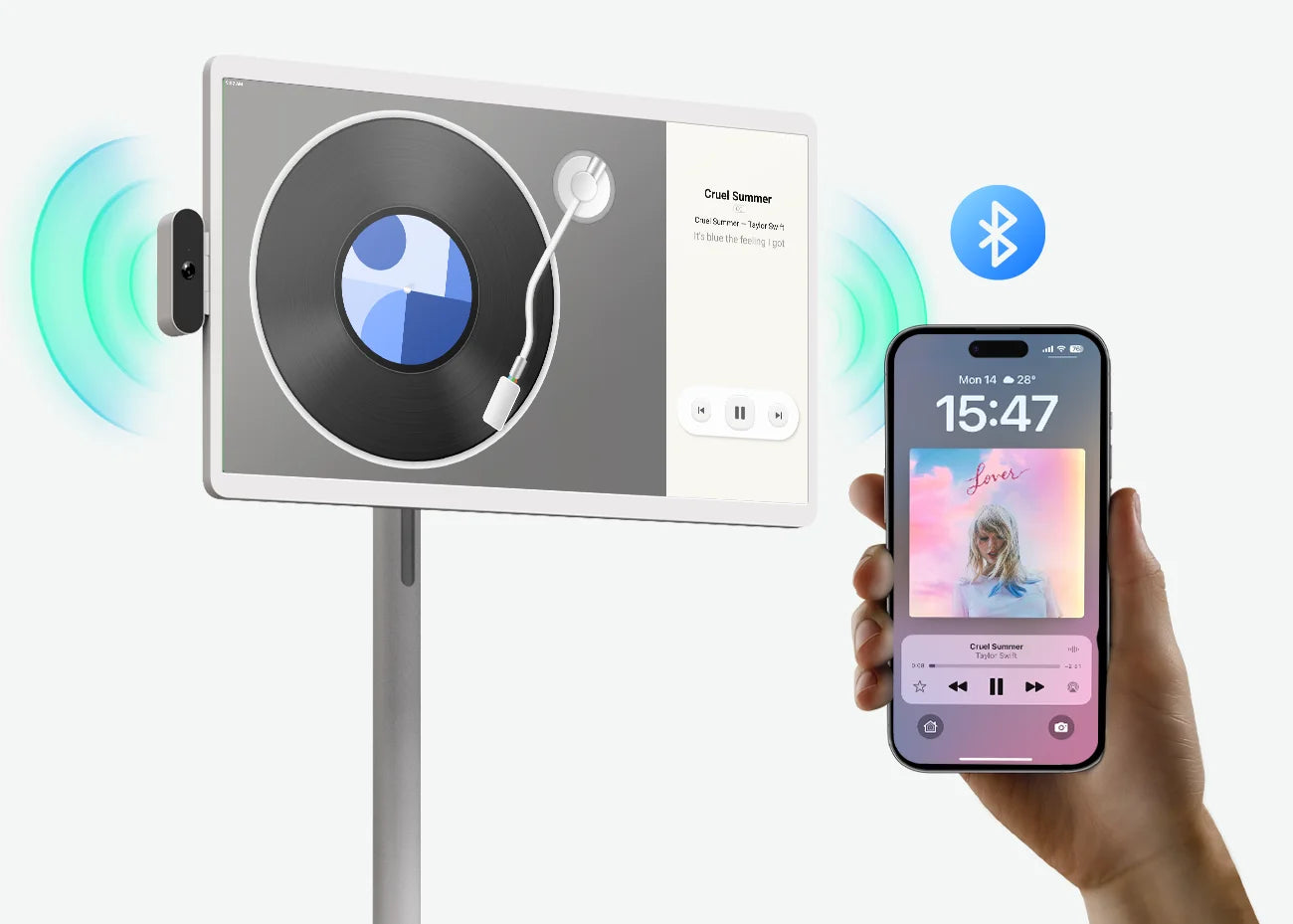
Dual Speakers
Equipped with high-quality built-in dual speakers, the portable smart TV offers rich, clear audio to complement its exceptional visual display. More immersive for both work and play.
It’s not just a portable TV—it’s your movable smart screen for entertainment, family organization, gaming, music, and everyday display.
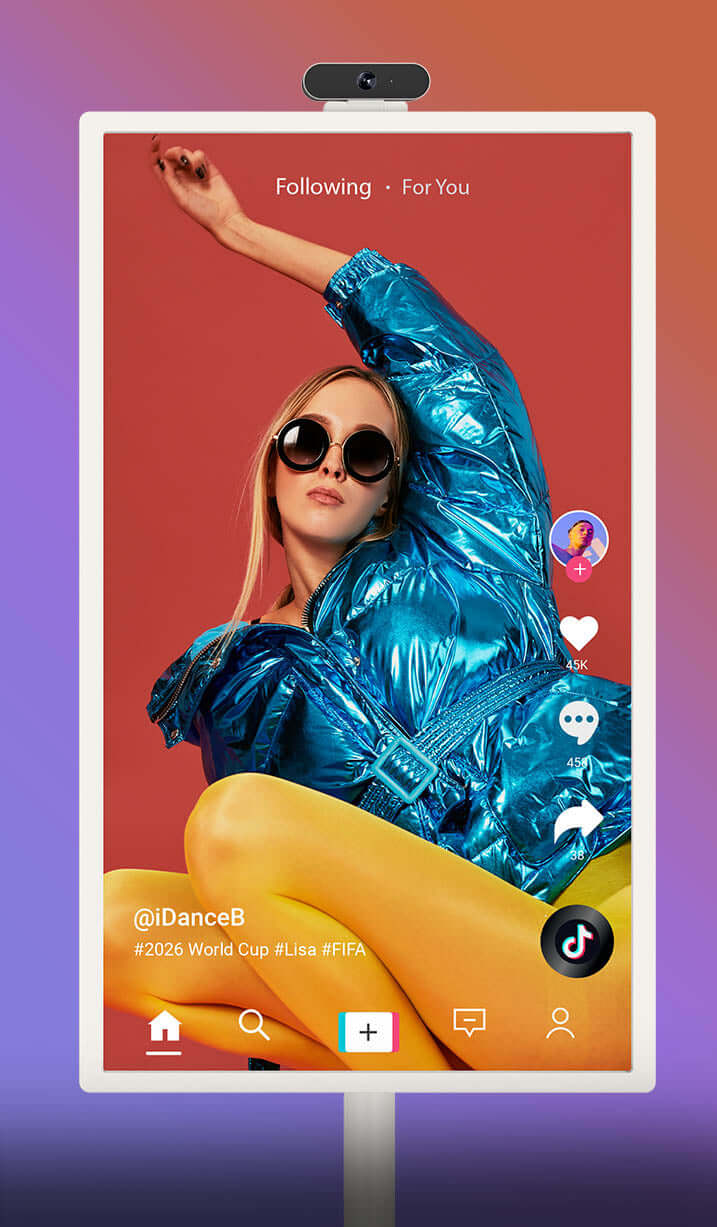
Touchscreen TV
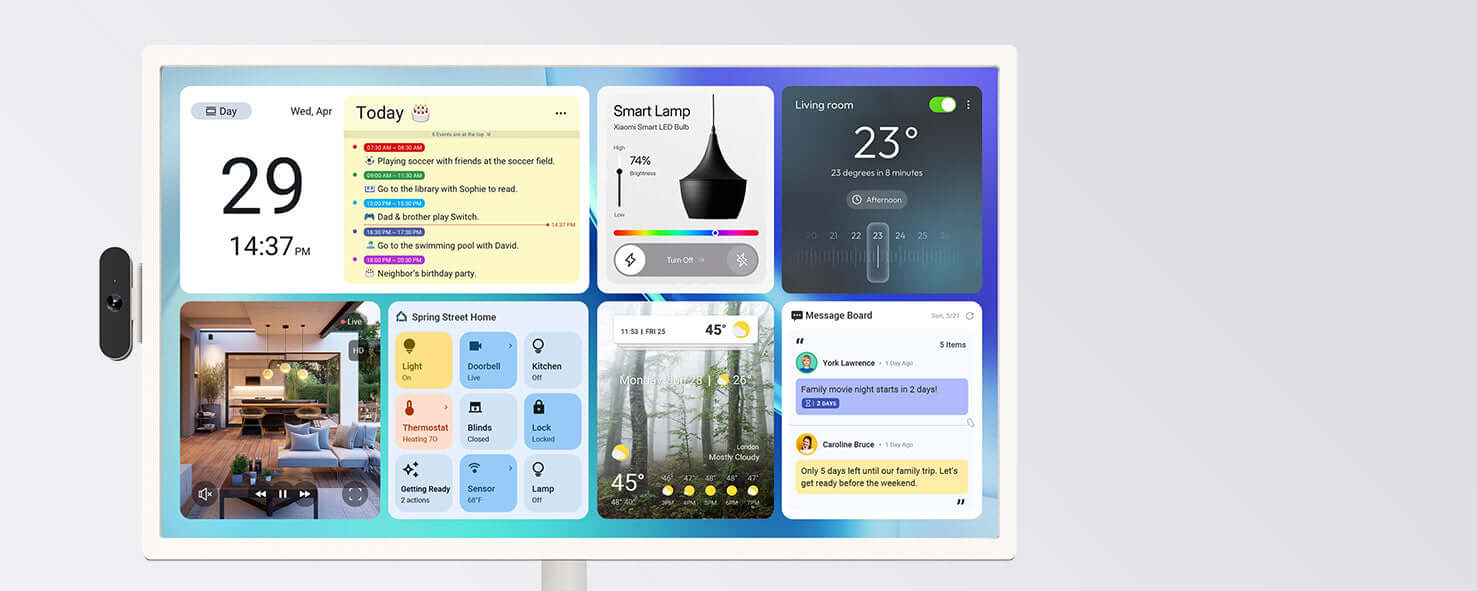
Family Hub
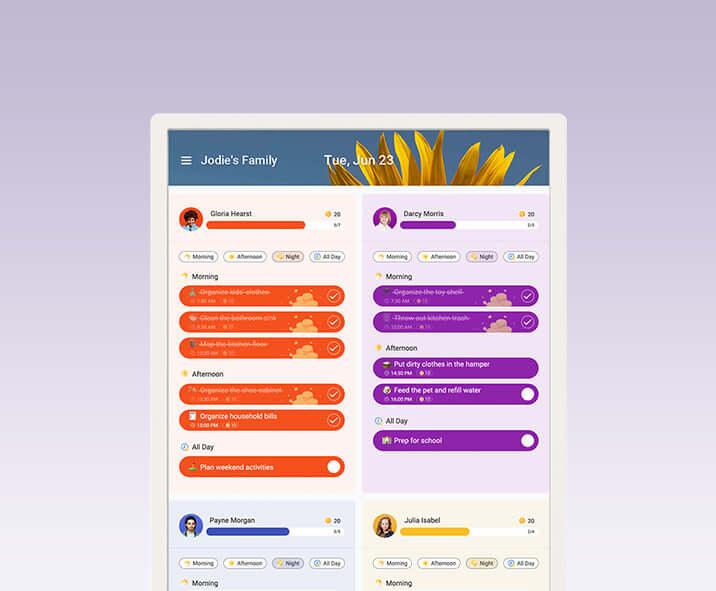
Calendar
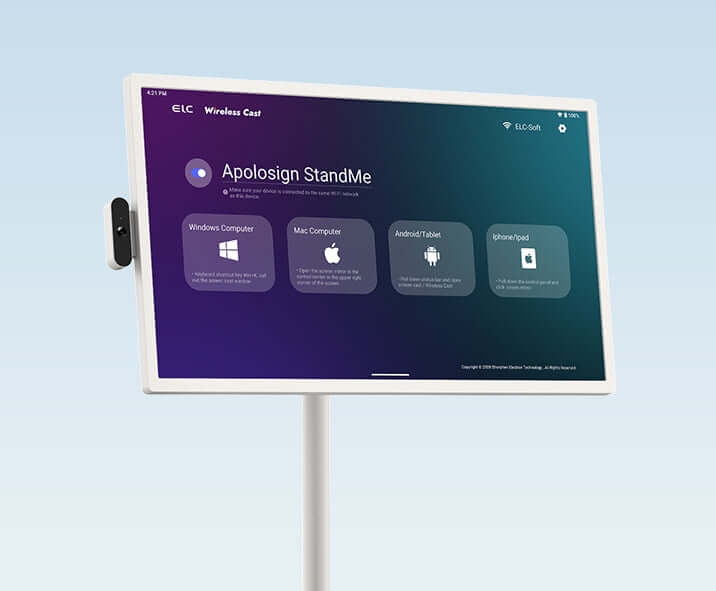
Display
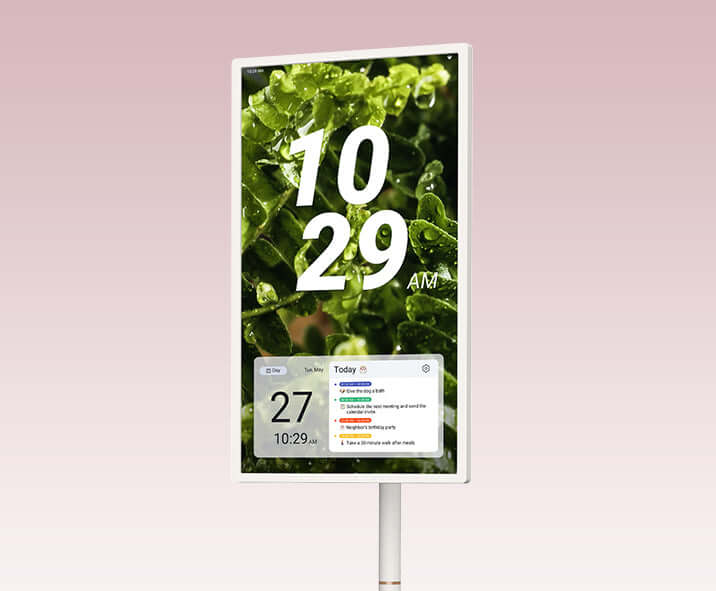
Signage
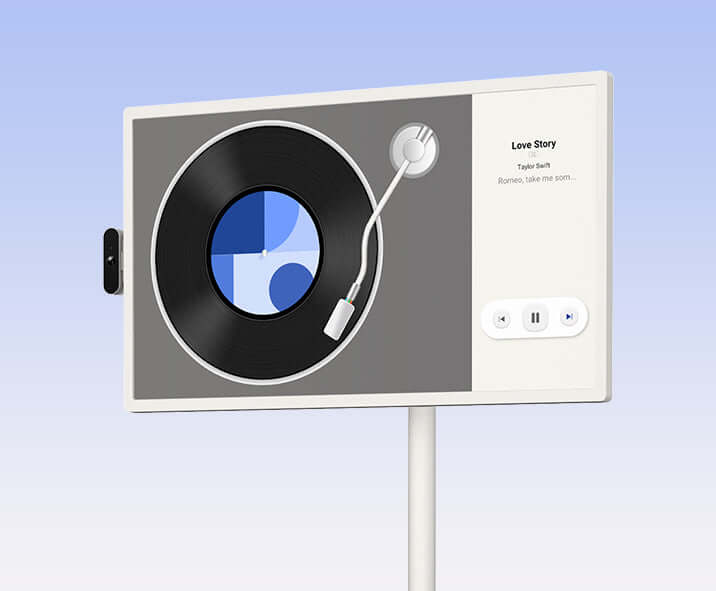
Speaker
Featured in media and social. View more on our YouTube channel.
"Portable screens create continuity across rooms and activities."

"Like a mini home theater, it brings entertainment wherever you go."

"Apolosign TV turns any space into a family entertainment hub."

"More than entertainment, a mobile family scheduling hub."

"Calendars and TVs share one seamless family scheduling system."
I use these daily for so many different things around my home. I can roll them indoors or outdoors and move them around the house. My kids use them too.

Perfect for the backyard deck—completely wireless! Kids can watch Netflix or play games anywhere with zero cords.

Flip it vertically for TikTok, horizontally for movies, or just use the camera for Zoom calls. Incredible versatility overall.

I can roll this around my house, watch movies, listen to music in the kitchen, and let my toddler color on the Whiteboard app.

This is a really nice touchscreen. It has all of its features on the wheels which is very cool. There is so much you could do with something like this.

Here is some information you might want to know about this product.
24-inch
LCD display
1920×1080px (1080p)
1000:1
250 nits
16:9
Octa-core processor
16(8+8)GB
128GB (1080p)
Android
Version 5.3
IEEE 802.11a/b/g/n/ac/ax with Mu-MIMO standard
× 2
× 1
× 1
Li-ion of 18650
14.6V / 6800mAh
Up to 4 hours
4Ω/5W ×2
Support noise reduction and echo cancellation
8 megapixels
Yes
FAQs

The remote control connects to the device via Bluetooth. Please watch the video tutorial for the correct pairing method. Make sure the remote has batteries installed before attempting to connect.Please watch the video.
Note: Remote control operation requires app support. Not all apps support control via the remote.
To conserve power, the device disconnects Bluetooth by default when it enters sleep mode. As a result, you cannot power on or wake the device using the Bluetooth remote control. You need to turn on the device using the physical button on the back first, and then the remote control will work.
If you want to use the remote control while the device is in sleep mode, you can go to “Settings → Bluetooth → Keep Bluetooth Active During Sleep → Turn On” to keep the Bluetooth connection active during sleep (please note that this will increase power consumption).
Our smart screen supports two Bluetooth modes, and connecting an external Bluetooth device requires switching to the correct mode. Here’s how to do it:
1. Bluetooth Speaker Mode (default):
2. External Bluetooth Device Mode (for connecting speakers or headsets):
1) To connect an external Bluetooth speaker or headset, follow these steps:Open Settings: Tap the Menu icon on your screen and select Settings.
2)Go to Connected Devices: Scroll to Connected devices.
3)Access Bluetooth Preferences: Select Connection preferences → Bluetooth.
4)Disable Bluetooth Speaker Mode: Find Bluetooth Speaker and turn it off.
5)Enable Bluetooth for External Devices: Click Use Bluetooth to allow the device to search for external speakers or headsets.
6)Pair Your Device: Put your external speaker/headset in pairing mode, then select it from the list on the smart screen to complete the connection.
For visual guidance, you can watch our step-by-step tutorial video here: How to connect a Bluetooth speaker/Bluetooth headset?
As for projecting your phone onto the Apolosign display to transfer only sound and not video, we would like to clarify that the projection feature supports screen mirroring, which displays your phone's screen and plays local photos or videos. However, it does not support AirPlay or streaming.
Here are three ways to get support.
1.more FAQs
2.Contact our specialists via live chat or email (support@apolosign.com)
