


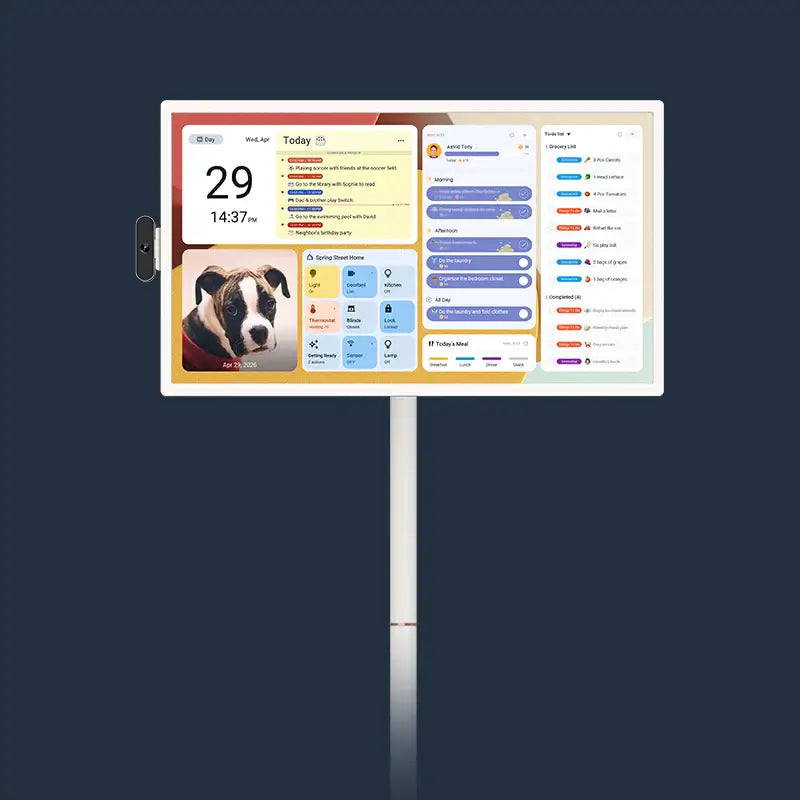
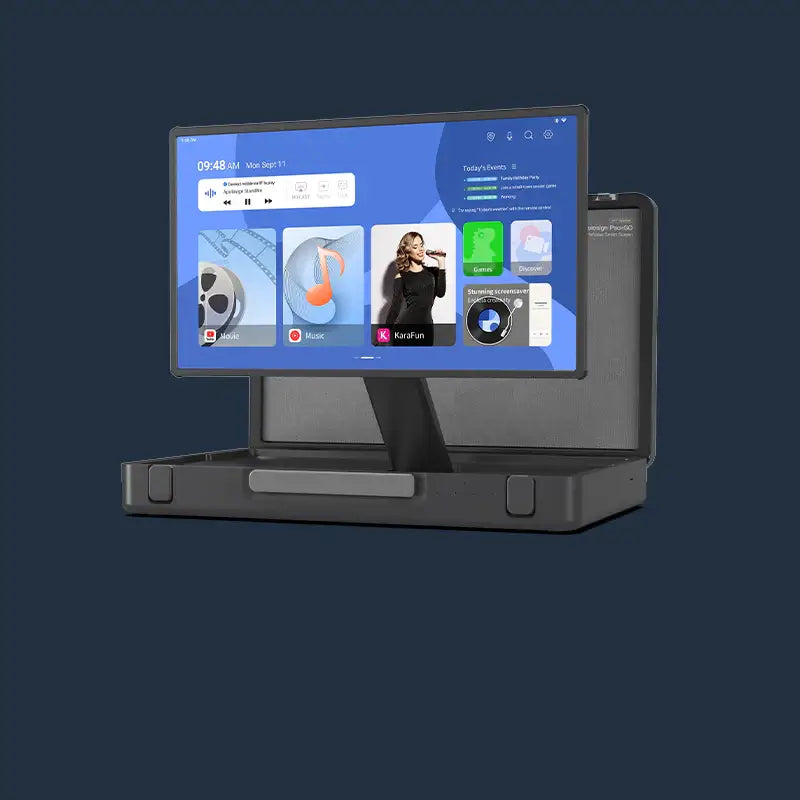
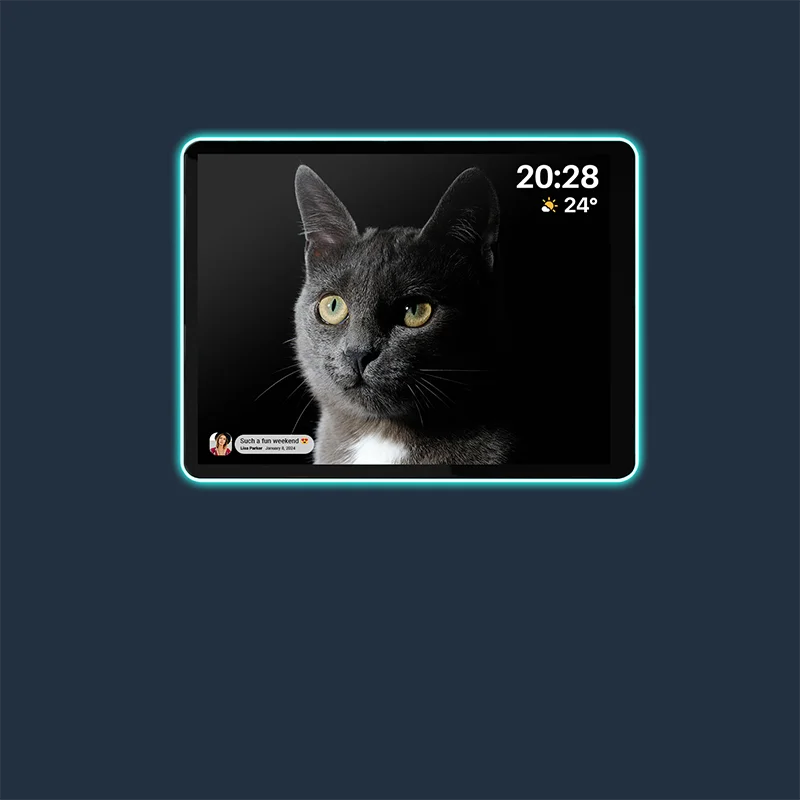


A favorite family photo on your calendar. Your most-used sections right where you want them. A household chore someone can volunteer to complete.
The Apolosign Calendar V2.1.0.27 update brings new ways to personalize your digital family calendar and organize everyday life. From Thanksgiving theme colors and custom banners to flexible Home layouts and shared chores, there is plenty for the whole family to try.

Here is a quick look at what is new:
| Feature | What’s New |
|---|---|
| Themes and banners | Thanksgiving theme colors, three default banners, and custom image uploads |
| Home customization | Show, hide, and reorder Home sections |
| Meal planning | Choose which meal categories to display |
| Shared chores | Let family members claim unassigned routines and earn points |
| Overdue routine points | Enable parent or administrator approval before awarding points |
| To-Dos | Convert tasks to routines, add completion dates, and use new sorting options |
| Calendar view | Display routines alongside calendar events |

Give Your Family Calendar a Fresh Look
Celebrate with Thanksgiving Theme Colors
Between planning dinner, organizing shopping, and making time for family, Thanksgiving brings plenty to put on the calendar.
The new Thanksgiving theme colors add a seasonal touch to the screen where those plans come together—bringing a little holiday spirit to your everyday schedule.
Make It Yours with Custom Banners
The new Banner feature gives your Apolosign Calendar another personal touch.
Choose from three built-in options under Default Banners:
- Cloud Layer
- Daisy Meadow
- Enchanted Forest
Want something more personal? Upload a family portrait, a favorite vacation photo, or another image from your phone.

My Banners can store up to three uploaded images for you to choose from. When you are ready for a change, delete an existing image and upload a new one.
Customize Your Home Screen Around Your Family
“We check our to-dos every day. Can we move them up?”
“We don’t use every section. Can we hide a few?”
With Customize Home, you can adjust how the Calendar, To-Dos, Meals, and Routines sections appear on your Home screen.
You can:
- Show the sections you use to keep everyday information within reach.
- Hide sections you do not need for a simpler view.
- Drag sections to reorder them around your family’s priorities.
How to Customize Home
On your Apolosign Digital Calendar device:
- Open the Apolosign Calendar app.
- Go to Settings.
- Select Section → Customize Home.
- Choose which sections to show or hide.
- Drag the sections to adjust their order.
Whether your family starts the day with schedules, chores, or meal plans, your Home screen can follow the same rhythm.
Show the Meal Plans Your Family Actually Uses
Choose Your Meal Categories
Do you mainly plan dinners? Only add snacks on certain days? Every family uses a meal planner a little differently.
The updated Meal Schedule lets you show or hide these meal categories:
- Breakfast
- Lunch
- Dinner
- Snacks
If your family mainly uses the calendar to answer “What’s for dinner?”, you can display dinner and hide the other categories for a more focused view.
Share Household Chores with More Flexible Routines
Routines receive several updates in this release, giving families more ways to share responsibilities and manage points rewards.
Let Family Members Claim Shared Chores
Some chores belong to everyone: watering plants, clearing the table, or tidying the living room.
You can now create shared chores without assigning them to a specific family member and set a points reward. Family members can claim a task, complete it, and earn the corresponding points.
It is a simple way to give everyone an opportunity to step in and help.
Review Points for Overdue Routines
A task is finished—but later than agreed. Should it still earn points?
The new overdue routine points approval setting gives parents or administrators a chance to decide. When enabled, overdue routines require approval before points are awarded.
To turn it on in the mobile Apolosign app:
- Open the menu in the upper-left corner.
- Select My Family.
- Tap Settings in the upper-right corner.
- Enable approval under Overdue Routine Points.
When an overdue routine is completed, the mobile app will notify you that approval is needed.

Keep Recurring Chore Views More Focused
The update also adjusts how overdue records appear for recurring chores.
After selecting the option to delete only one occurrence, historical overdue entries for that chore will no longer appear in the current cycle, helping keep the current view focused.
Turn To-Dos into Everyday Routines
Convert a One-Time Task into a Routine
Sometimes a one-time task turns out to be something worth doing regularly.
Perhaps you added “Tidy the desk” as a to-do and now want to make it part of a family member’s routine.
Open the task and select Convert to Routine, then assign it to the appropriate family member. This makes it easier to move from a temporary task to an ongoing household responsibility.
Add Completion Dates and Organize Your List
The updated To-Dos feature also supports completion dates and more sorting options.
You can organize tasks by:
- Task name, A–Z
- Creation time
- Completion time
These options give you more ways to review and organize your family’s task list.
See Calendar Events and Routines Together
Bring Daily Plans and Chores into One View
What is happening this afternoon—and which chores still need to be done?
You can now display routines alongside events in Calendar, making it easier to review family plans and household tasks in the same place.

To enable this on your device:
- Open Calendar.
- Tap the filter icon in the upper-right corner.
- Select View.
- Turn on Routines.
Once enabled, items marked with a circle indicate routines waiting to be completed.
Make the Update Part of Your Family’s Day
From adding a family photo to rearranging Home sections or claiming a shared chore, this update brings small changes for you and your family to explore together.
Update to Apolosign Calendar V2.1.0.27, start with the feature you have been wanting to try, and make your calendar feel more like home.
Want a closer look? Our upcoming guides will walk you through the new features, starting with Thanksgiving themes and custom banners.