








4 products

Keep Family Life Running Smoothly with a Digital Calendar.
Why Families Choose Apolosign Digital Calendars
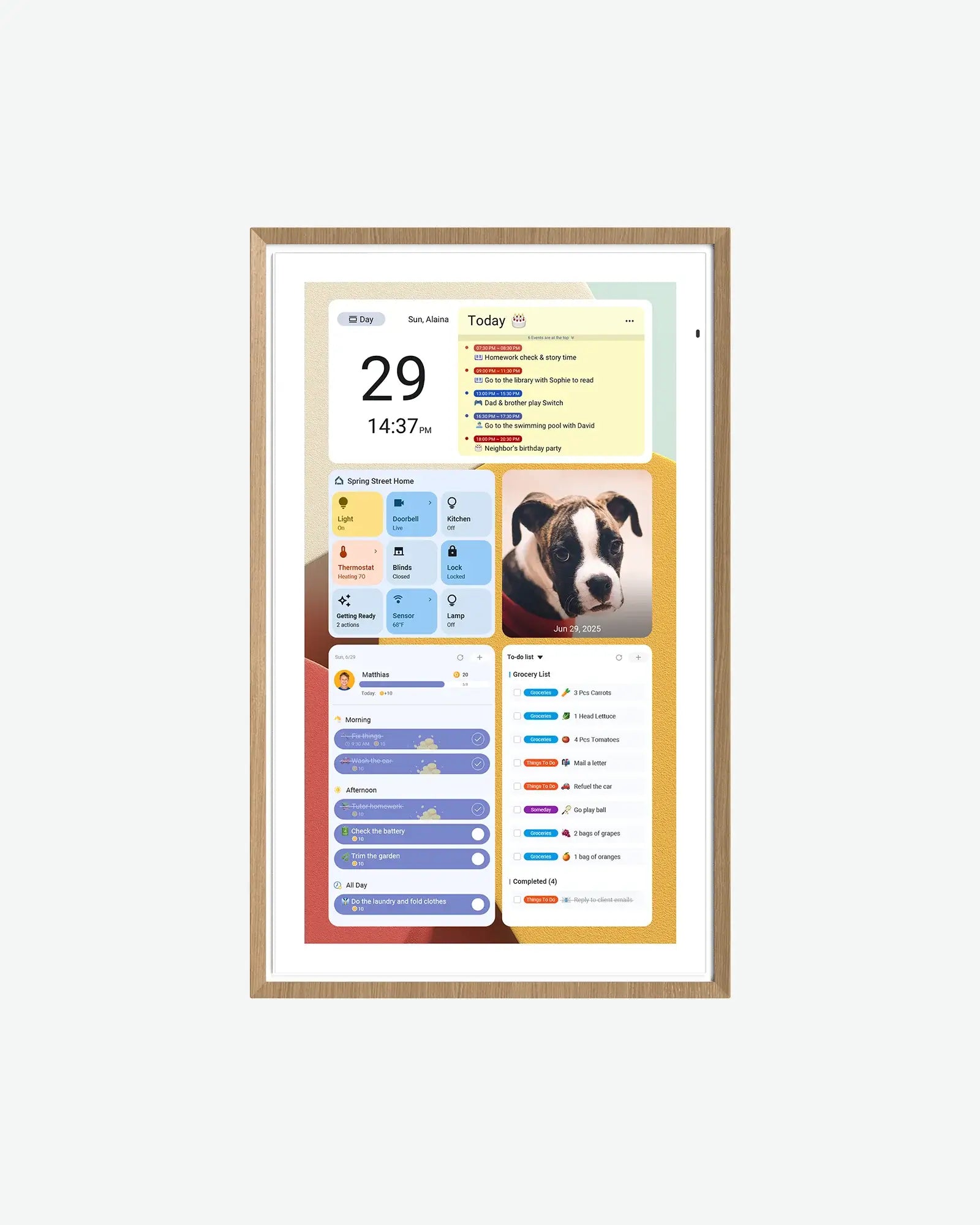
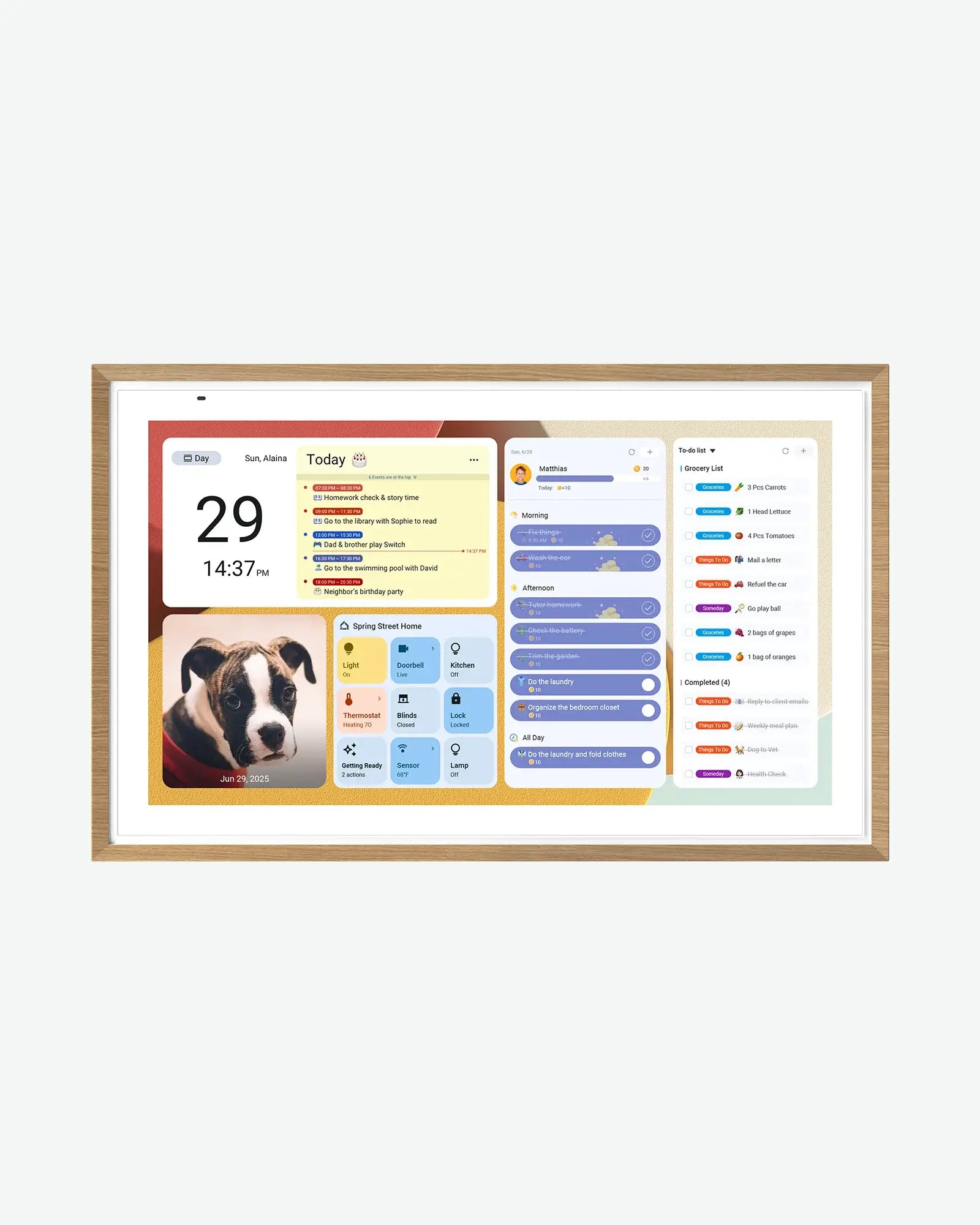
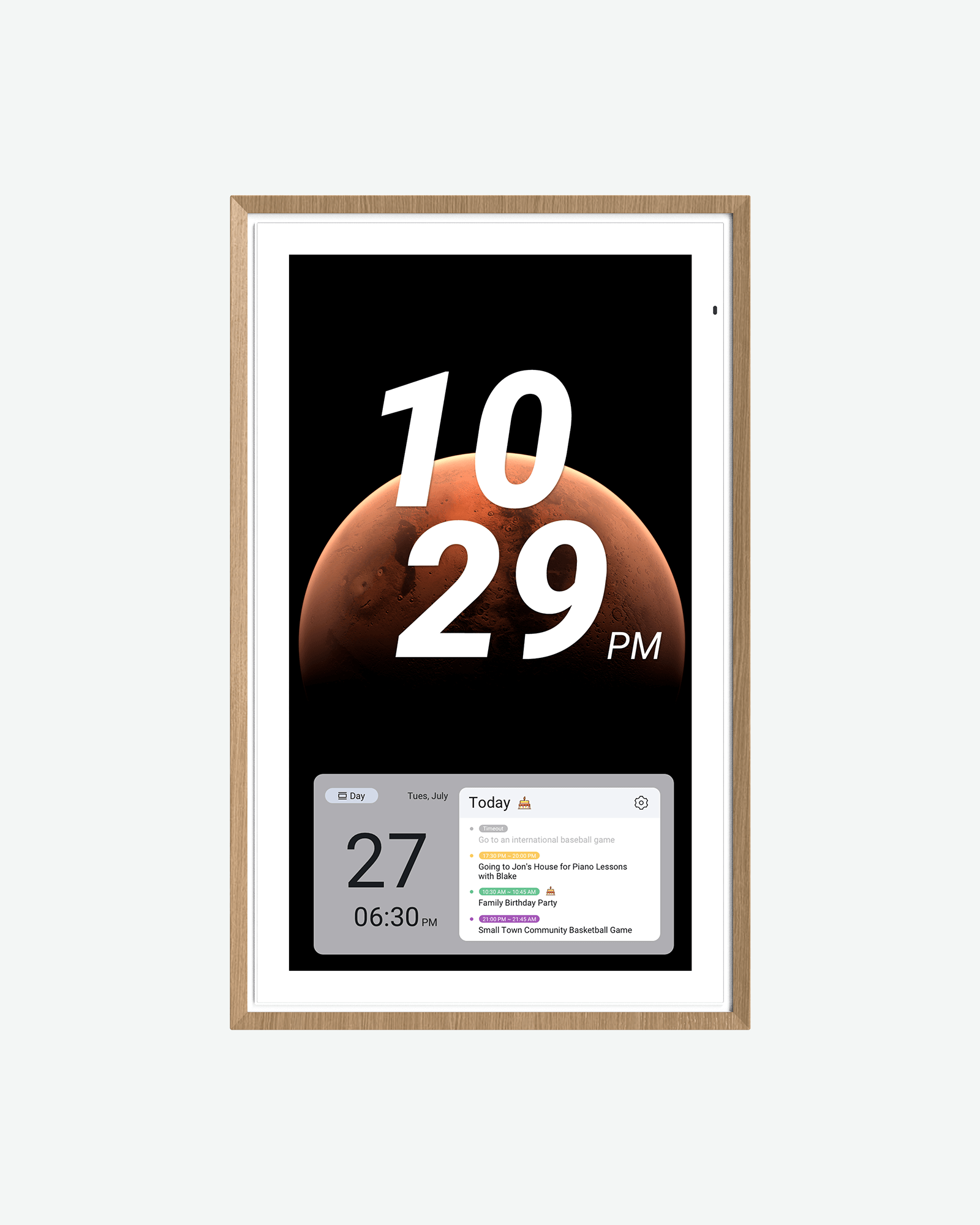
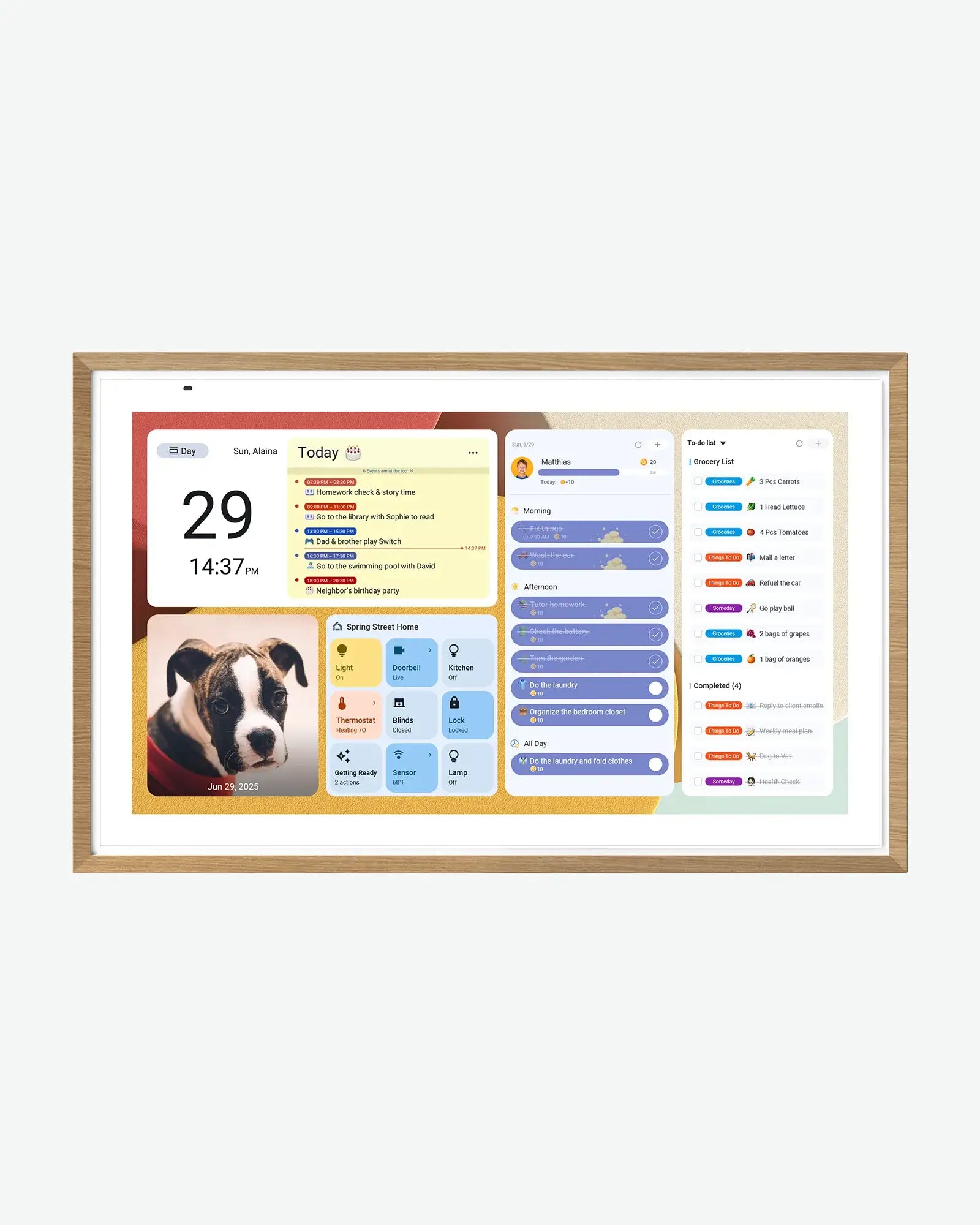
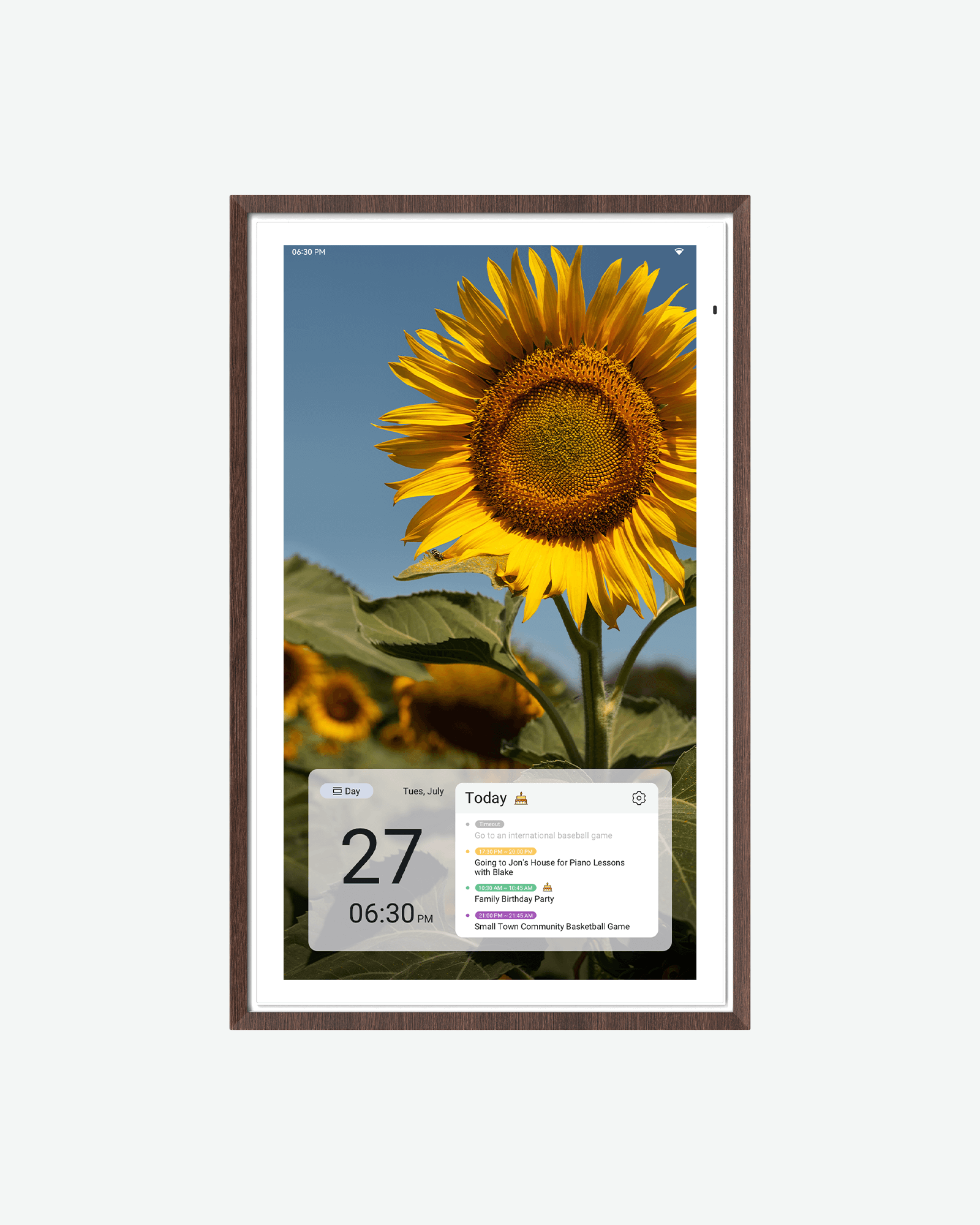
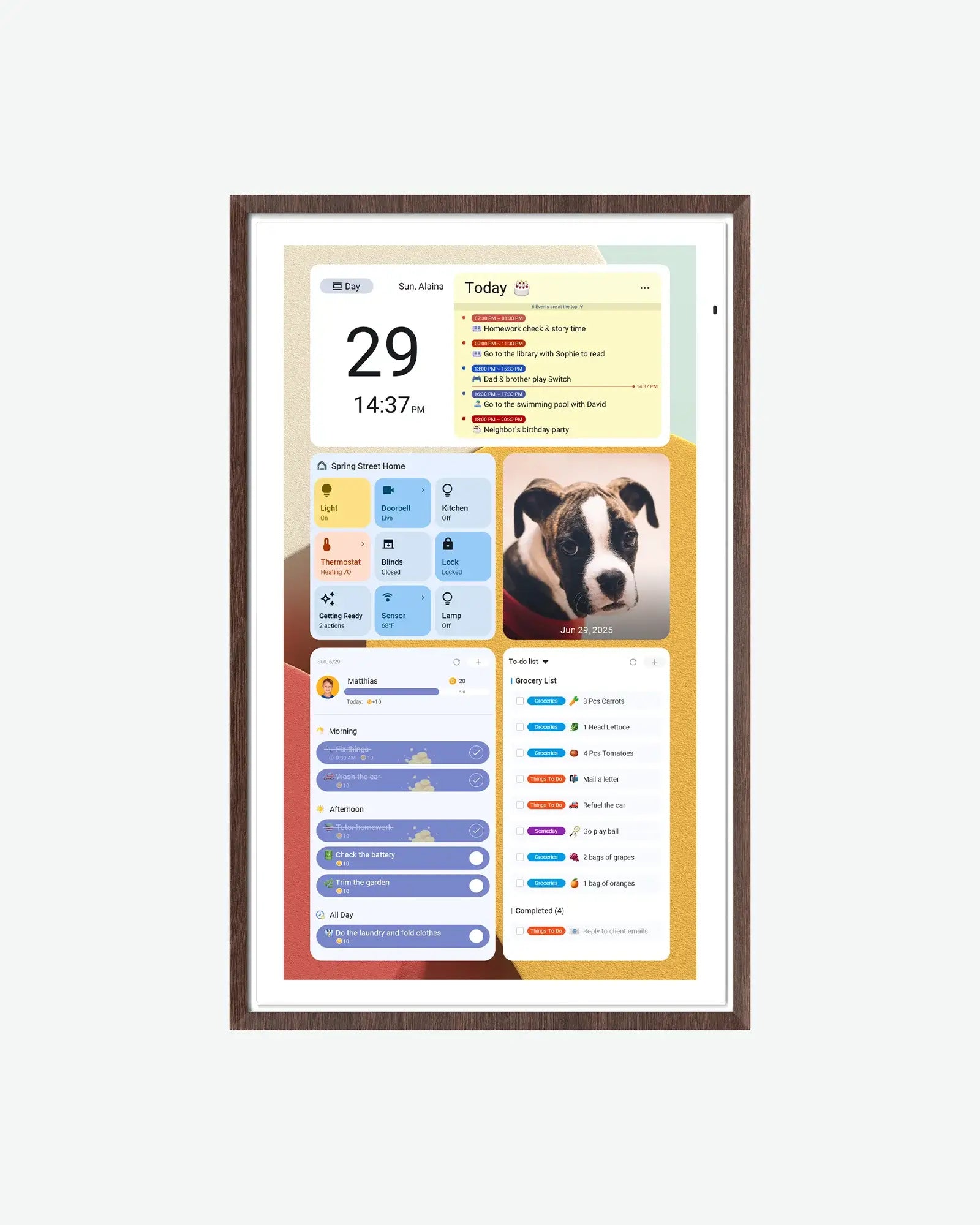
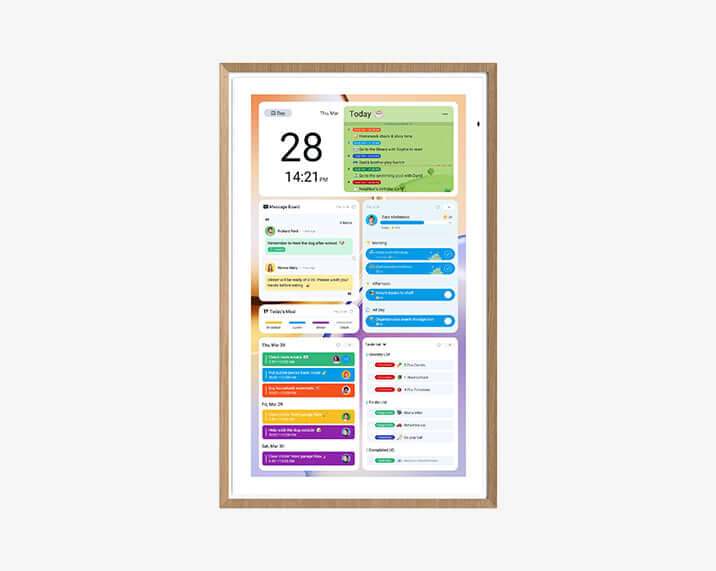
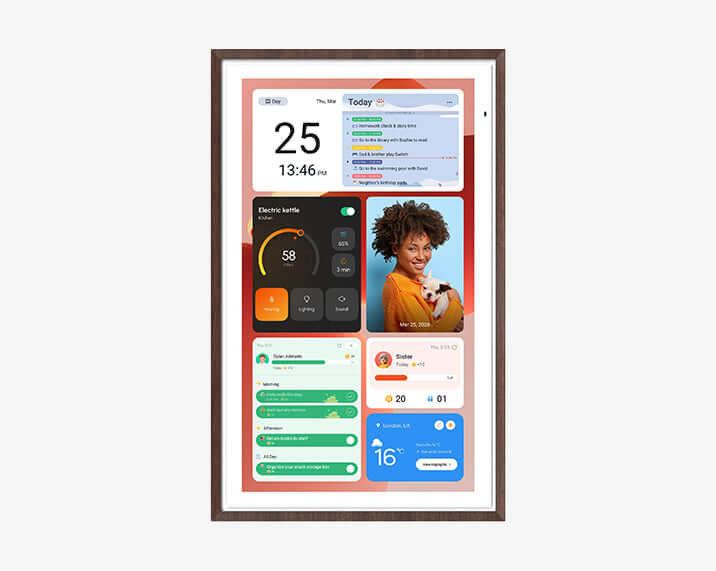
An Apolosign digital calendar features the industry-first Dual-Mode System, seamlessly blending a focused Calendar Mode with a customizable Android Dashboard for a smarter, more flexible lifestyle.
Shared Family Calendar
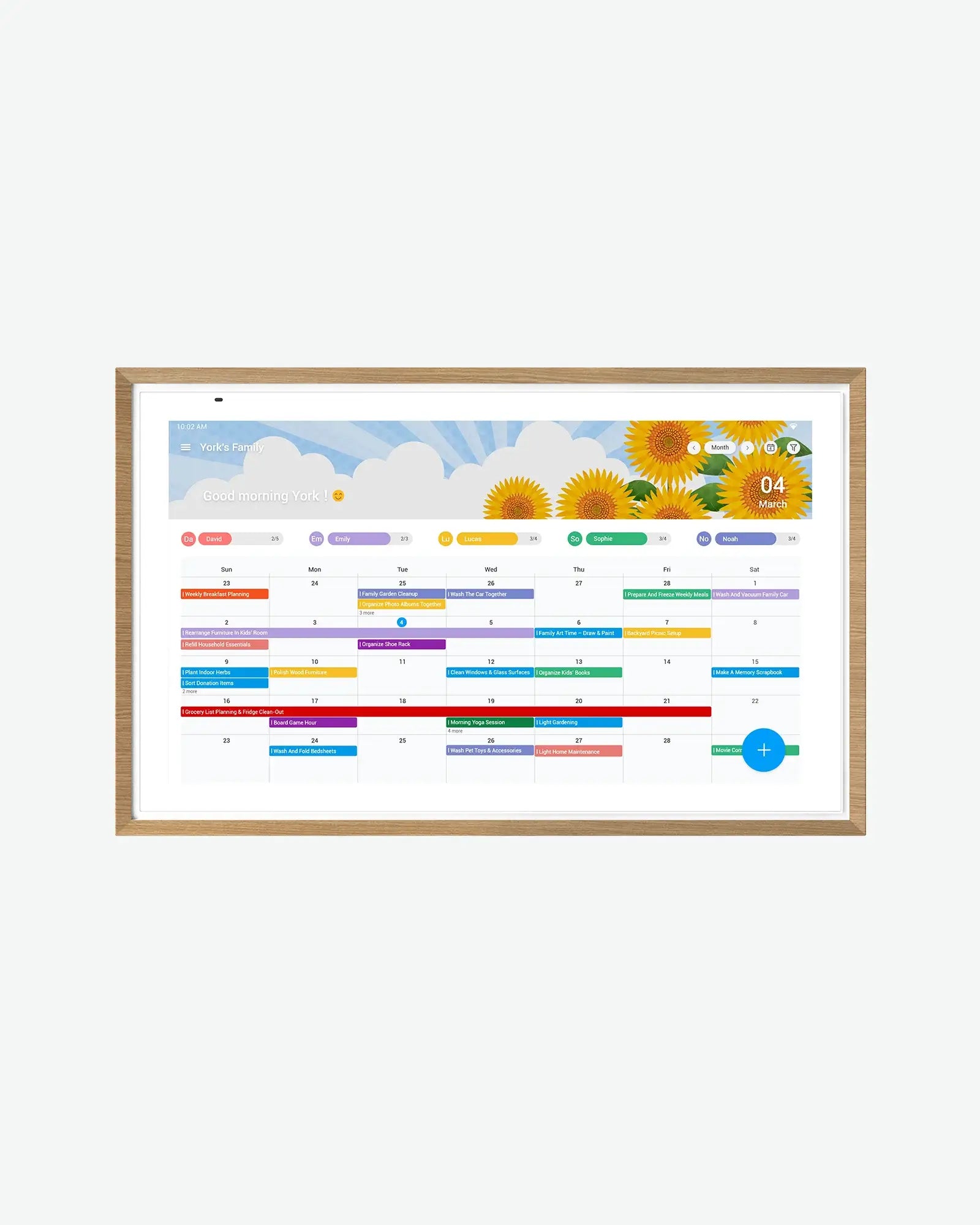
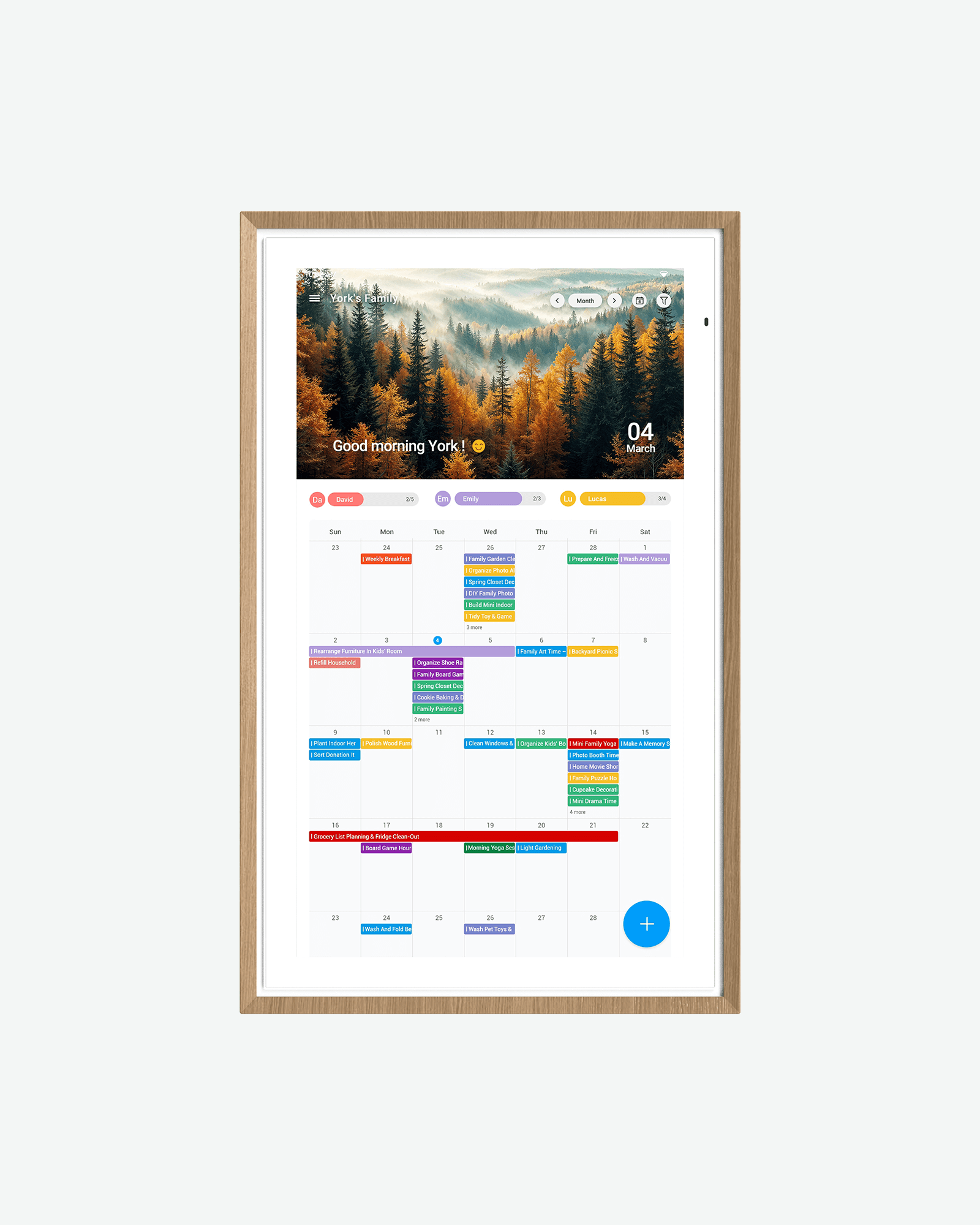
Keep everyone on the same page, effortlessly. Whether it's tracking weekend soccer games on the shared family calendar, coordinating vacations, or leaving a sweet note on the digital message board, this is where your family's life seamlessly comes together.

Kids Routines and Rewards
Turn daily chaos into fun routines. Empower your kids to take charge of their day with visual schedules and an interactive kids chore chart. Celebrate their small wins instantly with built-in rewards - building lifelong independence has never been this simple.

Family To-Do Lists and Meal Planning
Say goodbye to the invisible mental load. From weekly meal planning and grocery runs to managing endless daily chores, keep all your moving parts organized in one beautiful place with our integrated family to-do lists. Nothing gets forgotten.

Custom Smart Home Dashboard
Your home, configured your way. Drag, drop, and customize smart widgets to place what matters most to you—from real-time weather and daily countdowns to smart home controls—all onto one clean, beautiful smart display screen.

Google Play Apps and Digital Wallpapers
It’s not just a calendar; it’s a modern canvas. Transform your screen into a stunning digital art frame with beautiful wallpapers when idle, or stream your favorite music and kitchen recipes via Google Play apps while cooking.

Dual-System Mode
One Calendar, Two Ways to Stay Organized.
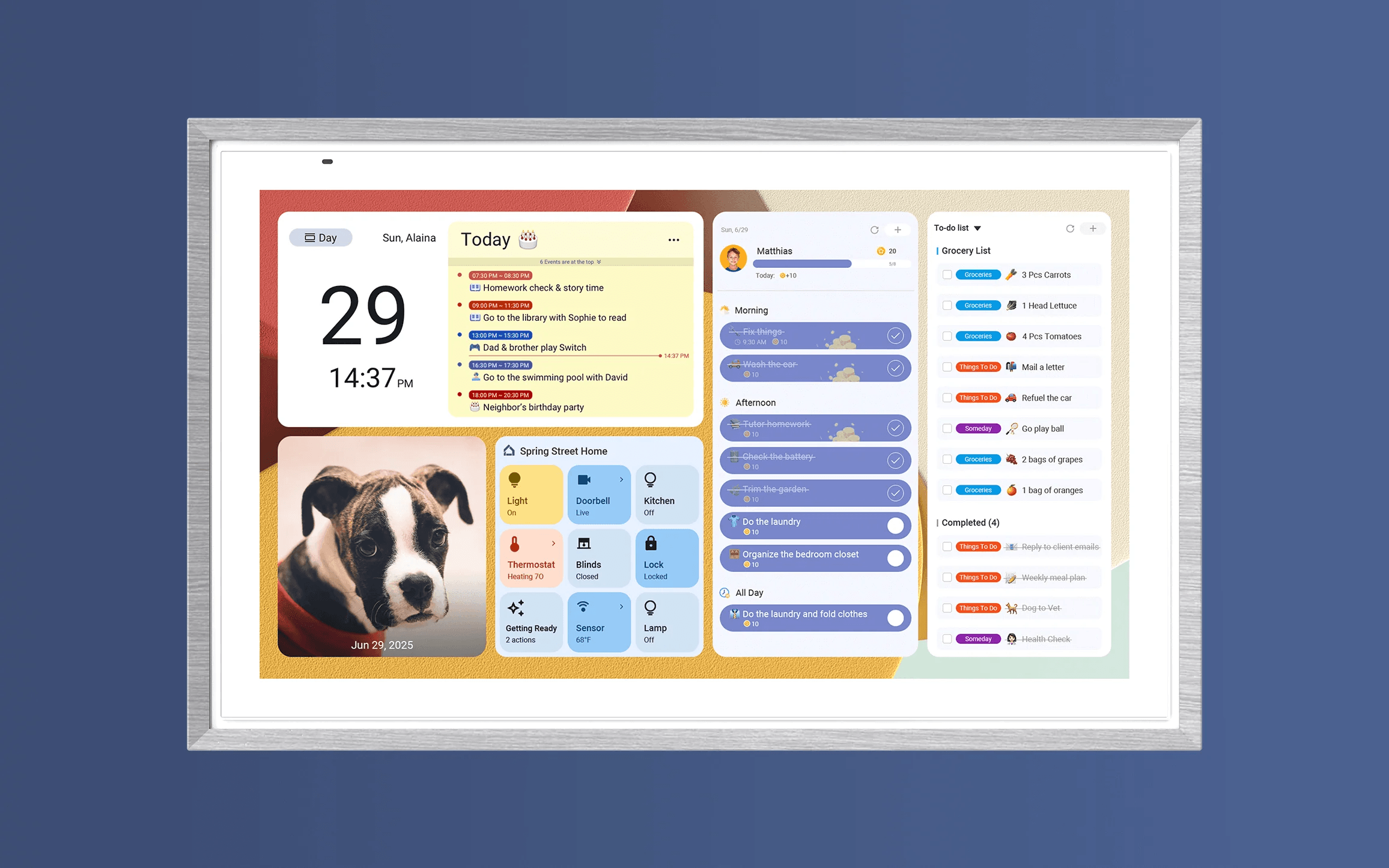
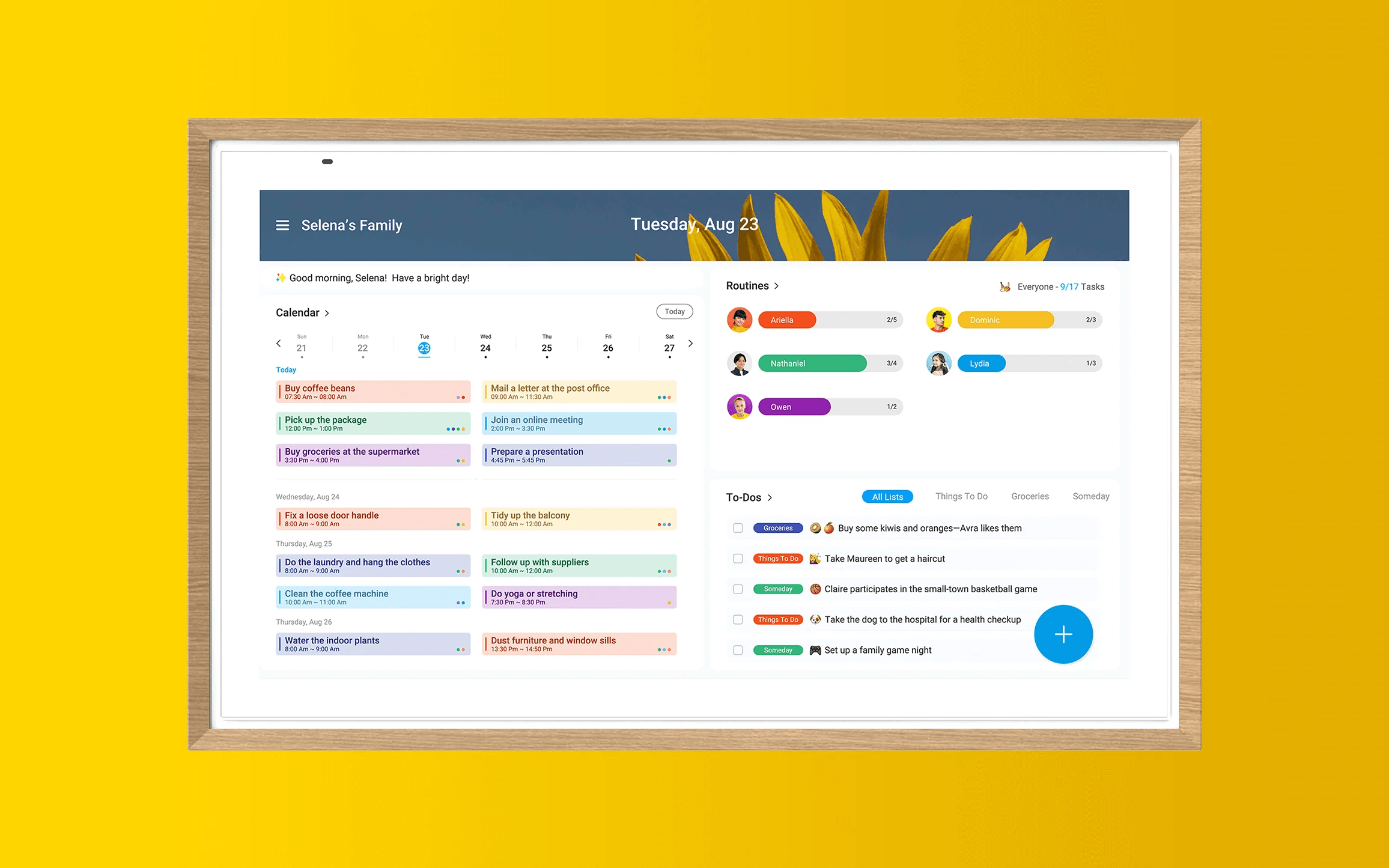
Use Calendar Mode to keep family schedules, routines, chores, and to-dos clear for everyone at home. Switch to Android Mode for a personalized smart dashboard with apps, widgets, weather, photos, recipes, and more. Apolosign adapts to the way your family lives.
Android Mode
Calendar Mode
Choose Your Calendar
Compare Features and Sizes Across Our Digital Calendar Lineup
Colors
Screen Size
Display
Processing
Connectivity
Audio
Others

Rated 4.6/5 by Real Customers
What Families Say About Apolosign Digital Calendars.
Made for Family Life.


FAQs
Frequently Asked Questions About Digital Calendars
What Is a Digital Calendar?
A digital calendar is an electronic tool used to schedule, track, and manage events. Designed for the pace of modern life, the Apolosign digital calendar serves as a centralized hub for busy families, replacing scattered notes with a single source of truth to bring calm and order back to your home.
Can I sync my Google Calendar and Apple Calendar?
Yes. Apolosign supports two‑way sync for both Google Calendar and iCloud (Apple) Calendar. Events created in Google Calendar will show up in Apolosign, and vice versa.Likewise, events added in iCloud / Apple Calendar will sync to Apolosign, and vice versa.
What is the best digital calendar size for a kitchen?
For kitchens used by 2‑3 people, a 21.5‑inch digital calendar works best. It fits nicely in kitchens or small living areas and is easy to read at typical kitchen‑viewing distances. If you have a larger household or need to see the screen from further away, opt for a 27‑inch display (27" 4K recommended).
Does the Apolosign digital calendar require a monthly subscription?
No, Apolosign does not require any monthly subscription for its core features. All essential tools—including the family calendar, chore charts, rewards system, to-do lists, and photo screensaver—are free for lifetime use. We only offer advanced AI features as an optional subscription service.
Can I manage and sync the family calendar via a mobile app?
Yes, you can fully manage and sync your calendar using the free Apolosign App. Available for both iOS and Android, the mobile app allows you to update family schedules, assign chores, track to-dos, and send rewards anytime, anywhere, keeping your smart home display perfectly synced in real-time.
Does Apolosign support Apple iCloud Calendar syncing for iPhone and Mac?
Yes, Apolosign is fully compatible with the Apple ecosystem. You can easily sync and display your iCloud calendar on the screen by importing it as a "shared calendar." Additionally, our dedicated app is available in the Apple App Store to help you manage chores, routines, and to-dos seamlessly from your iPhone or iPad.
Can the Apolosign Calendar Serve as a Smart Home Hub?
Yes, the Apolosign Calendar serves as a convenient central hub for your smart home, allowing you to seamlessly manage and control compatible devices through a single interface that integrates scheduling with home automation for hands-free convenience.
