

Managing a busy household feels like herding cats. You have soccer practice, dentist appointments, and grocery runs all happening simultaneously. A digital calendar solves that chaos. Today we compare two giants, Skylight and Apolosign, to see which family calendar fits your home best. We will break down every detail to help you decide.

At a Glance: Apolosign vs. Skylight Calendar
| Feature | Skylight Calendar Max (27") | Apolosign 27" (Standard) | Apolosign 27" (4K Model) |
| Price | $599.99 | $599.00 | $759.00 |
| Resolution | 2560 x 1440 (QHD) | 1920 x 1080 (FHD) | 3840 x 2160 (4K UHD) |
| Operating System | Proprietary (Closed System) | Android (EDLA Licensed) | Android (EDLA Licensed) |
| Storage | 32GB | 64GB | 64GB |
| RAM | Not Listed | 4GB | 4GB |
| Touch Screen | HD Touchscreen | 10-Point Touch | 10-Point Touch |
| Anti-Glare | Standard Glass | Matte Finish | Matte Finish |
| Smart Home | None | Google Home Integration | Google Home Integration |
| Voice Control | None | Google Assistant | Google Assistant |
| Monthly Fee | Optional $79/year (Required for full features) | None (Core features are free) | None (Core features are free) |
When you look at the raw numbers, the differences become clear immediately. The Skylight Calendar Max offers a 27-inch screen with a resolution of 2560x1440. It focuses on simplicity. The device runs on a proprietary operating system designed specifically for calendar management. It comes with 32GB of storage and dual 4-watt speakers. You must mount it on the wall because it does not have a stand.
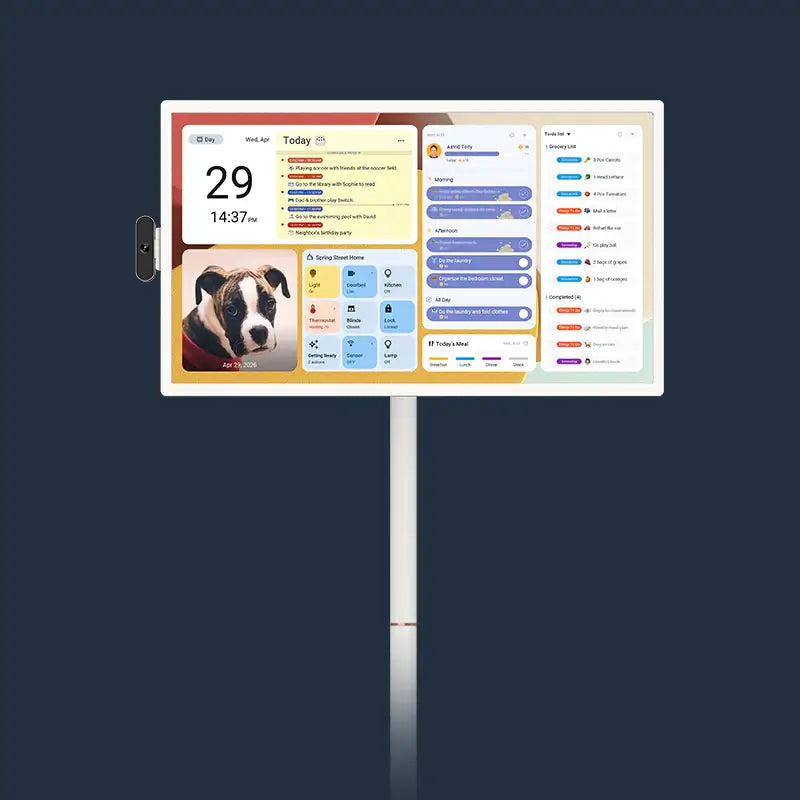
The Apolosign 27" offers more hardware variety. You can choose a standard 1080p model or upgrade to the 4K Ultra-HD version. The 4K model provides a stunning visual experience. Inside, it packs a powerful octa-core processor and runs on a fully licensed Android system. It matches the 32GB storage of the Skylight but includes 4GB of RAM for smooth operation. Note: Current ApoloSign models typically offer higher specifications, such as 64GB of storage and 8GB of RAM, providing even better performance. It also features superior connectivity with Wi-Fi 6 and Bluetooth 5.4. While Skylight is a dedicated organizer, Apolosign is a powerful computer disguised as a digital wall calendar.
Design & Display: Why Screen Size & Anti-Glare Matter
The kitchen or living room usually houses these devices. Therefore, how they look matters immensely. Both units feature a massive 27-inch diagonal display. That size allows you to read the schedule from across the room without squinting.
Skylight uses a high-definition touchscreen. The 2560x1440 resolution creates crisp text and images. It looks beautiful on the wall. You can hang it in landscape or portrait mode. The design mimics a traditional picture frame. It blends into your home decor effortlessly.
Apolosign takes the display quality a step further with its 4K option. The anti-glare matte finish stands out as a crucial feature. Kitchens often have bright lights or big windows. Glare can ruin visibility. The matte finish on the Apolosign reduces reflections significantly. It helps you read the screen clearly even under direct sunlight. Furthermore, the 10-point touch screen feels responsive. It functions like a giant tablet. You also get auto-rotation support. The screen adjusts itself whether you mount it vertically or horizontally. Understanding the benefits of anti-glare technology can help you choose the right screen for your environment.
Core Functionality: Calendar Sync & Family Organization
The primary job of a digital family calendar involves getting everyone on the same page. Both devices handle synchronization well.
Skylight calls itself the "hub of the home" for a reason. It syncs with Google Calendar, Apple Calendar, Outlook, Yahoo, and Cozi. When you update an event on your phone, the change appears on the wall instantly. The system assigns a unique color to each family member. You can see at a glance that the blue blocks belong to Mom and the red blocks belong to Dad. It simplifies the mental load parents carry every day.
Apolosign offers similar syncing capabilities but with more flexibility. Since it runs on Android, it supports Google Calendar natively. It also syncs with Outlook and Apple Calendar easily. The Dual Mode interface creates a unique advantage. You can switch to "Calendar Mode" for a focused view of the schedule. This mode removes distractions and looks just like a traditional planner. If you need more detail, you can switch views to see the full month or just the daily agenda. Both systems succeed in replacing the messy paper calendar on the fridge.

The "Chore Chart" Battle: Free vs. Paid Rewards
Getting kids to do their chores often requires a miracle. Both devices try to help with gamification. However, their pricing models differ significantly.
Skylight includes a Task Manager for free. You can create checklists for daily routines. Kids can tap the screen to check off "Brush Teeth" or "Feed the Dog." It promotes independence. However, the motivation system sits behind a paywall. If you want the "Rewards" feature where kids earn stars for completing tasks, you must subscribe to Skylight Plus. That subscription costs $79 per year.
Apolosign takes a more generous approach. The core features come free for a lifetime. That includes the routine task tracker, points system, and rewards. You do not pay extra to motivate your children. You can set up a system where 50 points earns a pizza night. The device tracks it automatically. The interface turns boring chores into a fun game. Parents can assign tasks and color-code them through the mobile app or directly on the screen. For families who want full functionality without monthly fees, Apolosign offers a compelling value proposition.

Beyond the Calendar: Android Apps & Entertainment
Here lies the biggest divide between the two products. Skylight is a dedicated appliance. Apolosign is a smart platform.
Skylight restricts what you can do. The software updates download automatically, but you cannot install outside apps. It focuses strictly on organization. The "Plus" subscription unlocks a meal planner feature. You can design breakfast, lunch, and dinner plans. It is useful, but it remains a closed ecosystem.
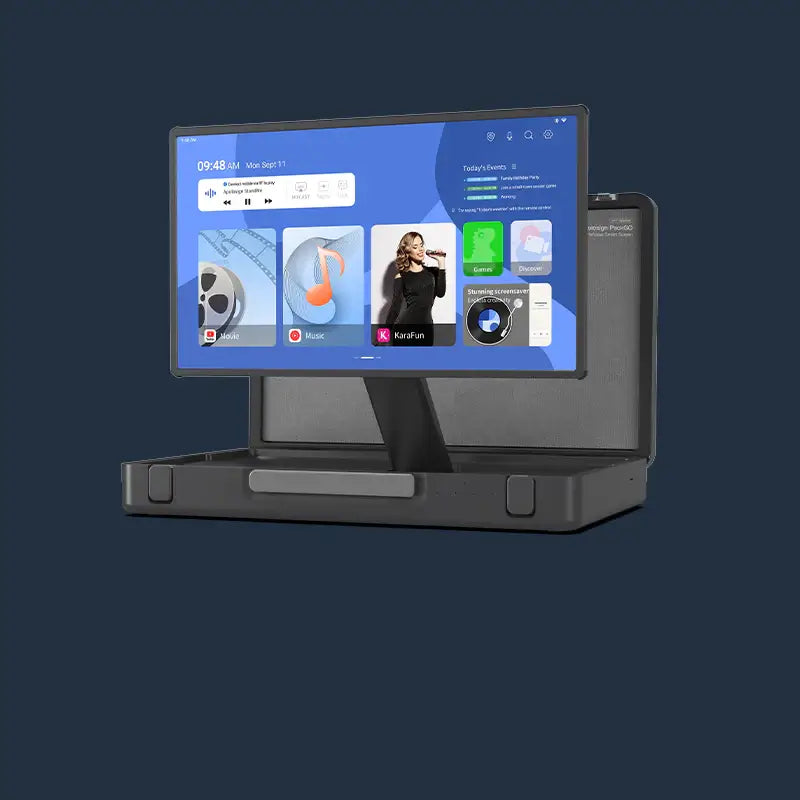
Apolosign opens the door to the entire Android world. It is Google EDLA licensed. That means you have official access to the Google Play Store. You can download almost any app you want. Imagine cooking dinner while watching a tutorial on YouTube right on your digital calendar. You can stream music via Spotify while cleaning the kitchen. You can even watch Netflix episodes while waiting for the oven to preheat.
The "Custom Mode" on Apolosign lets you add widgets. You can place a weather widget next to a stock market ticker and a recipe app. It transforms the device from a simple calendar into a command center. You can check emails, browse the web, or read news. Skylight cannot do any of those things.

Smart Home & Voice Control: The "Hey Google" Advantage
Modern homes contain many smart devices. A central hub can control them all.
Skylight relies on touch. You must tap the screen or use the mobile app to make changes. It lacks a microphone for voice commands in its standard description. It operates as a passive display of information.
Apolosign integrates deeply with Google Home. It features quad microphones and Google Assistant. You can shout from the living room, "Hey Google, add milk to the grocery list." The device listens and updates your list immediately. You can control other smart devices too. If someone rings your video doorbell, the feed can appear on the Apolosign screen. You can view security cameras or adjust the thermostat using voice commands.
The voice control adds a layer of convenience that busy parents appreciate. When your hands are covered in flour or you are holding a baby, voice commands become a lifesaver. The integration is seamless because of the native Android operating system.

The Subscription Reality Check: Calculating the 3-Year Cost
Price is always a major factor. You must look beyond the sticker price to understand the true cost of ownership.
Let us analyze the Skylight first. The 27-inch model costs around $599.99. However, many of its best features require the "Plus" subscription. Meal planning, the photo screensaver, and the "Magic Import" feature (where you forward emails to the calendar) are locked behind that $79 annual fee. Over three years, you will pay the initial $600 plus nearly $240 in subscription fees. The total comes to roughly $840. Without the subscription, the device loses significant functionality.
Apolosign might have a higher upfront cost if you choose the 4K model at $759. The 1080p model costs $599. The crucial difference is the lack of mandatory fees. The photo screensaver feature is free. The chore rewards system is free. You can use Google Photos as a screensaver without paying a cent. You can plan meals using free Android apps. Over a three-year period, the Apolosign 4K model costs $759 total. The Skylight with full features costs around $840. The Apolosign 1080p model costs just $599 total. The mathematics favor Apolosign for long-term value. You pay once and own the features forever. Skylight requires ongoing payments to keep the device fully functional.
Final Verdict: Which One Matches Your Parenting Style?
Choosing between these two depends on what you value most.
Pick the Skylight if you want simplicity above all else. It works best for families who want a distraction-free digital family calendar. The interface is rigid but very easy to use. It creates a beautiful, dedicated space for your schedule.
Choose the Apolosign if you want power and value. It offers better hardware with its 4K screen and anti-glare finish. The Android system gives you limitless flexibility with apps. The lack of subscription fees saves money over time. It serves as a true smart home hub rather than just a calendar. This flexibility extends across our entire product line, including our popular portable touch TVs.
FAQs
Q1. Do I need a subscription to use the Skylight Calendar or Apolosign?
Skylight functions without a subscription, but you lose key features like Magic Import, Meal Planning, and the Photo Screensaver. Those require the $79/year Plus plan. Apolosign offers all core features, including photo screensavers and chore rewards, for free forever.
Q2. Can I install third-party apps like Spotify, YouTube, or Cozi on these calendars?
Skylight does not allow third-party app installations. It is a closed system. Apolosign runs on Android and allows you to install Spotify, YouTube, Cozi, and thousands of other apps from the Google Play Store.
Q3. Does the digital calendar work with Google Home or Alexa?
Apolosign features built-in Google Assistant. You can use voice commands and control smart home devices like doorbells and cameras. Skylight does not offer native smart home integration or voice control in the same way.
Q4. Is the Chore Chart feature free?
Skylight lets you list chores for free, but the "Rewards" system (gamification) requires a paid subscription. Apolosign includes the full chore tracker, points system, and rewards feature for free.
Q5. Can I use it as a digital photo frame when not looking at the calendar?
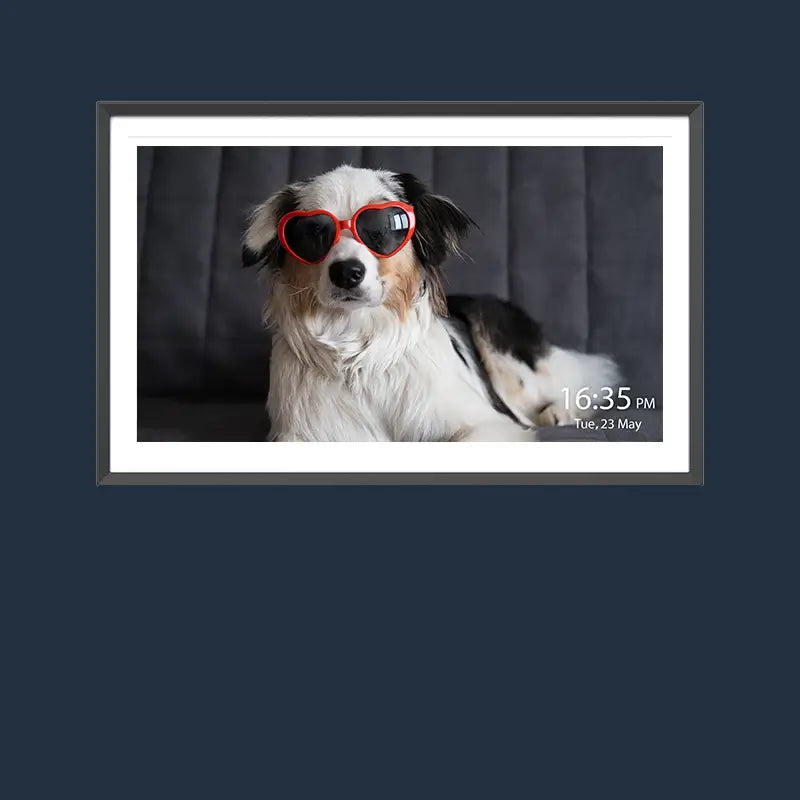
Yes, both devices function as photo frames. However, Skylight requires the paid Plus subscription to enable the Photo Screensaver feature. Apolosign allows you to use Google Photos as a screensaver completely free of charge.