


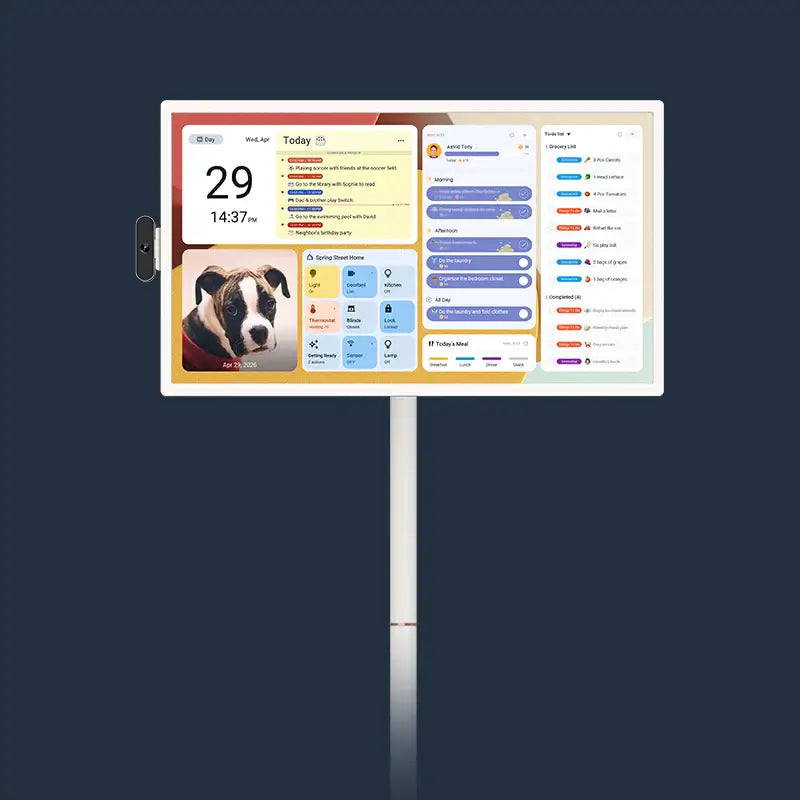


A shared calendar for grandparents and kids living together should show the commitments and handoffs that someone else in the house needs to know about or act on. Think school pickups, rides to appointments, and childcare swaps. Use plain labels everyone understands, and keep personal details and unrelated calendar feeds out of the common view.
Two more decisions make it work. Agree on who keeps the calendar current and how changes reach the people they affect. Then decide whether phones are enough or whether the same calendar should also be visible in a common room.
What belongs in the shared family calendar?
Use one simple test: would another person in the house need to know or do something because of this event? If yes, it goes on the shared calendar. If not, it can stay on the owner's personal calendar.

That test keeps a multigenerational family calendar focused on real household tasks. Grandma picking up a grandchild from school passes the test. So do Dad driving Grandpa to a doctor's visit, a teen needing a ride home from practice, or a handoff when one adult leaves for work and another takes over childcare. A grandparent's book club usually doesn't, unless someone else needs to cover dinner or the car that evening.

Write each entry so a seven-year-old and a seventy-year-old can both read it at a glance. Name the task and the responsible person, like "School pickup – Grandma" or "Ride to appointment – Dad." Add the time, meeting place, or other detail only when it helps someone carry out the handoff. "Practice pickup – Mom, side gate" is clearer than a coach's full message pasted into the description.
Privacy follows the same rule. Leave out private appointment reasons, personal notes, work meeting titles, and feeds like sports schedules or work calendars that nobody else acts on. Include a personal detail only when the shared task needs it.
Your app settings matter here too. Google Calendar's sharing options include a free/busy setting that hides event names and details, and an event-details setting that shows names, times, places, and descriptions. If you share a personal Google calendar into the family view with full details, everything on it becomes visible. Free/busy, or a separate household-only calendar, keeps the common view to what people need.
Who keeps the shared calendar current?
Name one person as the maintainer, the one who checks each week that shared entries are still right. That person doesn't have to enter everything. The person responsible for a pickup or ride should pass along changes promptly, and the maintainer makes sure the shared view reflects them.
Next, agree on who can view and who can edit. In many homes, everyone can see the calendar, while one or two coordinators make changes and others send them additions or corrections. Make this a household agreement first, since calendar apps handle access differently. In Google's case, Google Calendar's view and edit permissions are separate levels, so you can let someone see event details without letting them make changes.
The most important habit is closing the loop on changes. An edited entry alone doesn't mean the affected person saw it. When a change moves someone else's pickup, ride, or handoff, tell that person directly by text, call, or in person, and ask them to reply "got it." Then the change is settled.
Phone calendars or a display in a common room?
Phones are enough when the people responsible for shared pickups and handoffs reliably notice updates. If both parents and an active grandparent check the same phone calendar every day and nothing slips, adding a screen doesn't solve a real problem. Start there.
The picture changes when updates keep getting missed. Say Grandpa doesn't look at his phone calendar much, and twice this month he didn't know pickup had moved to 3:30. Or the kids keep asking who's driving them today because the schedule lives only on adults' phones. In those homes, the issue is visibility, not the calendar itself. A screen in a room everyone walks through, like the kitchen, puts today's handoffs where people already glance.
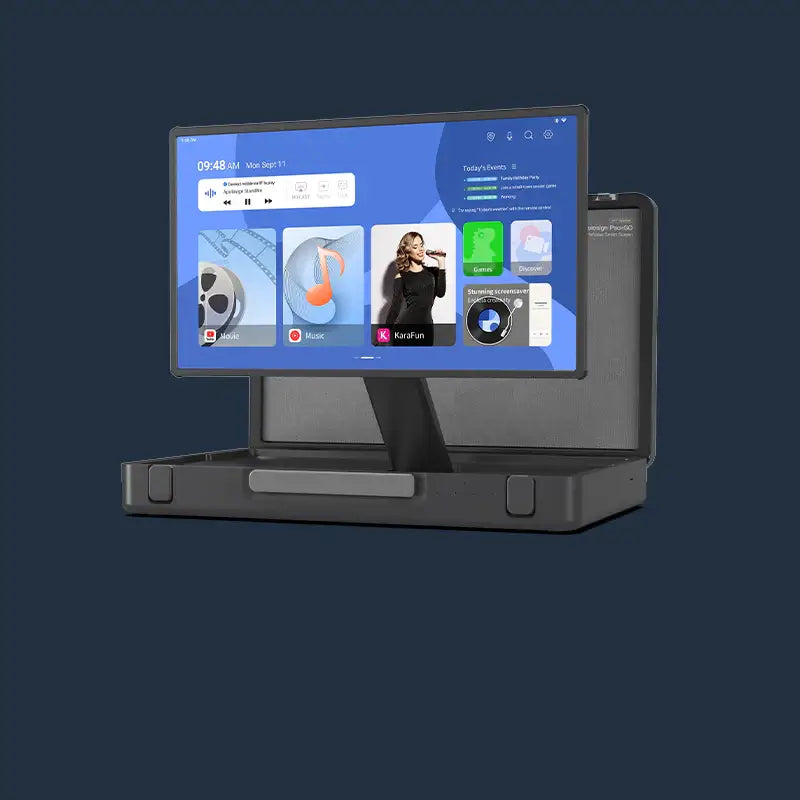
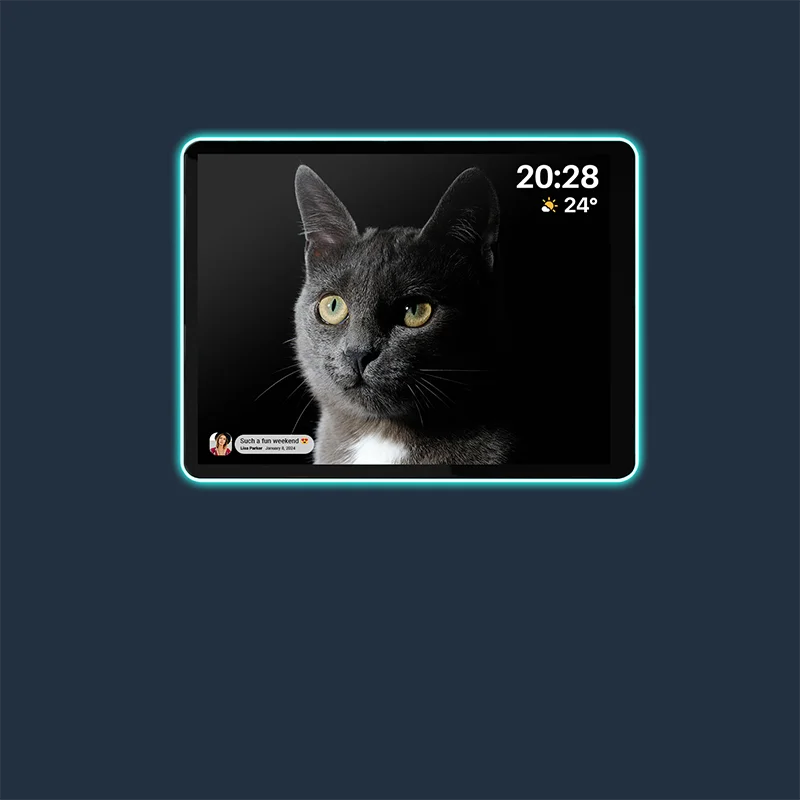
A wall display isn't a second calendar to maintain. It's a local view of the same shared calendar, so the maintainer still updates one place and the change shows on phones and on the wall. For one example, a sponsored review's kitchen setup describes the reviewer's Apolosign 21.5-inch Digital Calendar hanging in the kitchen and syncing everyone's schedules. That's one household's arrangement, so judge it against your own routine: does your family actually pass and look at that spot before leaving the house?
If you are deciding whether a screen helps younger kids stay on track, our phone-versus-wall calendar guide compares the two approaches for everyday family routines.
Make one upcoming handoff your test
Pick the next real pickup or handoff and use it as your check. Can each affected person find who is responsible, the time, and any needed meeting detail where they normally look? Did a last-minute change reach them, and did they reply?
If yes, your phone setup is working, and you don't need more. If someone keeps missing it because they rarely open their phone calendar, that's the household that benefits from a common-room view of the same calendar. In that case, you can compare our Apolosign digital calendars, including the 21.5-inch wall calendar, against the spot where your family gathers.
FAQs
Should each person still keep their own calendar?
Yes, that usually works well. Personal calendars hold private appointments, work meetings, and social plans. The shared calendar holds only household tasks. Copy an event over only when it creates a pickup, ride, or handoff for someone else.
What if a grandparent doesn't use a smartphone?
Don't build the system around an app they won't open. Tell them about their own handoffs directly, and consider whether a visible schedule in a shared room fits their routine better. Get a direct "got it" for any change that affects them.
How often should the household revisit the setup?
Revisit it when responsibilities shift, such as a new school year, a new job schedule, or a grandparent taking on or dropping regular pickups. Those changes can alter who maintains the calendar, who edits it, and which events belong in the shared view.
Can kids add events to the shared calendar?
That's a household call. Many families let older kids send requests to a coordinator instead of editing directly. That keeps the shared view accurate while still teaching kids to plan ahead for rides and activities.