




Put each school half-day on your shared family calendar as one dated exception. It should show three things: the day, the dismissal time from your school's notice, and the name of the adult picking up. Leave the regular school timetable off the calendar so the change is what stands out.
Next, decide who keeps that entry up to date and how the pickup adults let each other know they've seen a change. Then you can tell whether phones are enough or a shared screen at home would help.
The Half-Day Entry: Make the Exception Explicit
A good family half-day calendar entry fits on one line, such as: "Nov. 6: Conference half-day; dismissal [time from school notice]; pickup: Jordan." Simply swap in your child's date, the school's label for the day, the exact dismissal time, and the name of the adult on duty.
Keep the date and the reason together so nobody confuses it with a normal school day. Put the dismissal time and the pickup name in that same entry, too. That way, someone glancing at the calendar doesn't have to open a second event or dig through a school email to learn who is going and when.
Always take the clock time from your own school's notice, not from a general district schedule. For example, NYC Public Schools' 2025–26 calendar lists Nov. 6 as a parent-teacher conference day when elementary students were dismissed three hours early. That tells families how much earlier dismissal is, not what time the bell rings at each school. The same calendar also tells families at charter, private, and some other schools to contact their child's school for its calendar. Your school's notice gives you the time that belongs in the entry.
When Everyone Checks the Shared Calendar
Picture a household where both pickup adults already open the shared calendar on their phones every day. For them, a phone calendar is usually enough. What matters most is clear ownership.
Choose one adult to add each school notice and set the pickup name. That person's job settles a quiet but costly question: who was supposed to add it? If nobody owns it, each adult may assume the other one did. Our guide on why family calendars stop working covers how unclear ownership and stale events wear down a calendar habit.
Then match access to each person's role. Anyone who picks up needs to see the full event details. Only the people who should change the plan need edit rights. In Google Calendar, you can share with specific people or groups and pick an access level. Google Calendar's sharing permissions range from seeing only free/busy, to seeing event details, to making changes and managing sharing. Apple users can share an iPhone calendar with family in a similar way.
A calendar edit doesn't prove anyone saw it. When a pickup plan changes on the same day, have the affected adult reply through your family's usual direct channel, like a text or a call. Think of this as a house rule, not a school requirement. Your school may have its own process for dismissal changes, and that process still applies.
When Missed Phone Updates Call for a Home View
Now picture a household where one caregiver rarely opens calendar apps or adults split pickups across two homes. In this situation, an always-on screen at home adds a helpful local view without replacing the shared online calendar.
A wall display works as a local window into the same online calendar. It helps the people who walk past it, like a grandparent who stops by after school or a teen who wants to know who's coming. It does nothing for a caregiver across town. That person still needs online access on their phone, and the same-day reply habit stays in place. For co-parents, our article on keeping routines consistent across two houses covers a clear rule for schedule changes.
A display is worth considering when three things are true. Phone updates often get missed. People in the home would actually look at a shared screen. Your family already uses a calendar service the display can sync with.

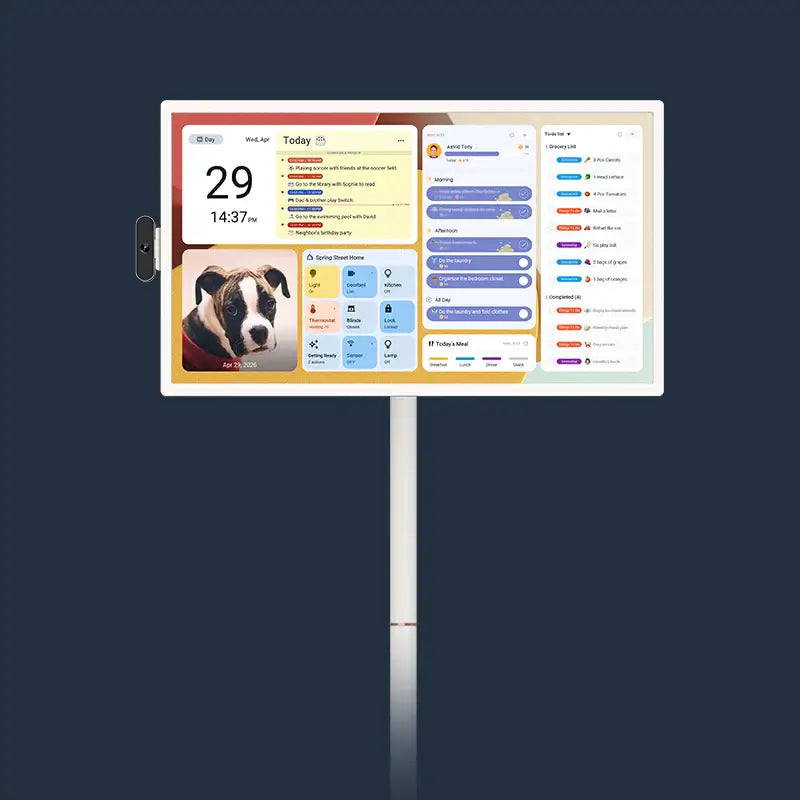
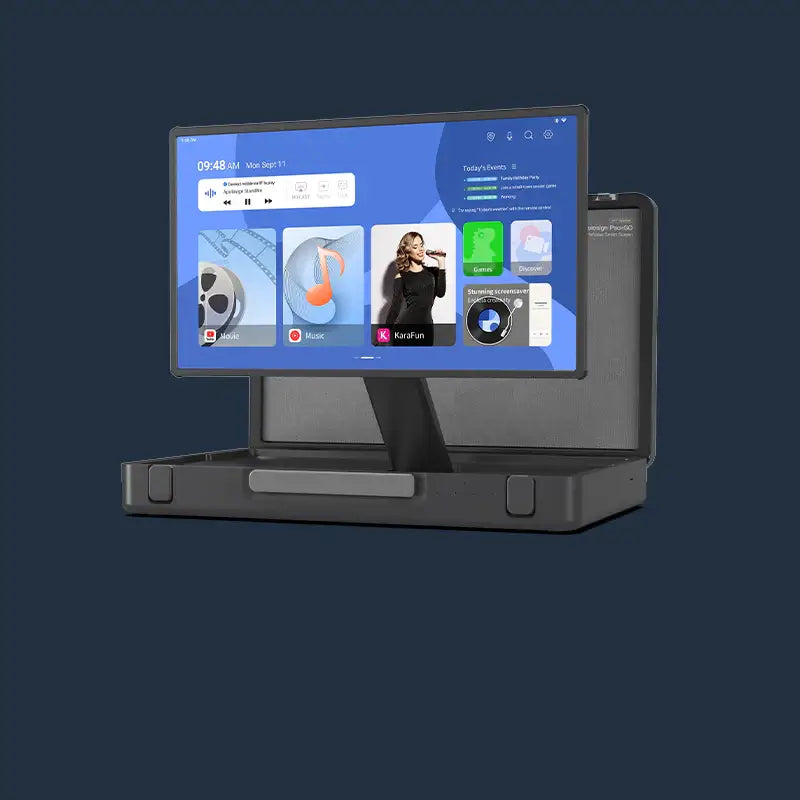
If that sounds like your home, our Apolosign 21.5-inch calendar is one option. It syncs with Google Calendar, Outlook, iCloud, Yahoo, and Cozi, and it has a Calendar Mode and an Android Mode. In a sponsored review of the 21.5-inch model, the reviewer describes hanging it in the kitchen as a wall planner that syncs everyone's schedules. If you use more than one account, here's how to sync calendars to a wall display.

Put the Next Half-Day to the Test
Use your next school half-day as a trial run. Add the entry as soon as the notice arrives. Then ask each pickup adult, without hinting, when dismissal is and who has pickup.
If everyone answers from their phone, your shared calendar is working, and you don't need anything else. If someone keeps missing updates and your home would use a shared screen, take a look at our digital calendar options. Keep online access in place for any caregiver who lives elsewhere.
FAQs
How far ahead should we add half-days?
Add each one as soon as the school publishes the date. If the dismissal time or pickup adult isn't settled yet, put a placeholder in the entry. Then fill it in once you have the details, so the gap stays visible.
Should kids have access to the family calendar?
That depends on your family. Older kids may find it useful to see who is picking them up, so view-only access can work. Editing is usually best left to the adults who manage pickups.
What if the school changes the dismissal time after we add it?
Have the update owner edit the existing entry instead of adding a second one. Two versions of the same day can send someone at the wrong time. Then use your same-day reply habit if the pickup adult is affected.
Do after-school activities belong on the same entry?
Add one only if the half-day changes it, for example if a club is canceled or starts earlier. Otherwise, leave regular activities as separate events so the exception stays easy to read.