


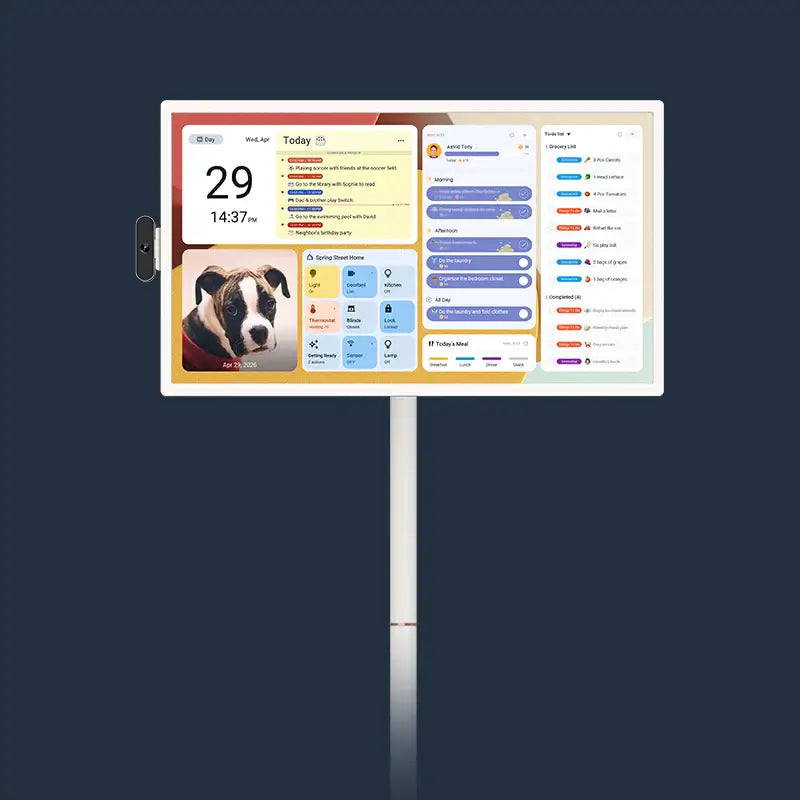
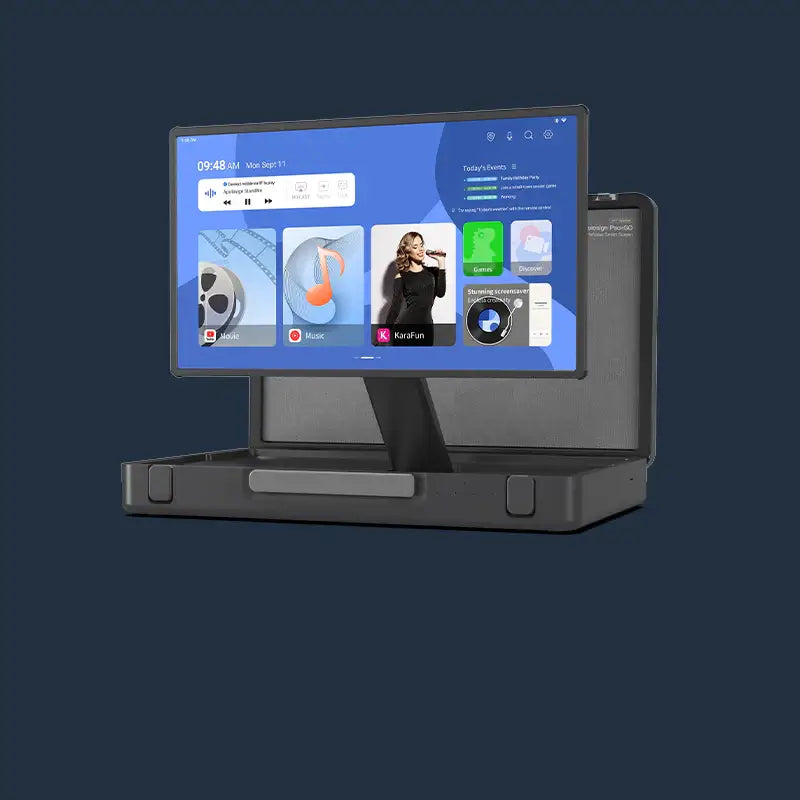


Portable TV storage is easiest when you treat the time between gatherings as a short reset, not a long-term move. Return the screen to a dry indoor spot, clean it only as its manual allows, check the power parts, and leave a clear route for the next use. That small routine helps the screen feel ready instead of becoming another thing to troubleshoot before guests arrive.

Return the Screen to Its Usual Indoor Spot
Bring the screen back inside and park it where the household can reach it without creating a traffic problem. Moving it back to its usual spot reduces the chance that someone bumps it while carrying boxes, coats, or food through a busy space.
Choose a Stable Home Base
Pick a level indoor surface that keeps the stand steady and the screen away from doors, radiators, and splash zones. A room with ordinary indoor temperature and low humidity is a better choice than a garage, porch, or damp basement.
Leave enough room around the screen to use its controls and plug in its power adapter without stretching a cord across a walking path. Familiar placement makes the next setup faster because you already know where the outlet and Wi-Fi signal work well.
Settle the Stand Before You Walk Away
Once the screen is in place, make a quick visual check of the stand and wheels. Make sure the stand is upright, the screen is not at an awkward angle, and nothing is leaning against it. If it came in from a chilly outdoor area, let it return to room temperature before you power it on or charge it.

Clean the Screen and Stand With the Manufacturer’s Care Instructions
Use the instructions for your exact model before you clean anything. Screens, touch surfaces, stands, and ports can have different care limits, so a cleaner that seems harmless on a countertop may not be right for a display. Start with the user manual for your model, then follow its stated method.
Start With a Dry, Gentle Pass
Turn the screen off and disconnect it from power before you begin. Use a clean, soft, dry cloth to lift away dust from the display, bezel, stand, and base.
Do not spray cleaner directly onto the screen, stand, buttons, or ports. If the manual allows a slightly damp cloth, put the moisture on the cloth first and keep it away from openings.
Treat the Stand and Screen as Separate Surfaces
The stand can collect fingerprints and dust after a party, while the screen may show touch smudges. Clean one surface at a time so you can use the correct method for each. Do not use a rough towel, paper product, or abrasive pad on the display.
Use this short portable TV cleaning tips checklist before storage:
- Turn off the screen and remove power.
- Remove loose dust with a clean, soft cloth.
- Check the manual before using any moisture or cleaning product.
- Keep liquid away from seams, buttons, ports, and the base connection.
- Let every cleaned area dry fully before reconnecting power.
This approach keeps a quick cleanup from becoming a guess.

Check Cables, Controls, and Charging Before the Next Gathering
Test the parts you will need while there is no pressure to start a movie or pass a remote around. A short check after cleanup can catch a loose HDMI cable, a missing remote, or a low battery before the next gathering.
Coil Cables Loosely and Label What Belongs Together
For portable TV cable care, disconnect accessories by holding the connector rather than pulling the wire. Coil each cable loosely, then place it in a small pouch or labeled bin near the screen. Keep the power adapter away from anything that could spill.
Look over each cable as you coil it. Replace a cable with exposed wire, a damaged connector, or a bent plug. If a cable must remain connected, route it where it will not be stepped on.
Confirm the Remote, Ports, and Power Plan
Put the remote in the same place each time, such as a small tray beside the usual parking spot. Check that it has power and that the buttons you use most still respond.
Next, look at the ports without forcing anything into them. Remove dust only with a method your manual permits. For a screen that uses HDMI or USB accessories, check the correct connection before the next event. Our portable TV port overview explains that HDMI input, USB accessories, and power connections serve different jobs.
Finally, check the battery indicator and decide whether the screen needs charging. Use the supplied or approved power setup, keep the adapter dry, and avoid charging in extreme temperatures. Follow the timing and battery-care directions for your model rather than charging it automatically after every use.
| Before-Storage Check | What to Look For | Simple Next Step |
|---|---|---|
| Screen and stand | Dust, smudges, or anything leaning on the base | Clean only as the manual directs and clear the area |
| Power adapter | Dry cable, undamaged plug, easy outlet access | Store it with the screen or set it up safely |
| HDMI and USB cables | Loose coil, no frayed wire, correct label | Replace damaged cables and keep good ones together |
| Remote | Known location and working controls | Return it to the same tray or pouch |
| Battery | Enough charge for the next planned use | Follow the model-specific charging guidance |
Keep the Storage Area Dry, Clear, and Easy to Reach
Choose a storage spot that protects the screen and still lets you use it without a major unpacking job. It should come back out for a weekend visit or family movie without moving piles of boxes first.
Avoid Temporary Holiday Piles
Do not use the space around the screen as a drop zone for decorations, folded tables, or returns waiting to go out. Heavy objects can fall against the display, while light items can hide a cable or remote.
If you need to store the screen for several weeks, keep its accessories in one labeled container nearby. A simple label such as “TV remote, adapter, HDMI” saves time later.
Keep Moisture and Heat Away
Dry indoor storage matters more than a perfectly hidden corner. Avoid places near a sink, humidifier, wet boots, open window, fireplace, space heater, or radiator. Check the floor too. If winter rain, melting snow, or a pet-water bowl could reach the base, move the screen to a drier part of the room.
Know When to Use Product Support Instead of DIY Repair
Stop and contact product support when the issue involves power, damage, heat, or moisture. A portable TV is not the place for a home repair experiment, especially if a cable, charging part, or internal connection may be involved.
Signs That Need Support
Contact support if you notice any of these problems during your reset:
- A damaged power cord, plug, port, or adapter
- A burning smell, unusual heat, smoke, or visible swelling
- Liquid inside a port or under the screen edge
- A screen crack, loose stand part, or wheel that no longer moves safely
- Repeated charging, power, touch, or picture problems after a normal restart
Unplug the screen if it is safe to do so, keep it away from water, and do not keep testing it. Take a clear photo of any visible damage and note when the problem started. That information gives support a better starting point than repeated trial and error.
Use the Right Model Information
Have your model name, order details, and a short description ready before you reach out. If you cannot find the right document, the manuals page asks customers with older or specific hardware versions to contact support with their order number.
Reset the Screen for an Easier Next Gathering
Put your portable TV back in a dry indoor home base, clean it with the right model instructions, and keep its power parts together. Then do one calm check of the remote, cables, ports, and charging plan. You will spend less time solving avoidable setup problems when the next gathering comes around, and more time using the screen with the people in the room.
Portable TV Storage and Care FAQs
Q1: How should I store a portable TV between holiday gatherings?
Store it upright in a dry indoor spot with a clear path around the base. Keep the remote, power adapter, and commonly used cables together. Avoid damp basements, heat sources, and places where holiday boxes could fall against the screen.
Q2: Can I leave a portable TV plugged in while it is stored?
It depends on your model instructions and how long it will sit. Keep the power setup dry and out of the walkway. For a longer break, follow the manual’s directions for power and battery care.
Q3: What is the safest way to clean a portable TV screen?
Start with the manufacturer’s instructions, then use a clean, soft, dry cloth for loose dust. Do not spray a product directly onto the display or let liquid reach buttons and ports. Use any damp-cloth method only when your specific manual allows it.
Q4: How do I prevent portable TV cables from getting damaged in storage?
Disconnect them by the connector, coil them loosely, and keep them in one labeled pouch near the screen. Do not place heavy bins on top of a cable. Replace one with exposed wire, a damaged plug, or a loose connector.
Q5: When should I contact support about a portable TV?
Contact support promptly for power damage, overheating, smoke, water exposure, a cracked screen, or a loose stand part. You should also ask for help when a normal restart does not solve a repeating charging, touch, or picture problem. Do not open the device or attempt an internal repair yourself.