


Working from home makes it easy for meetings, messages, chores, and household questions to compete for the same hours. A digital work planner can protect time for demanding tasks, but a calendar block only works when the people around you understand what it means and what should happen when an interruption cannot wait.
The goal is not to schedule every minute. It is to create a small number of realistic focus blocks with a clear outcome, a visible end time, an agreed interruption rule, and a recovery plan.
The Short Answer: Protect the Block, Not Every Minute
An effective focus block needs five elements: one defined outcome, a start and end time, a visible availability signal, an agreement about what can interrupt you, and a note that helps you restart. The calendar records the plan, but communication and recovery rules make the plan usable at home.
| Focus-Block Element | What to Set | Why It Matters |
|---|---|---|
| Outcome | One specific result for the session | Prevents the block from becoming vague “project time” |
| Time boundary | A clear start and visible end time | Shows coworkers and household members when you will be available again |
| Availability signal | Busy status, a closed door, headphones, or another agreed cue | Makes the calendar block understandable outside the calendar |
| Interruption rule | A shared definition of urgent, can-wait, and nonurgent requests | Reduces the need to decide from scratch during every interruption |
| Restart note | The next action, required file, and unresolved thought | Makes it easier to resume after an unavoidable interruption |
Choose the Work That Actually Needs Protection
Not every task needs a no-interruption zone. Reserve protected time for work that becomes significantly harder when you repeatedly switch away from it, such as writing, coding, analyzing data, developing a strategy, or solving a complex problem.
This type of concentrated effort is often called deep work. Email, messaging, approvals, and routine administration are still real work, but they can usually be grouped into separate response blocks instead of competing with your most demanding task.
Before adding anything to your digital calendar, define one result for the block. “Work on presentation” is vague. “Draft slides 1–8 and list the missing data” provides a finish line and makes the task easier to restart if you are interrupted.
Build a Focus Block in Your Digital Calendar
Choose a realistic starting length
Start with a block you can reasonably protect. For some people, that may be 30–45 minutes; for others, it may be 60–90 minutes. These are practical starting ranges, not universal rules. The right length depends on the task, your meeting schedule, your energy, and what is happening at home.
Give the event a clear, privacy-safe name
Use a label such as “Focus Block,” “Project Work,” or “Busy Until 11:30.” On a calendar that coworkers or household members can see, avoid client names, confidential project titles, health information, or private family details.
Set your availability and notifications
Mark the event as Busy when your calendar platform supports it. Eligible Google Workspace users can create a dedicated Focus Time event, automatically decline meetings, and mute Google Chat notifications. That event type is not available to every Google account, so a normal Busy event is a practical alternative.
Add preparation and recovery time
Leave a short transition before the block when possible. Use it to close unrelated tabs, collect the files you need, silence nonessential notifications, and identify the first action you will take. Avoid placing demanding work directly between two stressful meetings when your schedule gives you another option. NIOSH also notes that people working from home may benefit when they set boundaries between work and home life.

Turn the Calendar Event Into a Household Agreement
A block on your laptop may be visible to coworkers but meaningless to someone in the next room. Make the calendar event part of a simple household agreement rather than expecting the screen to enforce the boundary by itself.
Show when the block ends
“Do not interrupt” can feel open-ended. “I am unavailable until 11:30, then I can help” gives other people a specific time to return. If the block moves, update the end time and communicate the change.
Pair the calendar with one agreed signal
A closed door, headphones, a small desk sign, or a visible shared calendar can work, but everyone needs to know what the signal means. Use one consistent signal instead of inventing a new rule each day.
Define what can interrupt the block
Agree on three levels:
- Interrupt now: An immediate safety issue, an urgent caregiving need, or a time-sensitive household problem.
- Send a message or leave a note: A routine question that matters but can wait until you reach a suitable stopping point.
- Wait until the end time: Casual conversation, ordinary chores, and nonurgent planning questions.
The exact categories will differ by household. The useful part is deciding before the interruption happens.
Use a Restart Note When an Interruption Cannot Wait
Attention residue is the attention that remains on an unfinished task after you switch to something else. It helps explain why returning to complex work may require more than simply reopening the document.
In a controlled study of 48 people completing a simulated email task, interrupted participants finished the assigned task faster but reported more stress, frustration, workload, effort, and time pressure. The study does not establish one universal recovery time, but it shows why an interruption can affect more than the clock.
Before stepping away, write a restart note with three items:
- The exact next action
- The file, tab, or document you need
- The unresolved thought or decision
For example: “Next: compare the final two data sets, then write the recommendation under slide 6.” This takes less than a minute and reduces the number of decisions you must remake when you return.
If only part of the block remains, use the remaining time when it is still useful. If the task needs a longer runway, move the unfinished portion to the next realistic opening. Do not delete the work simply because the original plan changed.
Adapt Focus Blocks for Parents and Caregivers
Parents and caregivers may not be able to create long, immovable blocks every day. Match the plan to the care arrangement rather than expecting a calendar to make an unpredictable period interruption-free.
- Place demanding work during reliable childcare, school, nap, quiet-time, or shared-care periods when those arrangements are appropriate.
- Use shorter blocks when another person may reasonably need you.
- Give older children an age-appropriate explanation of the signal and end time.
- Keep a clear way to reach you for a genuine need.
- Use lighter tasks during periods that are predictably less stable.
A calendar, reward feature, or educational app does not replace appropriate supervision or childcare. The aim is to make existing arrangements clearer, not to promise silence or perfect compliance.
When a Shared Wall Calendar Helps
You do not need new hardware to start time blocking. Your existing work calendar may be enough when household members already understand your availability.
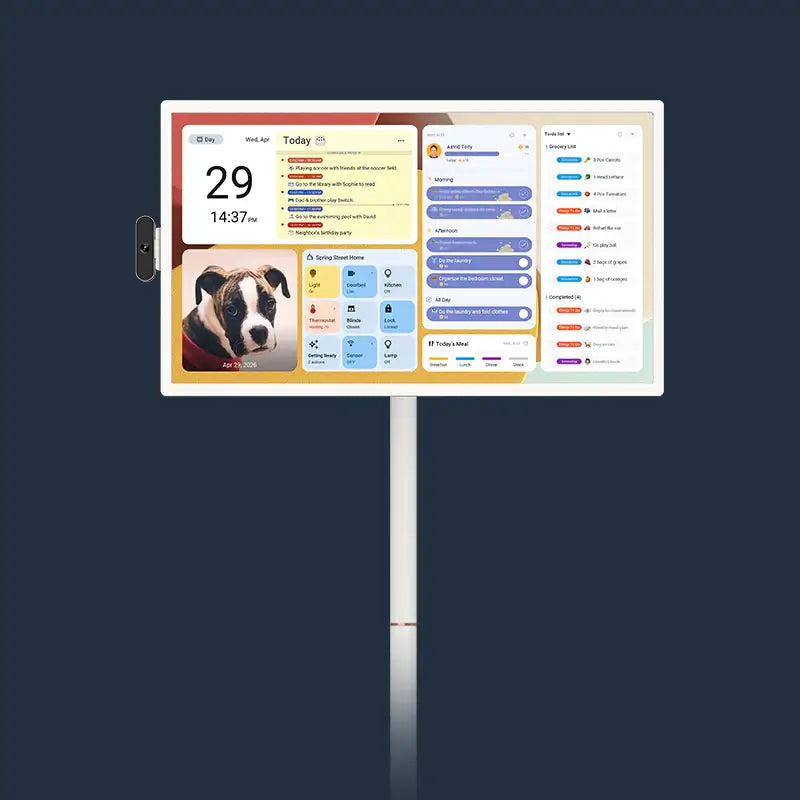
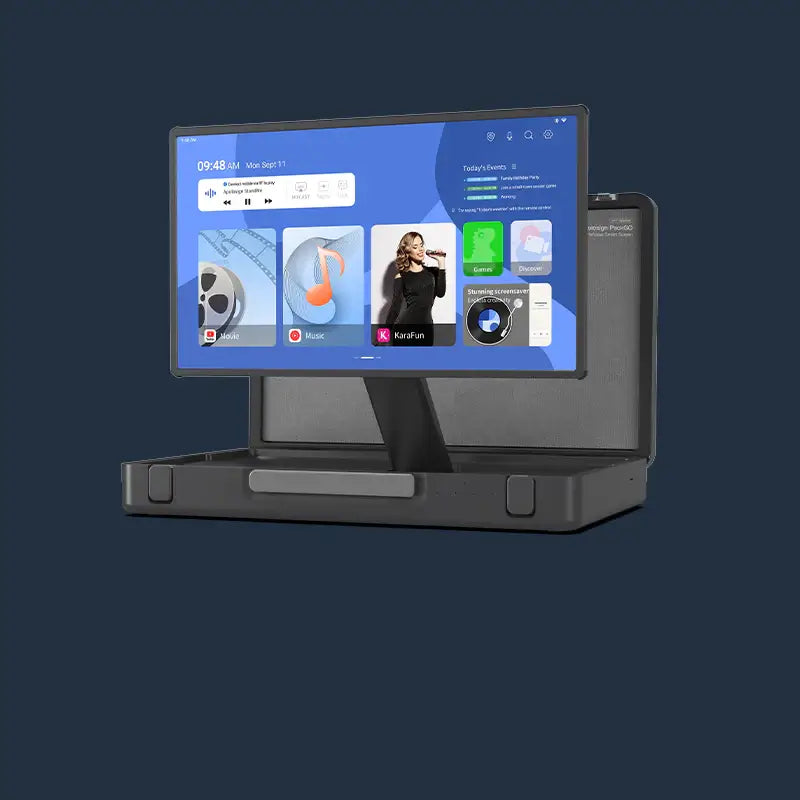
A shared wall display can help when the main problem is visibility. The current Apolosign 27-inch 4K Digital Calendar offers a calendar-focused mode and an Android mode, allowing shared events to remain visible in a common area. Current Google and iCloud two-way synchronization depends on using the supported setup; Outlook and other URL-imported calendars do not behave in the same way. The Digital Calendar must remain plugged in during use.
Use generic labels such as “Busy” or “Focus Block” on a shared screen. A wall calendar can make availability easier to see, but it cannot replace a conversation about boundaries or guarantee that interruptions will stop.
Test One Protected Block for a Week
Choose one recurring task and protect one or two blocks during the coming week. After each block, record what interrupted you, whether the signal was understood, and whether the block was too long or too short.
Then adjust one variable: the time of day, the event label, the signal, the interruption rule, or the block length. A useful work planner should help you make better decisions about your time, not make you feel that every change is a failure.
Frequently Asked Questions
How long should a focus block be?
Use the shortest block that gives the task enough time to move forward. A 30–45 minute block may work for drafting or analysis between meetings, while 60–90 minutes may suit work that needs more setup. These are starting ranges rather than fixed rules. Test the length for a week, then adjust it based on preparation time, interruptions, and the amount of progress you make.
What should I do when a focus block gets interrupted?
Handle the urgent issue, but first leave a restart note when it is safe to do so. Record your next action, the file you need, and the unresolved thought. When you return, either use the time that remains or move the unfinished portion to another realistic opening. Treat the block as adjustable rather than ruined.
How can I make family members understand that I am working?
Use one visible signal, state the end time, and agree on what counts as an interruption. A simple script is: “I am working until 11:30. Please interrupt me for an urgent need; otherwise, send me a message or wait until the block ends.” Repeat the same system consistently, then revise it when the household’s needs change.
Should I block my whole workday?
Usually, no. Protect the work that most needs concentration and leave room for meetings, communication, administration, breaks, and unexpected tasks. Filling every minute can create constant rescheduling. Broader category blocks—such as Project Work, Email, and Admin—may be easier to maintain than assigning an exact time to every small task.
What if time blocking makes me feel more stressed?
Reduce the level of detail. Try one or two anchor blocks instead of planning the whole day, or use flexible windows such as “Project Work: 9:00–11:00” without assigning every subtask. Treat the calendar as a planning estimate, not a scorecard. If a task moves, update the plan and continue rather than rebuilding the entire week.