







A National Geographic photographer journeyed deep into the Himalayas to capture mountain landscapes from the ground and the air. Working far from a conventional studio or monitoring station meant that reviewing drone footage in the field required equipment that could travel with the shoot.
The Apolosign PackGo 27" Briefcase Portable TV became part of that field setup. Its role was straightforward but useful: provide a larger screen for viewing drone footage, reviewing images, and sharing visuals with the team while working away from a normal indoor setup.
The original field-use video below shows PackGo in this drone-viewing context.
A Larger View of Drone Footage in the Field
Drone photography often puts most of the live image in front of one person: the pilot. A controller screen may be enough for operating the aircraft, but it is less convenient when a photographer or other team members also need to follow the shot.
During the Himalayas shoot, PackGo provided a larger viewing surface for the drone workflow. Instead of limiting the image to the controller-sized display, the setup gave the photographer and team more room to see aerial footage in the field.
That larger screen can be useful for following composition, reviewing footage, and letting more than one person see the same image. It does not make the footage better by itself; its value is giving the team a shared viewing surface while the drone remains controlled through its supported controller or mobile setup.
The Drone Still Needs a Compatible Video Output
The field-use concept is simple, but the technical path matters. PackGo includes an HDMI input, while the drone controller, camera, laptop, or other source must also provide a compatible way to output video.
A USB-C connector alone does not guarantee video output. Different controllers can provide different external-display options even when they are used with drones from the same product family.
DJI’s Mavic 3 Classic documentation is one example: the RC-N1 does not provide HDMI output, while the RC Pro supports HDMI output. For an external drone monitor setup, the exact controller should therefore be checked before choosing cables or adapters.
What the Connection Path Can Include
- Video source: drone controller, camera, laptop, phone, or another playback device
- Video output: HDMI, Mini-HDMI, Micro-HDMI, supported USB-C video output, or another documented path
- Cable or adapter: the connection required to carry that signal
- PackGo input: the HDMI input receiving the video
- Output settings: a resolution and frame rate accepted by both the source and display
If one part of the chain is missing or incompatible, the result may be no signal, intermittent video, or a setup that works with one device but not another.
PackGo Also Gave the Team a Screen for Reviewing and Sharing
The drone feed was not the only reason a larger screen was useful during the trip. The original field-use story also shows PackGo as a screen for reviewing photos and sharing visuals with the team after shooting.
A laptop or another compatible source can use the 27-inch display to put recorded material on a larger shared screen. That can make group review more practical than gathering around a smaller laptop or controller display.
PackGo runs Android as well, so compatible media and entertainment can also be used when the shooting work is finished. In the Himalayas story, that flexibility made the device useful beyond the immediate drone-viewing task.
These uses should still be understood as part of a portable shared-display workflow. They do not turn PackGo into a professional color-reference monitor or a dedicated editing workstation.

Apolosign PackGo 27" Briefcase Portable TV
Why the Briefcase Format Matters Away From a Studio
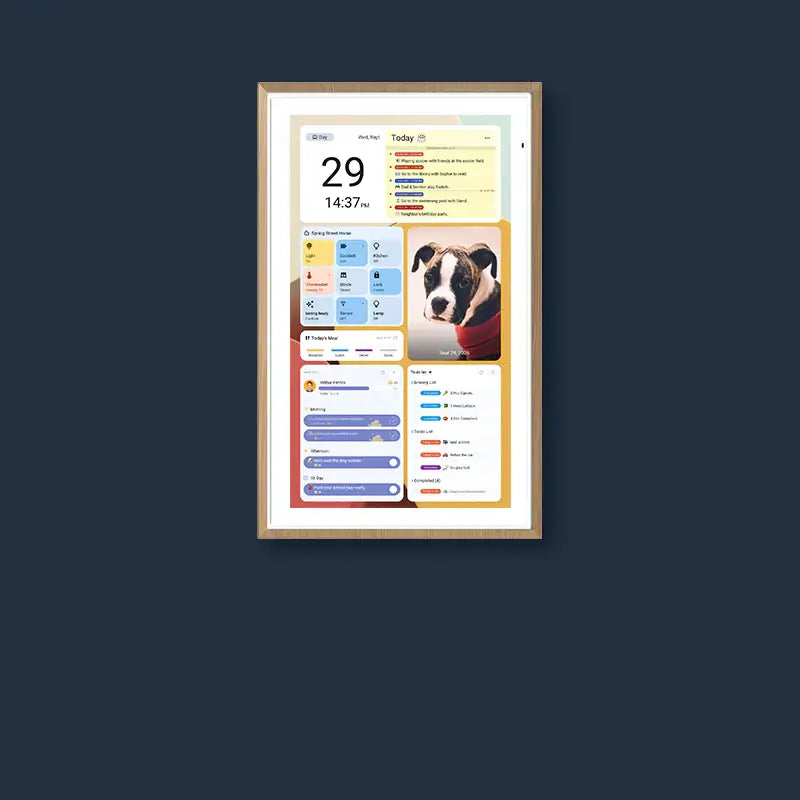
PackGo combines a 27-inch 1920×1080 LCD touchscreen, HDMI input, built-in speakers, Android, and an internal battery in a briefcase-style enclosure. For a field shoot, keeping those components together makes the screen easier to move between temporary locations than a display designed to stay permanently installed.
That portability is one reason the format fits travel and location-based work, but the briefcase-style enclosure should not be interpreted as proof of weatherproofing, drop resistance, or expedition-grade protection.
For outdoor photography, that distinction matters. A device can be transportable without being designed for unrestricted exposure to rain, snow, impacts, or other harsh conditions.
Outdoor Visibility Still Depends on the Light
PackGo’s current display specification is 450 nits. That is a useful number for understanding the screen, but it does not mean the display will remain easy to see in every outdoor environment.
Direct midday sun can be much more demanding than shaded or indirect light. In bright conditions, the team may need to position the screen in shade, adjust its angle, or reduce direct light falling on the panel.
If dependable visibility in strong direct sunlight is critical to the production, equipment designed specifically for high-brightness professional monitoring may be more appropriate.
Battery Power Helps in the Field, but It Still Needs Planning
PackGo is rated for up to six hours of battery operation. That can reduce dependence on a nearby wall outlet during a temporary field setup, but “up to” is important: actual runtime can vary with brightness, apps, connected devices, audio use, temperature, and other conditions.
For longer shoots, battery capacity should be treated as part of the production plan rather than a guarantee that one charge will cover the entire day. Charging or backup power may still be necessary.
What This Himalayas Use Case Shows
The useful lesson from this field setup is not that every drone photographer needs a 27-inch screen. It is that a larger portable display can solve a specific problem when several people need to see footage away from a normal studio or monitoring station.
In this case, PackGo’s role was to bring a larger shared display into a remote photography workflow: drone footage could be viewed on a bigger screen, recorded visuals could be reviewed with the team, and the same device could support compatible media use after shooting.
The setup still depends on practical conditions. The video source needs a compatible output, outdoor light affects visibility, battery runtime is finite, and the briefcase form should not be confused with professional weather or impact certification.
Check Your Own Setup Before Taking PackGo Into the Field
The Himalayas story provides a concrete example, but the exact connection will differ from one camera or drone system to another. Before relying on PackGo for a shoot, test the actual equipment you plan to bring.
- Source device: What device is generating the video feed?
- Video output: Does that exact controller, camera, laptop, or phone support external video?
- Connector: Is the output HDMI, Mini-HDMI, Micro-HDMI, or a documented USB-C video mode?
- Adapter and cable: Have the exact adapter and cable been tested with both devices?
- Resolution and frame rate: Are the source settings accepted by the display?
- Viewing conditions: Will the screen be shaded or exposed to strong direct sunlight?
- Battery: How long will the display need to operate away from an outlet?
- Monitoring needs: Does the production require professional tools beyond a large shared HDMI display?
For PackGo-specific hardware details, check the PackGo user manual for the hardware version you are using. The camera, controller, adapter, and cable at the other end of the connection should be checked with the same model-specific care.
Frequently Asked Questions
Can a second person watch the drone feed on PackGo while the pilot uses the controller?
Yes, if the controller or another device in the signal path can provide a compatible video output to PackGo. The pilot can continue using the supported controller for flight control while another person views the feed on the larger screen. The exact setup depends on the drone, controller, output method, cable, and any intermediary device involved.
What if my drone controller does not have HDMI output?
An HDMI input on PackGo cannot create a video output that the controller does not provide. Check the exact controller documentation before buying an adapter. Some systems may offer another manufacturer-supported output path, but there is no universal USB-C-to-HDMI solution that works simply because a controller has a USB-C port.
Why does the external display show “No Signal” even when the HDMI cable is connected?
Check the complete signal path: whether the source is actually outputting video, the selected PackGo input, the adapter or cable, and the source resolution and frame rate. A cable can be physically connected while the source is sending no external signal or an unsupported format. Test one variable at a time using the documentation for the exact devices involved.
Is a 450-nit screen enough for outdoor drone photography?
It depends on the light. A 450-nit rating does not guarantee easy viewing in direct midday sun. In bright conditions, placing PackGo in shade, changing the viewing angle, or reducing direct light on the screen can make the setup more practical. If direct-sun visibility is a critical requirement, consider equipment designed specifically for higher-brightness outdoor monitoring.
Can PackGo replace the phone or controller used to fly the drone?
Not by default. PackGo is best treated as a secondary viewing display, while flight control stays on the manufacturer-supported controller or mobile-device setup. Do not assume a larger external screen can replace the device required to run the flight app or control the aircraft unless the drone manufacturer explicitly supports that configuration.
Should I use HDMI or wireless mirroring for a field video feed?
Use a connection method that both the source and PackGo explicitly support. For a dedicated video feed, a wired path is often easier to verify from end to end because wireless mirroring can also depend on the network, protocol, source device, app behavior, and content restrictions. Test the exact workflow before relying on it in the field.


