


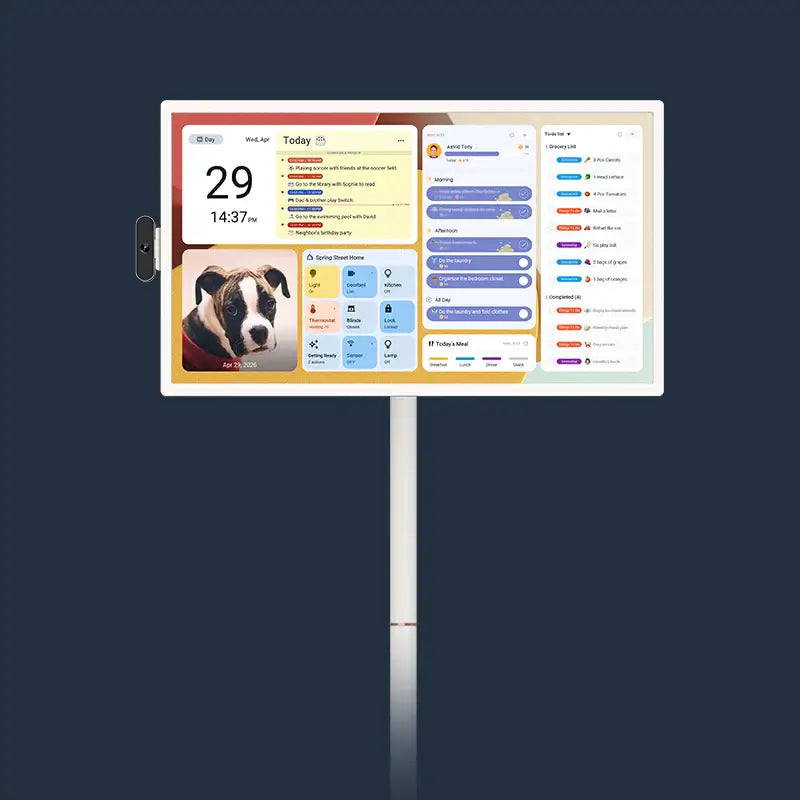
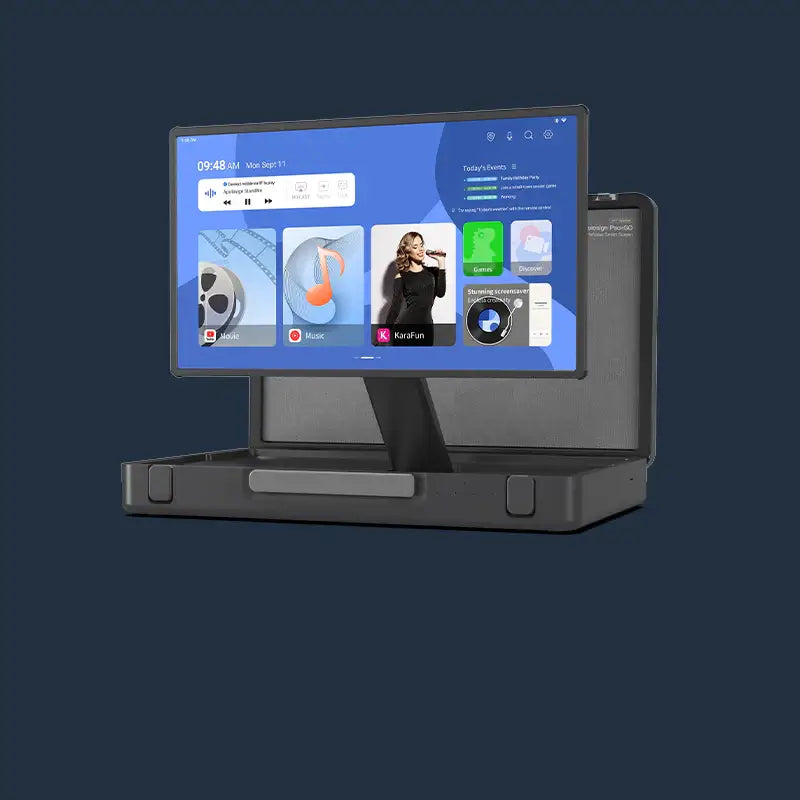

Holiday craft activities are easier and more enjoyable when everyone can follow the same instructions without crowding around a phone. Set up a portable TV on wheels near the work area, prepare a few short tutorial videos in advance, and organize supplies into simple stations. You can easily move the screen from the craft table to a cookie decorating station, keeping everyone engaged without interrupting the fun.
Build a Holiday Activity Playlist Before Everyone Sits Down
A little preparation can make holiday activities run more smoothly. Before guests arrive, create a short playlist of craft tutorials, cookie decorating demonstrations, and other seasonal activities. With a portable TV on wheels nearby, everyone can watch the same instructions on a larger screen instead of taking turns looking at a phone.

Pick Projects That Fit the Time You Have
Choose a project that matches the youngest guest, the table space, and the cleanup you can handle. One quick paper craft, one ornament or card, and one cookie activity give people a choice without covering every surface in supplies.
Save a separate video for each activity instead of one long holiday compilation. A short clip is easier to pause, replay, or skip when a child finishes early. It also helps guests join late without asking everyone else to start over.

Put the Videos in a Useful Order
Place the easiest project first, then the one that needs more focus. End with cookie decorating or another activity that feels like a treat. This order lets young children settle in before you bring out icing, sprinkles, or small decorations.
Use this simple playlist plan before the day begins:
| Activity | What to Save | Helpful Setup |
|---|---|---|
| Paper ornament | A 3 to 5 minute step-by-step clip | Paper, safe scissors, glue, and a tray for scraps |
| Holiday card | A design idea plus a letter or name example | Cards, markers, stickers, and envelopes |
| Cookie decorating | A short icing or topping demo | Cooled cookies, icing, sprinkles, plates, and a drying spot |
Write the activity order on a small note near the screen. The table will feel calmer because the next option is already clear.
Use One Shared Screen to Guide Crafts and Cookie Decorating Step by Step
One screen for craft tutorials gives everyone the same visual cue while their hands stay free for the project. Put it where the whole table can see it, then pause after each small step instead of trying to play a full tutorial from start to finish.
Keep the Screen Out of the Mess Zone
Set the screen at the end of the table, on a counter behind the activity, or a few feet to the side. Leave the main work surface for paper, bowls, icing, and elbows. A clear view matters more than placing the screen directly in front of the busiest person.
Keep food, drinks, wet paint, and loose glitter away from the screen and its power cable. Use a clean, dry hand to control playback. If little children will touch the screen, show them one simple rule first: ask an adult before changing the video.
Break Each Tutorial Into Small Stops
Pause after a step that changes the craft, such as folding paper, adding glue, outlining a cookie, or placing a topping. People can copy the step, ask a question, and look back at the screen without losing their place.
For a cookie decorating station at home, show one basic design first. Then let each person change the colors or toppings. The screen should give an idea, not turn the activity into a test where every cookie has to match.
Place these items near the craft table before you begin:
- A tray or bin for each type of supply
- A paper towel roll and a small trash bowl
- A clear space for finished crafts or drying cookies
- A phone or remote kept away from icing and glue
This layout makes it easier to keep the video and the work area useful at the same time.
Move the Portable TV Wherever the Holiday Activity Is Happening
A portable TV for crafts can follow the activity instead of asking everyone to leave a good setup behind. Start in the kitchen for cookies, roll it to the dining area for cards, or bring it to a family room for a larger craft project when the table fills up.
Choose the Room Before You Bring Out Supplies
Choose the room based on the project, not the screen. A kitchen or dining table works well for food activities because cleanup is nearby. A family room may be better for larger paper crafts, gift wrapping, or projects that need more space.
This is where a portable TV on wheels can make a difference. Instead of setting up a separate screen in every room, you can move the same display from the kitchen to the dining area or family room as activities change. Its larger screen makes it easier for everyone to follow along, even when several family members gather around the same table.
Before moving the TV, check the path. Clear gift bags, toy bins, and loose cords so the route stays open. Place the TV on a stable indoor surface where everyone can see it without squeezing behind chairs or walking through the activity area.
Give the Screen Its Own Small Zone
Treat the screen as a helper station, not part of the craft table. Leave a little space around it for a person to change a video or start a timer. This keeps the main table open for the people who are actually making things.
If the group moves to another room, move the supply trays first and the screen second. The video can wait for a minute. A clear work surface is what keeps the transition from turning into a pile of half-finished projects.
Switch From Tutorials to Timers, Music, and Photo Slides Without Ending the Fun
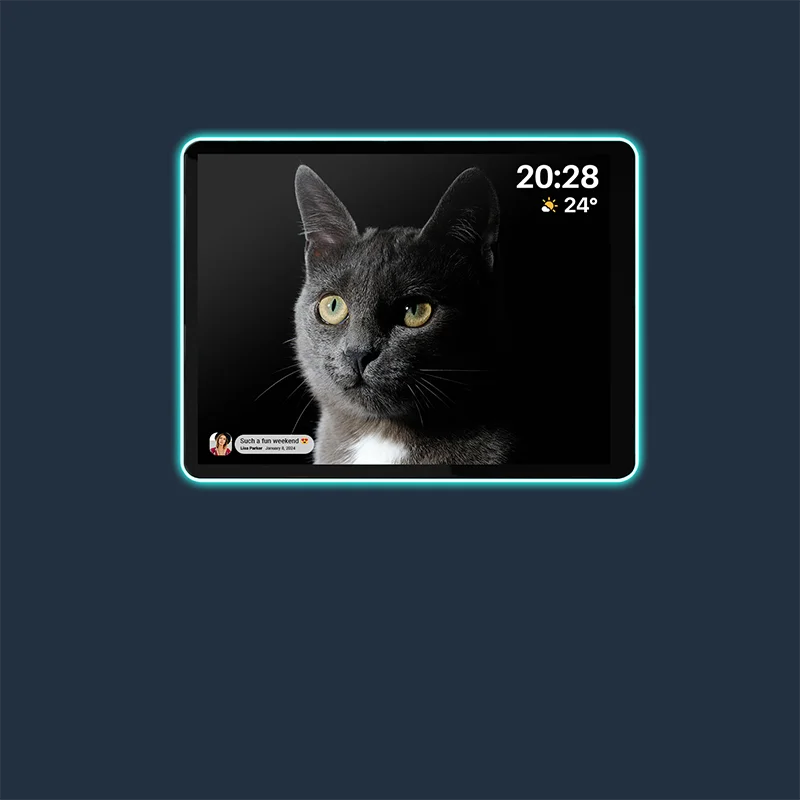
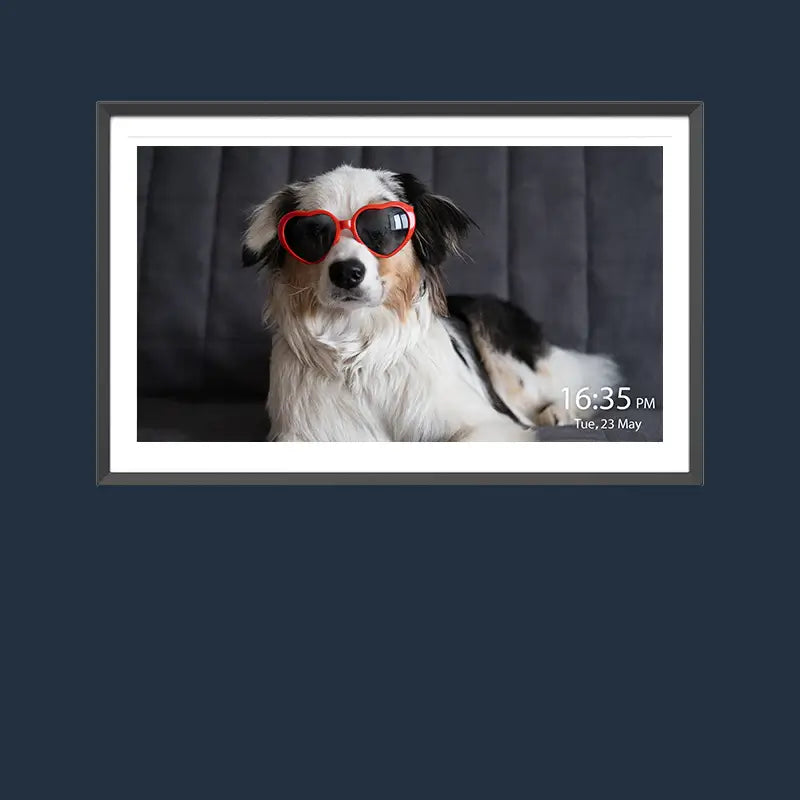
The screen can keep the holiday mood going after the tutorial ends. Change to a timer for cookie drying, a family music playlist during cleanup, or a photo slide show while people admire what they made.
Use Timers for the Parts That Need Waiting
Set a visible timer when cookies need to cool, icing needs time to set, or a craft needs a few minutes to dry. A timer gives children a clear answer to “When can I touch it?” and gives adults time to reset supplies.
Choose a simple alert sound before the activity begins. A loud or surprising alarm can undo the calm you just built at the table.
Match the Screen to the Room’s Energy
Play quiet holiday music while people work if the group likes background sound. Switch to a photo slide show during a snack break or at the end of the afternoon. It gives finished crafts and decorated cookies a small moment without asking anyone to perform.
If you need ideas for checking app access before a gathering, see our portable TV app checklist. Test the playlist and timer once before guests arrive, especially if more than one adult will use the screen.
Make One Screen Part of Your Holiday Tradition
Keep the setup simple enough to repeat next year. Save a few favorite tutorials, store the supply trays together, and write down the activities that kept the group happy. You do not need a different plan for every holiday afternoon.
Apolosign Portable TVs give families one flexible screen for streaming, shared viewing, and everyday routines in different rooms. Browse the Apolosign Portable TV lineup today to find the size and setup that fit your home. Then set up your next craft day so more people can follow along, make something, and enjoy the time together.
Holiday Craft Screen FAQs
Q1: Where should a screen go at a holiday craft table?
Place it at the end of the table or just behind the work area, where everyone can see it but food and supplies cannot reach it. Keep the main table clear for hands, bowls, paper, and finished projects.
Q2: What should I put at a cookie decorating station at home?
Start with cooled cookies, icing, toppings, plates, napkins, and a drying area. Give each person a small work space. Keep extra supplies in separate bowls or trays so the table stays easier to share.
Q3: How long should a craft tutorial video be for children?
Short is usually best. A clip of three to five minutes is easier to pause and copy than a long video. Break longer projects into small clips so children can finish one step before they watch the next.
Q4: How can I keep a holiday craft area easy to clean?
Use trays for supplies, place paper towels within reach, and give scraps their own bowl or bin. A table covering can also make cleanup faster. Clear completed projects before you start a new activity.
Q5: What can a shared screen do after the craft tutorial ends?
It can show a timer for drying cookies, play background music, or display family photos during a snack break. These simple uses help the activity continue without adding another device to the table.