




Should a family use a portable TV or a tablet for craft time? It depends on who needs the screen. When several people follow the same demonstration, a portable TV makes a practical shared display. When one person just needs a pattern or a step to check, a tablet usually covers it.
Neither format wins for every household. Whichever you pick, keep it off the craft table so the supplies have room and no cord runs through the work area.
When the whole family needs the same demonstration
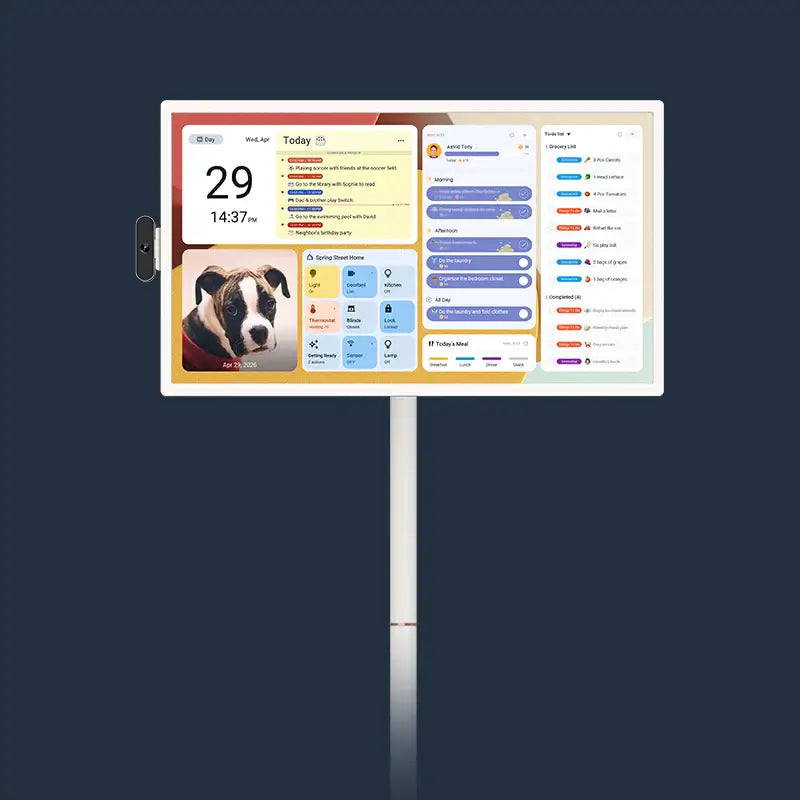
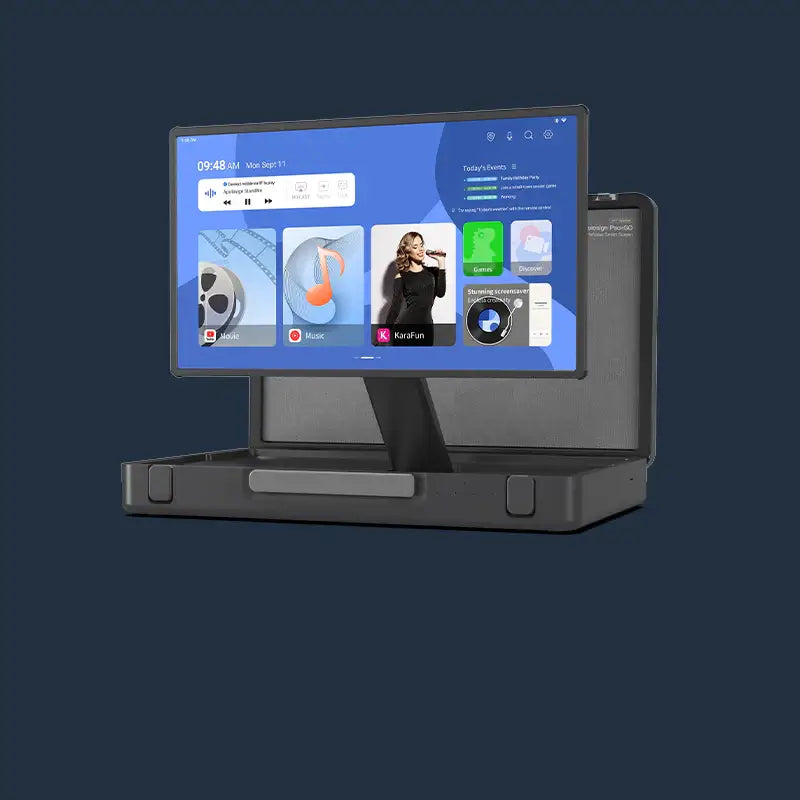
A portable TV fits best when everyone is following one video at once. Picture a Saturday afternoon with two kids and a parent around the kitchen table, folding along with the same origami tutorial while supplies fill the table. Setting up a dedicated display such as our Apolosign PackGo 27" Briefcase Portable TV keeps that shared playback easily visible without crowding anyone's paper and scissors.
In that setup, the screen works like a teacher at the front of the room. Everyone pauses, rewinds, and moves on together, so one common view makes more sense than three people huddled around a single small device or passing it back and forth. A portable TV lets the group watch one screen while their hands stay busy with their own projects.
This choice only applies to that shared arrangement. Not every portable TV is easier to see than every tablet. The point is that the household needs one display for the whole group. If that describes your craft time, start with a portable TV, and keep the table itself for materials. Don't use the work surface as a screen stand.
When one person needs an individual reference
A tablet is the simpler pick when only one person needs the screen. Say a teenager is knitting from a written pattern while a younger sibling paints and a parent sorts beads. Only the knitter needs to check the next row, and everyone else is doing their own thing.
A shared display doesn't add much here. Turning the whole group toward one screen would pull attention from projects that don't need it. A tablet can sit with the one person using it as a personal reference, and the rest of the table carries on undistracted. That split doesn't mean tablets are always more convenient or easier to handle. It means the job is individual, so an individual screen fits.

Plenty of families switch between both patterns. The same logic applies in other rooms, too. Our shared-cooking guide walks through a similar choice for following recipes together.
Keep the display and power cord off the craft table
Set the screen on a stable surface beside or just past the craft table, where the people who need it can see it. That keeps the table open for paper, paint, and tools, and the screen stays clear of spills and elbows. A side counter, a nearby console, or a sturdy stand at the end of the table usually works.

Next, think about power. Don't assume your screen will run on battery for the whole session. If it needs to be plugged in, run the cord along the edge of the room to the nearest outlet. It shouldn't cross the craft surface or any path people walk through, like the route from the table to the sink or the hallway. If the only outlet would force a cord across a walkway, move the screen closer to that outlet instead of stretching the cable.
An Apolosign 32-inch screen for a shared demonstration
For a family that wants one shared screen for group demos, our Apolosign 32-inch Smart Portable TV is the model we'd suggest looking at first. It has a 32-inch touchscreen, and you can share content to it over Wi-Fi or through HDMI. That means you can mirror a tutorial from a phone, tablet, or laptop so the whole table watches the same video.
TechRadar's review of this model, which includes affiliate links, called it a possible screen for explaining mobile apps in an educational setting. The reviewer wasn't testing crafts. Still, that "explain something to a group" role is the same one a family craft demo needs.
Battery power can also help with placement. We rate this model at up to six hours of battery life, tested at 50% brightness during Wi-Fi video streaming. Your actual runtime will depend on how you use it, so keep the cord-routing plan from the previous section ready in case you need to plug in.
This screen makes the most sense when several people regularly follow one demo. If craft time is mostly one person checking a pattern, a tablet you already own is probably enough.
The quick choice before craft time
Choose a portable TV when the whole family follows one shared demonstration, or keep a tablet when only one crafter needs an individual reference. Either way, place the display outside the active workspace so cords and screens never crowd your craft table.
If your family usually crafts as a group, our portable TV options are an easy place to start comparing sizes.
FAQs
Can we use both a portable TV and a tablet in the same session?
Yes. A family can put the main tutorial on the shared screen while one person keeps a written pattern or a close-up photo on a tablet. Just give each device its own spot off the table so neither one crowds the supplies.
Is a touchscreen useful during craft time?
It can be, if the screen is within reach of whoever controls playback. Keep in mind that hands covered in glue or paint can smudge any screen. Pick one person with clean hands to pause and rewind, or control playback from the phone that's casting the video.
How do we get a craft video from a phone onto a portable TV?
On the Apolosign 32-inch model, you can stream or mirror content over Wi-Fi or connect a device through HDMI. Other portable TVs may handle this differently, so look at the connection options for the exact model you're thinking about.
Does a portable TV help beyond craft time?
A screen you can move between rooms can also handle other shared activities. Our guide on why homes use portable TVs covers more ways families put one to work around the house.