
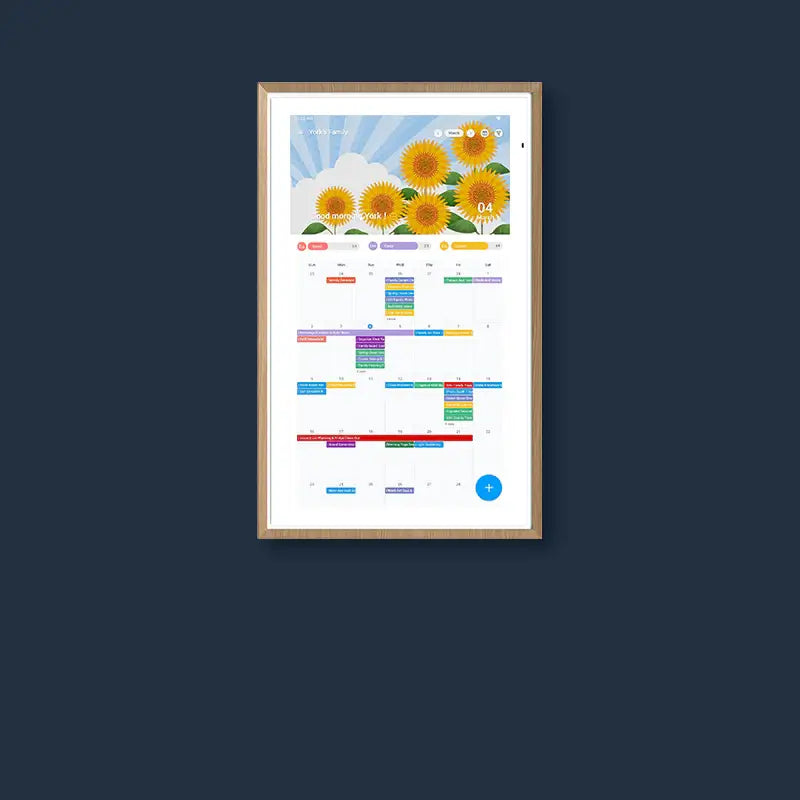
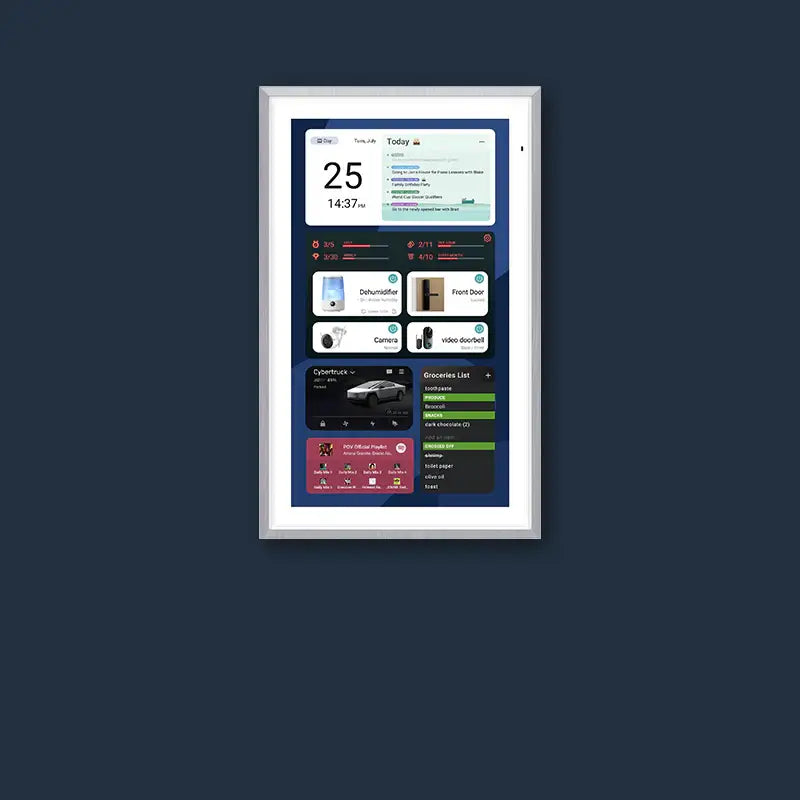
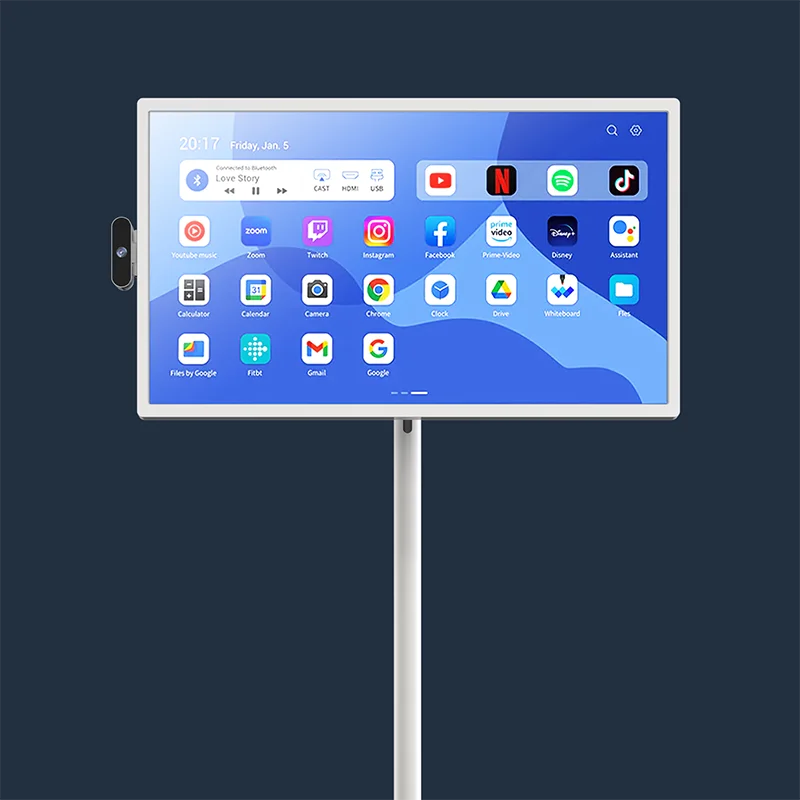
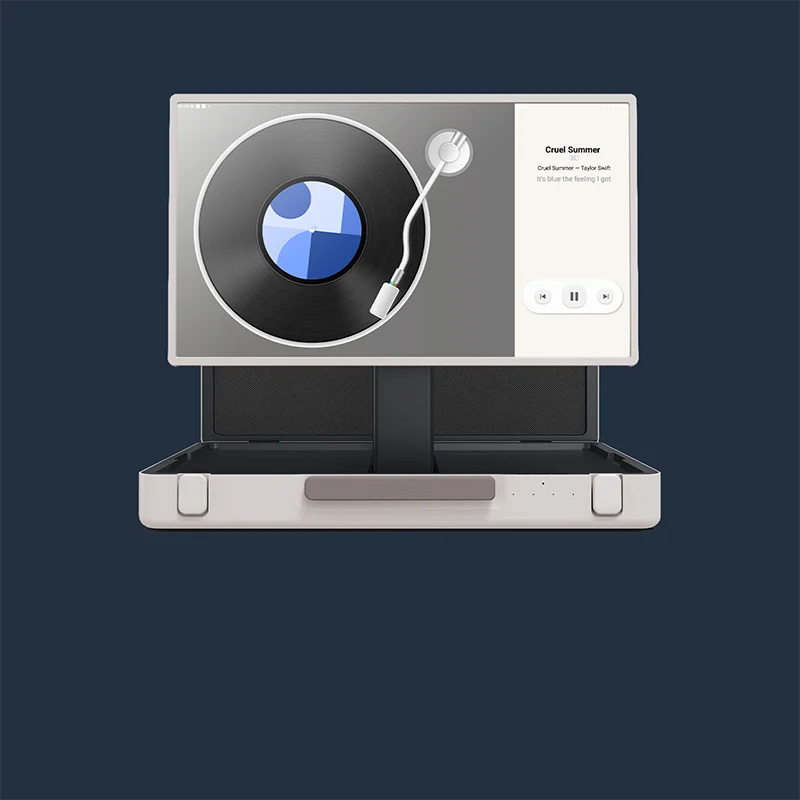
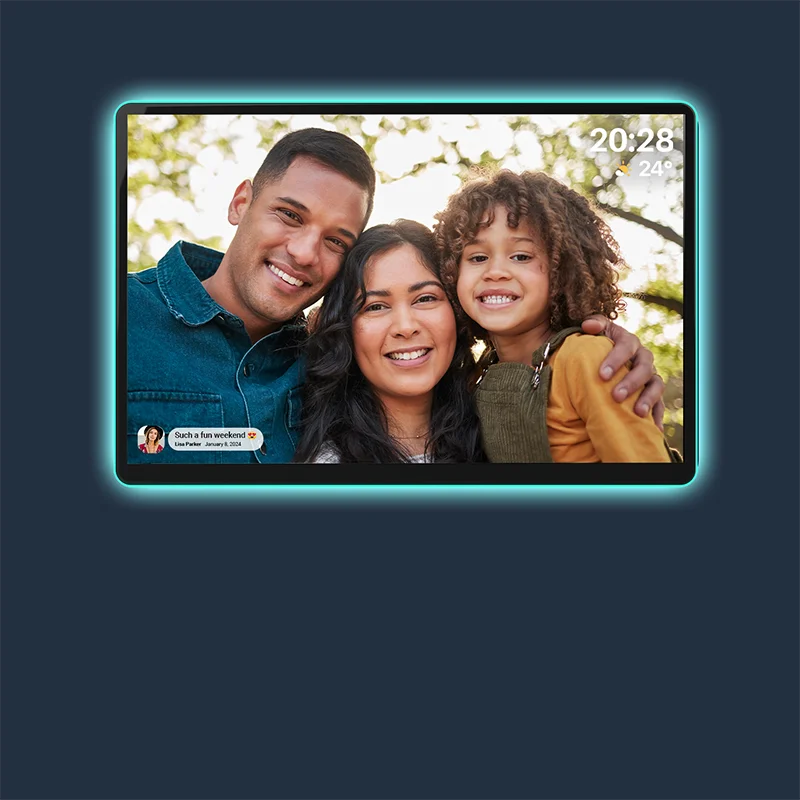
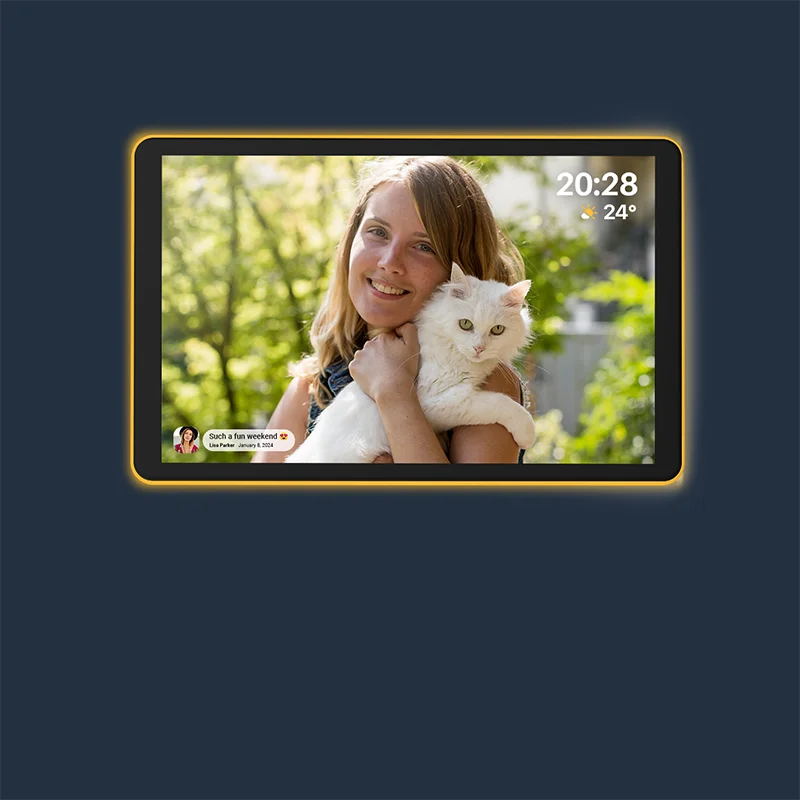



Refrigerators often serve as chaotic galleries of messy scribbles and loose magnets. Such disorder frequently leads to missed appointments and lost reminders. Apolosign introduces a smarter solution. The new Message Board feature transforms scattered notes into a unified, glowing digital hub, bringing order and connection back to the modern home.

What Defines the Apolosign Message Board?
A Digital Hub Designed Specifically for Families
Modern households operate at a frantic pace where communication often fractures. Between soccer practice, office meetings, and grocery runs, keeping everyone aligned poses a significant challenge. The Apolosign Message Board arrives as a dedicated digital reminder center, engineered to bridge the gap between busy schedules and home life. Unlike generic tablet applications, the feature acts as a specialized communication terminal integrated directly into the Apolosign Digital Calendar ecosystem.
The system leverages the impressive hardware of the Apolosign devices. Whether displaying on the compact 15.6-inch screen or the expansive 27-inch 4K model, the Message Board utilizes the anti-glare matte glass to present information with crisp, high-definition clarity. Reflections from kitchen lights or sunny windows often obscure traditional whiteboards, but the matte finish permits the digital text to remain readable from any angle in the room.

Mobile Creation with Centralized Display
A key distinction of the Message Board lies in its input method. Users create notes exclusively via the Apolosign App on smartphones. The design philosophy recognizes that family members frequently move outside the home. A parent might be at the office, or a teenager might be at school.
Once a note is typed into the smartphone app, it instantly synchronizes to the stationary Apolosign Digital Calendar located in the home. The device, available in sizes up to 27 inches, acts as a Command Center. It sits on a desk or mounts to a wall, passively displaying information without requiring anyone to walk up and touch the screen. The result is a seamless flow of information from the outside world directly into the living room.
Contrasting Scattered Paper with Unified Digital Visuals
Generations of families have relied on the refrigerator door as a message center. Magnets hold up permission slips, appointment cards, and "Buy Milk" scribbles. While nostalgic, the method is fundamentally flawed. Notes overlap, fall to the floor, or fade into background "visual noise" that the brain learns to ignore.
The table below illustrates the shift from analog to digital:
| Feature | Traditional Paper Notes | Apolosign Digital Message Board |
| Visibility | Easily obscured or lost under other papers | Bright, backlit, and always visible |
| Input Location | Requires physical presence at the fridge | Remote input via smartphone App |
| Urgency | Static text with no time context | Visual countdowns create urgency |
| Clutter | Adds physical mess to the environment | Zero physical footprint; clean interface |
The Apolosign Message Board replaces the chaotic collage with a structured, illuminated interface. Instead of a yellow sticky note that might lose its adhesive, the screen projects a bright, colorful block of text that demands attention. The 1080p or 4K resolution allows even small text to stand out against the background. It shifts the paradigm from "hunting for the note" to "glancing at the dashboard," reducing the mental load required to stay organized.
How the Message Board Functionality Works
Step 1: Accessing the Feature via the Mobile App
First, ensure your "Apolosign App" is updated to version 1.52.22 or later. Open the app to find the dedicated "Message Board" entry, prominently placed for quick access. Tapping it takes you directly to the board to start creating messages. Everything you create or edit here is instantly and automatically synced to your connected Apolosign Calendar at home.
Step 2: Create Content with Visual Customization
Personalize your messages with rich visual elements to enhance clarity and engagement:
- Color Coding: Assign a background color to each note for instant categorization (e.g., red for urgent, blue for general reminders).
- Dynamic Countdowns: Set a date for trips or important events. Your static note will transform into a live countdown timer, displaying the remaining days, hours, and minutes.
-
Display Settings (Optional):
- Set the number of messages shown simultaneously on the screen (e.g., 3 or 5).
- Choose how long a single message is displayed (e.g., 1, 3, or 7 days).
- Adjust the rotation interval for message slideshows (e.g., every 1, 5, or 10 minutes).
- Message History: Easily review all past messages within the app for reference.
Step 3: Instant Synchronization to the Screen
Once the user hits send, the data travels through the cloud. The system supports seamless syncing, similar to how the calendar functions with Google or Outlook. The transfer happens automatically. There is no need to press a "refresh" button on the home device.
Step 4: The Entire Family Views the Reminder on One Screen
Back at home, the message appears on the Apolosign Digital Calendar. Because the hardware supports auto-brightness via built-in light sensors, the screen adjusts luminance to match the room's lighting. Whether during late hours or a bright afternoon, the message remains visible.
Crucially, the receiving device requires no interaction. The screen simply updates. A child walking into the kitchen sees the new note immediately. The passive nature of the display guarantees that the information reaches the audience without requiring interaction with a phone or app. It acts as ambient computing at its finest with information present exactly when needed.
Three Core Highlights of the Message Board
Remote Messages: Connection from Anywhere
The ability to post notes remotely changes the emotional dynamic of household communication. A parent stuck in traffic or working late can still project their presence at home. The feature allows for sending a "Good luck!" sticker or a quick note of encouragement to a child preparing for a test.
The recipient needs no smartphone to receive the message. In many households, younger children do not yet own personal devices. The Apolosign screen bridges the digital divide. The parent uses tech to send love, and the child views the content on the large, shared family screen. It turns the device into a window for affection, not just a tool for chores.
Visual Countdown: Building Anticipation
Time often feels abstract to children. Telling a six-year-old that "Grandma visits in three days" might be confusing. The Visual Countdown feature turns time into a graphic reality.
Users can set timers for birthdays, holidays, or the last day of school. The screen displays a progressing graphic or a changing number. It builds excitement and helps younger family members develop a sense of time management. For adults, it serves as a persistent reminder of deadlines or anniversaries, preventing the last-minute panic that occurs when a date slips the mind.
Color-Coded Notes: Organization at a Glance
Cognitive science suggests that color aids memory and categorization. The Message Board utilizes distinct background colors to separate different types of information. A family might establish a system: yellow for chores, green for school events, and pink for fun activities.
When glancing at the 21.5-inch or 27-inch digital calendar display, the brain instantly recognizes the category of the message before reading the text. Such visual shortcuts reduce the friction of processing information. It prevents critical reminders from blending in with routine greetings, helping the family prioritize what requires immediate action versus what can wait.

Real-World Scenarios Designed for Your Family
The Daily Reminder for Children
Mornings are chaotic. Parents often leave for work before children head to school. Instead of leaving a sticky note on the counter that might get covered via a cereal box, a parent can post a checklist to the Apolosign screen. "Don't forget your gym bag" or "Feed the dog" shines brightly on the display. The size of the screen, especially the larger wall-mounted models, renders the instruction impossible to miss.
Countdown to Family Adventures
Consider a family planning a vacation to Disney World. The anticipation provides half the fun. Using the countdown feature, the family creates a shared focal point. Every morning at breakfast, the kids look at the screen to see the number drop. It sparks conversation and planning ("Which rides will we enjoy?"). The device becomes a center of shared joy rather than just a solitary administrative tool.
Warm Greetings Instead of Cold Notifications
Text messages provide efficiency, yet they often lack warmth. They live inside a personal pocket, hidden from the rest of the house. The Message Board allows for public displays of affection. A "Dinner is ready!" message posted via a parent finishing up work signals the transition to family time. Or, a simple "Have a great day" greets everyone who walks into the kitchen. These small digital touches foster an emotional connection that standard notifications fail to deliver.
The Shared Information Center for Busy Households
In a home with multiple schedules, overlapping commitments are common. The Message Board acts as the single source of truth. With the device's Dual-Mode system, the screen can display the calendar and the messages simultaneously. A partner can glance at the screen to see not only that a soccer game occurs at 5 PM but also a note attached reminding everyone to bring snacks. It centralizes logistics, reducing the need for nagging or repetitive verbal reminders causing unnecessary mental load.
Saying Goodbye to Clutter, Welcoming the Digital Era
Reducing Visual and Physical Waste
The transition from paper to pixels offers an aesthetic upgrade. Modern kitchens feature clean lines and premium materials. A fridge covered in paper clutter detracts from the environment. The Apolosign Digital Calendar, with stylish Teak Yellow or Spruce Grey wooden frames, resembles a piece of furniture or art rather than a gadget. It complements the home decor while hiding the mess of daily organization inside the software.
Information That Cannot Be Lost
Paper notes have a habit of disappearing. They fall behind counters or get thrown away accidentally. Digital notes persist until deleted. The reliability of the system provides peace of mind. Furthermore, the One-Swipe Privacy cover allows the family to instantly hide personal notes and schedules when guests arrive, replacing the data with a beautiful photo screensaver. It offers the utility of a whiteboard without the permanent eyesore of personal scribbles remaining on display during a dinner party.
Clarity and Order in Communication
Misreading a handwritten note stands as a common source of household friction. "Did the note say 5 PM or 6 PM?" Digital text eliminates ambiguity. The 1080p or 4K resolution guarantees every letter is sharp. The clarity extends to the organization of the household. When communication is clear, stress levels drop. The Message Board aligns with the broader Apolosign philosophy: lowering the barriers to effective family coordination via intuitive technology.
Conclusion: Embracing a Connected Future with Apolosign
The introduction of the Message Board represents more than just a software patch; it signifies a shift in how families connect. It upgrades the humble sticky note into a smart, interactive system. The feature empowers users to maintain order and foster connection from anywhere in the world. Families are encouraged to update the Apolosign App today to experience the future of home communication.


