


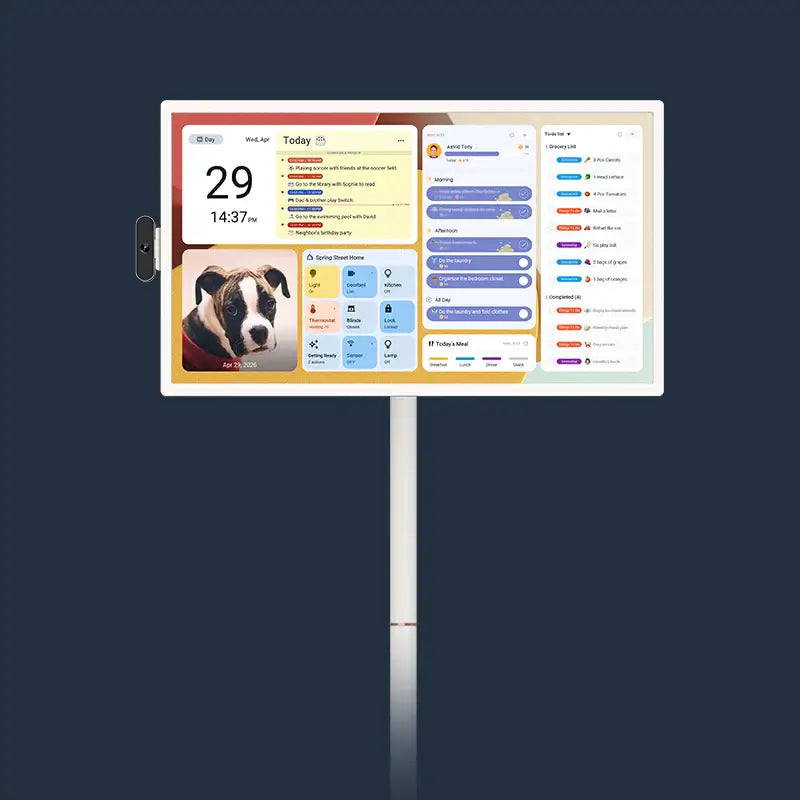
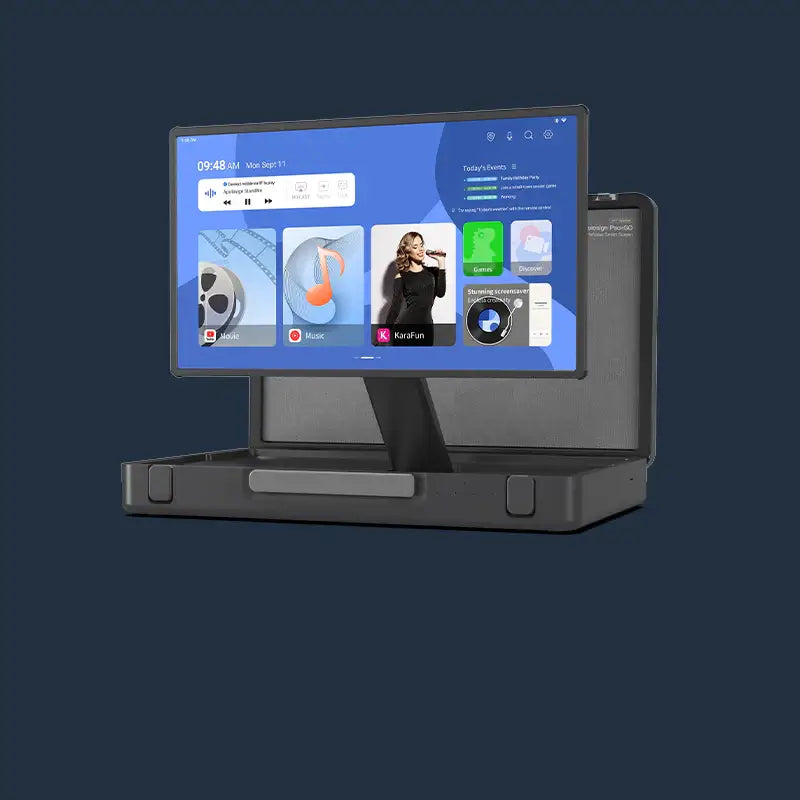



For most homes that just want family photos on display, a digital photo frame is the better choice. A frame's main job is showing pictures, so it can stay in one spot. A tablet is the better pick when your household already owns one, uses it only now and then, and can leave it on display for a while.
The right answer comes down to three things: where the screen will sit, who will keep the photos fresh, and whether the tablet's other jobs help or get in the way.
When a dedicated frame fits a photo-first spot
Choose a frame when you want a screen that does one thing: show your family's memories. That focus makes the most difference in a shared room where people walk past every day.
Say your family wants photos on a living room shelf or a hallway table. You still want the tablet free for recipes, video calls, or homework. Here a frame wins, because it never has to leave its spot. Digital frames are designed mainly to show pictures and videos, so the screen stays a photo display instead of a device someone grabs and carries off.
One catch: frames usually don't have a built-in battery and need to stay plugged into an outlet. Pick a spot near power before you buy. That way the cord stays short and tidy, and the frame keeps running without anyone recharging it.
Next, think about the spot itself:
- Viewing position: Place the frame at eye level where people sit or stand most. Photos are easier to enjoy when you don't have to crane your neck.
- Orientation: Pick portrait or landscape based on the photos you take most. Then fewer pictures get awkward borders or crops.
- Glare: Keep the screen away from a window that shines straight onto it. Faces stay clear at different times of day.

Most family photos come from phones, so their shape matters too. Our guide on how to match phone photos to a frame compares screen shapes so you can avoid cropping. If you're also weighing a wall calendar that can show photos, see our comparison of a photo frame or smart calendar.

When a tablet's other jobs matter more
Reuse a tablet when it already sits idle much of the time and you'd rather not buy another device. In that case, giving it a second job makes sense.
Picture a household with an older iPad that mostly sits in a drawer. Set up on a stand in the kitchen, it can show a slideshow between the times someone picks it up. Since the tablet isn't needed for much else, putting it on display costs you very little.
The setup takes more work than a frame, though. Tablets act more like phones, so their screens go to sleep when no one touches them. In TechRadar's iPad setup guide, the fix is to set Auto-Lock to Never and keep the iPad plugged in. Otherwise it shuts off once the battery runs out. These steps apply to iPad. Other tablets have their own settings.
The bigger tradeoff is sharing the device. The same guide notes that using a current-generation iPad this way may interrupt daily use. If someone takes the tablet off its stand to check email or watch a show, the slideshow stops. A tablet works best as a display when the family can spare it for the hours you want photos showing, and when its spot has an outlet.
Choose the photo workflow your household will keep up
The display that stays fresh is the one whose photo routine fits the person in charge of it. So before choosing a device, decide who will add new pictures.
Imagine one parent picks the photos while grandparents and older kids want to add their own. A frame can work well here, but only if it supports a route everyone can use. How you get photos onto a frame depends on the model. Options can include a phone app, a web uploader, email, or a USB stick or memory card. Choose a model whose route fits the people who will actually send photos. If relatives live far away, look for app or email sharing rather than a card slot.
A tablet works differently. In the iPad album-and-slideshow method, you create an album of chosen photos in the Photos app and start a slideshow from it. To add new pictures, someone updates that album. This suits a household where one person is happy to curate everything on that iPad.
Neither type is always easier to keep up. Match the method to your family's habits, and the display won't end up showing the same old photos for months.
The best fit depends on what the household wants the screen to do
Here's how to pick:
| Your household | Better fit |
|---|---|
| Wants photos always on view in a shared room | Digital photo frame |
| Has a spare tablet it rarely uses | Tablet slideshow |
| Uses its tablet every day | Digital photo frame |
| Has several relatives sending photos | A frame with a sharing route they can use |

The key question is whether the screen should be a photo display or another everyday device. Your next step: choose the exact spot, make sure it has an outlet, and decide who will manage the photos. Once those answers are clear, the right choice usually is too.
FAQs
Does a digital photo frame need to stay plugged in?
Usually, yes. Most frames don't have a built-in battery and need an outlet, so plan the spot around power.
Will an iPad stay on all day as a photo display?
Only with setup. TechRadar's guide sets Auto-Lock to Never and keeps the iPad plugged in so the screen doesn't sleep or run out of battery. Other tablets use different settings.
Can family members add photos from far away?
On many frames, yes, through an app, web upload, or email. Sharing options vary by model, so pick one that supports the route your relatives will use.
Can my smart calendar show family photos instead?
Some can. Our article on displaying family memories with Apolosign explains how smart calendars can double as a display for household photos.