


Why ADHD Families Need Digital Calendars
For individuals and families living with Attention Deficit Hyperactivity Disorder (ADHD), daily life organization is often not about planning—but about execution.
ADHD is commonly associated with challenges in executive functioning, such as:
- Time blindness (difficulty sensing the passage of time)
- Forgetting scheduled events
- Difficulty switching between tasks
- Inconsistent routine building
- Lack of synchronization between family members
In many households, the core issue is not absence of planning, but absence of visibility and consistency.
Plans exist—but they are not consistently seen, reinforced, or acted upon in daily life.
This is why a digital calendar designed for shared family environments is becoming increasingly important.

What Makes a Digital Calendar ADHD-Friendly?
Not all digital calendars are equally effective for ADHD support. The most useful systems tend to share four key characteristics:

1. Visual Clarity
Schedules should be understandable at a glance, ideally in a weekly or daily overview format.
2. Low Friction Input
Adding or modifying events should be fast, simple, and not cognitively demanding.
3. Family Synchronization
Multiple family members should be able to view and update the same schedule in real time.
4. Long-Term Usability
The system must be simple enough to remain part of daily life, not just a short-term tool.
Best ADHD Calendar Comparison: Skylight vs Hearth Display vs Apolosign
|
Feature |
Skylight Calendar |
Hearth Display |
Apolosign Digital Calendar |
|
Google Calendar Sync |
✔ |
✔ |
✔ Two-way sync |
|
Apple / iCloud Sync |
✔ |
✔ |
✔ Two-way sync |
|
Family Sharing |
✔ |
✔ |
✔ |
|
Weekly Visual Layout |
✔ |
✔ (strong focus) |
✔ |
|
Task Management |
Basic |
Strong (child-focused) |
Balanced & flexible |
|
Subscription Required |
Some features |
Some features |
❌ No subscription |
|
System Openness |
Limited |
Limited |
✔ Android system |
|
Smart Extensions |
Limited |
Limited |
✔ Family dashboard system |
|
Overall Value |
Medium |
Premium |
⭐ High value |
All three products support family scheduling, but they differ in philosophy:
- Skylight focuses on simplicity
- Hearth Display focuses on behavioral structure and child routines
- Apolosign focuses on full family coordination and long-term usability
Which Digital Calendar Fits Different ADHD Families?
Instead of comparing features alone, it is more useful to understand real-life usage scenarios.
1)Skylight Calendar: Best for Simple Setup
Skylight is designed for families who want a quick and easy setup with minimal learning curve.
Most users simply connect their existing phone calendar, and events automatically sync to the display.
One user described it as:
“You simply add events to your phone calendar and everything syncs automatically.”
For families with children, its clean visual layout is helpful for daily awareness.
“Skylight was a gift for my son and daughter-in-law.”
Limitations
Over time, some limitations become more noticeable:
- Some features require subscription plans
- Long-term cost can increase
- Task management is relatively basic
As one user noted:
“As soon as I realized even basic features required a subscription, I returned my Skylight.”
“The task list is a mess—no recurring tasks?”
2)Hearth Display: Designed for Structure and Habit Building
Hearth Display focuses on visual structure and behavioral reinforcement, especially for children.
Its strengths include:
- Strong visual weekly planning
- Helps reduce uncertainty and anxiety
- Supports routine building for children
- Encourages consistent habits through visual reinforcement
Parents often report positive behavioral impact:
“The visual guidance and tracking features really helped my son stay focused.”
Another family shared:
“Once we could see the entire week at a glance, Sunday nights became much easier.”
Limitations
However, there are trade-offs:
- Higher price point
- Installation limitations depending on model
- More focused on behavioral systems than flexible family coordination
It works well for structured routines, but is less flexible as a general-purpose household system.
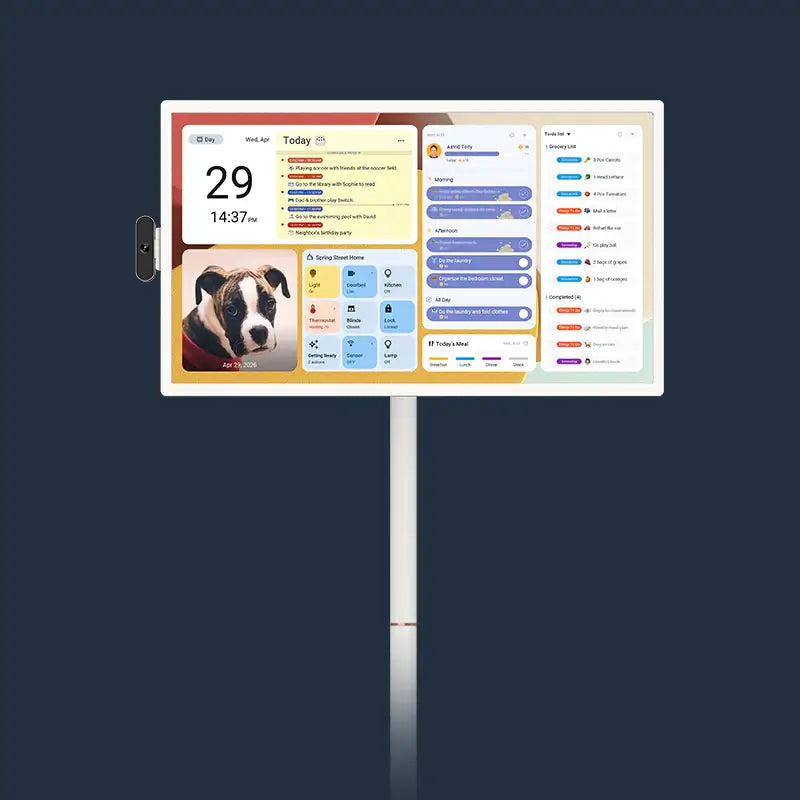
3)Apolosign Digital Calendar: A Complete Family Coordination System
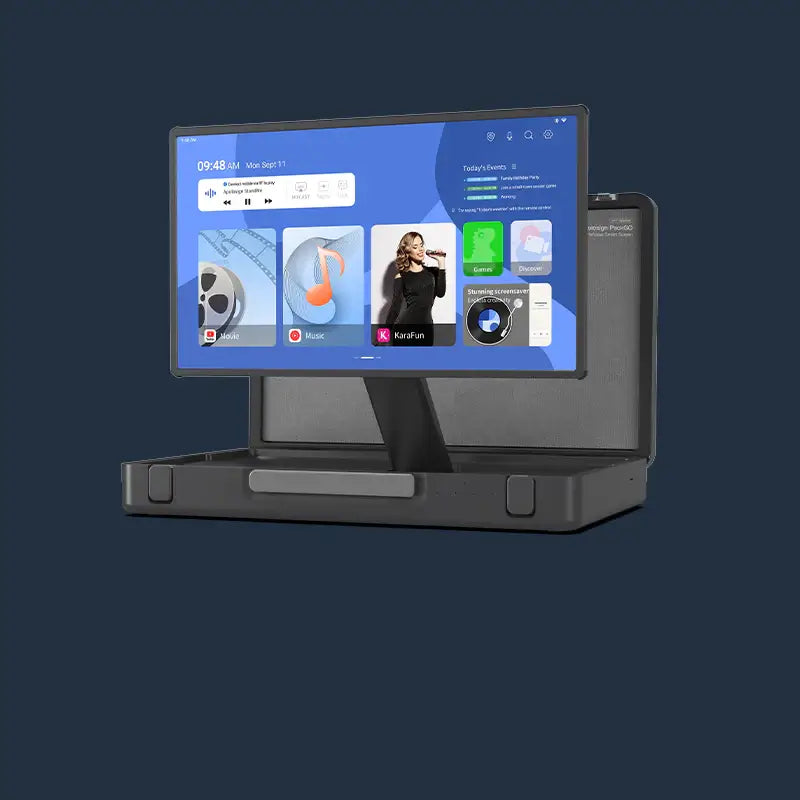
Apolosign takes a broader approach, positioning itself not just as a calendar, but as a family coordination hub.
Designed for Continuous Visibility
One of the biggest challenges for ADHD users is not remembering tasks—but remembering to check them.
Apolosign solves this by placing schedules in shared physical environments such as kitchens, living rooms, or family spaces.
This ensures that schedules remain visible throughout the day without requiring active checking on a phone.
Reducing Fragmented Tools
Many households rely on multiple disconnected tools:
- Phone calendars
- Sticky notes
- To-do apps
- Shopping lists
Apolosign helps consolidate these into a single shared system, reducing cognitive overload and fragmentation.
No Subscription Pressure
Unlike many competitors, Apolosign does not rely on subscription-based feature unlocking.
This provides:
- Stable long-term cost
- Full access to core features
- No hidden paywalls
For ADHD families already managing multiple support-related expenses, this creates meaningful financial predictability.
Built for Real Family Life
Apolosign is designed for multi-person households where schedules constantly overlap.
Common use cases include:
- Children tracking school activities
- Parents managing work schedules
- Shared family events
- Weekly planning visibility for everyone
It functions less like a personal planner and more like a shared coordination system for the entire household.

How to Use a Digital Calendar Effectively for ADHD
Even the best system requires consistent habits to be effective:
1. Capture Immediately
Add events as soon as they are known—do not rely on memory.
2. Keep Everything Synced
Ensure all devices and displays reflect the same information.
3. Use Color Coding for People and Priorities
Instead of only categorizing tasks by type, ADHD families can also use color coding to represent different family members. This makes the schedule easier to scan and reduces confusion.
For example:
🔴 Mom: important responsibilities or high-priority items
🔵 Dad: work-related tasks and meetings
🟡 Me: personal activities and reminders
🟢 Shared family events: dinners, trips, or school activities
This approach helps instantly answer a key question at a glance:
“Who is doing what, and when?”
It reduces cognitive load and makes the entire family schedule more visually intuitive.
For ADHD households, this kind of visual separation can significantly reduce missed tasks and daily coordination stress.
4. Review Daily
Build a simple routine:
- Morning: check today’s schedule
- Midday: adjust if needed
- Evening: prepare for tomorrow
Conclusion: Which Digital Calendar Is Best for ADHD
Choose Skylight if:
You want a simple, plug-and-play calendar with minimal setup.
Choose Hearth Display if:
Your focus is helping children build structured routines and behavioral habits.
Choose Apolosign if:
You want a long-term family system that provides:
- No subscription fees
- Strong visual scheduling
- two-way calendar synchronization
- Multi-user household coordination
- A centralized family information hub
For most ADHD families, Apolosign offers the strongest balance of visibility, flexibility, and long-term usability.

ADHD Families Don’t Need More Tools—They Need Better Systems
For ADHD households, the real challenge is not finding tools—it is finding a system that consistently integrates into everyday life.
The most effective solution is not the one with the most features, but the one that:
stays visible, reduces friction, and becomes part of daily family routines.
If you are currently managing ADHD-related scheduling challenges, a helpful question to ask is:Are your plans something you have to remember—or something you can simply see?
If the answer leans toward “seeing,” then it may be time to shift toward a more visible, shared, and structured system.
👉Explore the Apolosign Digital Calendar and see how a visual family coordination system can help bring clarity, structure, and consistency into everyday life.

FAQ
Q1.Why is a shared digital calendar helpful for ADHD families vs phone apps?
ADHD challenges are often about execution, not planning. A wall-mounted shared calendar keeps schedules constantly visible in shared spaces, reducing reliance on memory or checking apps. This improves time awareness, daily coordination, and task follow-through.
Q2.How do Skylight, Hearth Display, and Apolosign differ?
- Skylight: Simple, plug-and-play weekly calendar with a low learning curve.
- Hearth Display: Focuses on kids’ routines and habit-building with structured visuals.
- Apolosign: A full family coordination hub with calendars, tasks, and lists, designed for multi-user use, strong visibility, and no subscription fees.
Q3.Does Apolosign require a subscription?
No. Apolosign has no subscription. All core features are included, providing predictable long-term ownership cost.
Q4.Does it work with Google or Apple Calendar? What is two-way sync?
Yes. It supports Google Calendar and Apple iCloud. Two-way sync means updates made on either the wall display or your phone automatically sync across all devices in real time.
Q5.What habits make a digital calendar effective for ADHD families?
- Add events immediately when known
- Keep all devices and displays synced
- Use color coding by family member and priority
- Do a simple daily review (morning, mid-day, evening)